Free AI Photoshoot: Studio-Quality Product Photos
Upload a real phone photo of your product and get a studio white-background shot or a lifestyle scene back in seconds, same shape, same label, no distortion. It's free because the AI models cost us nothing to run, so there's no plan to upsell you into.
📦 Try AI Product Photo Editor — FreeAll AI Photoshoot Tools
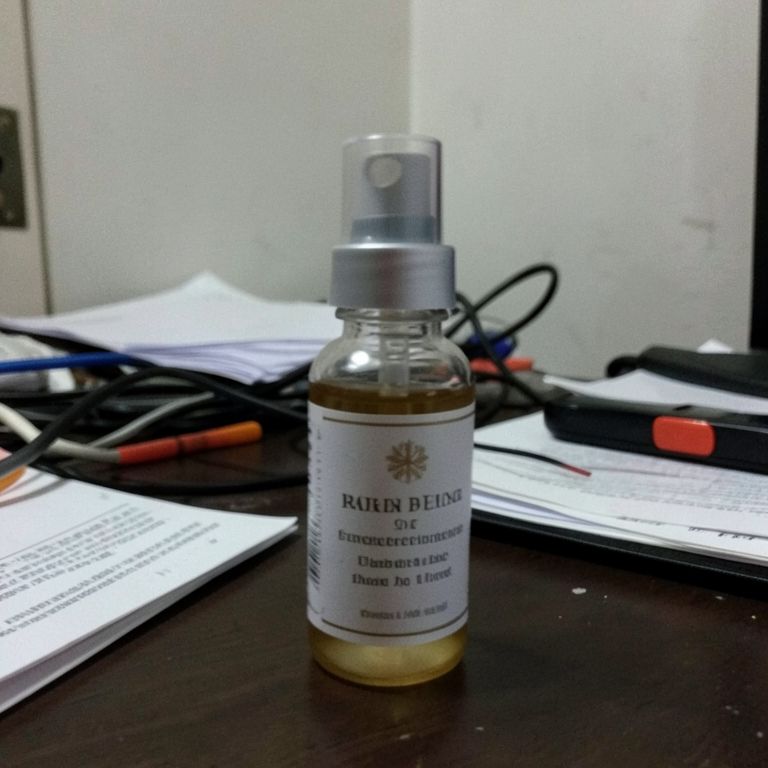 Before
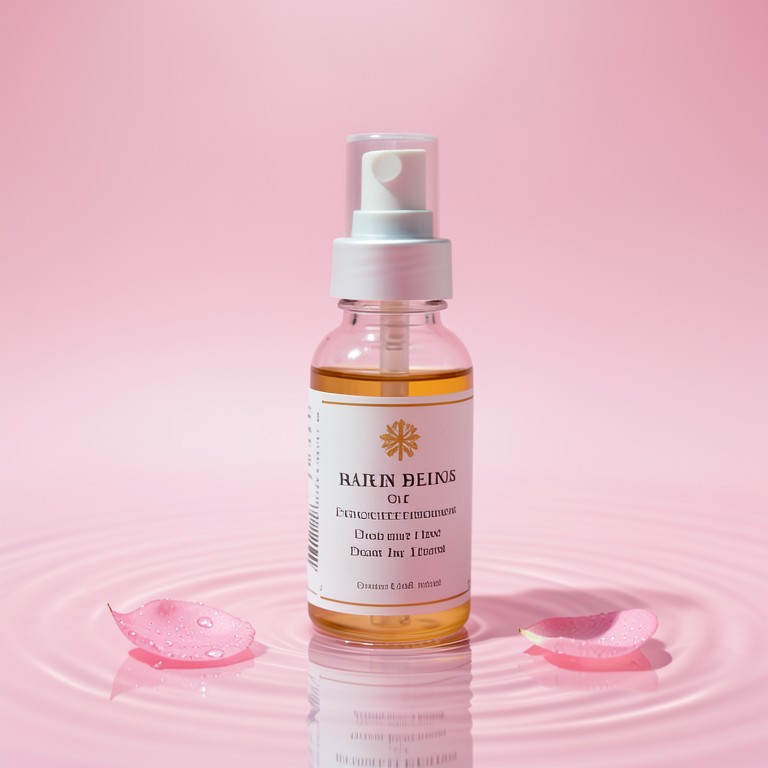 After📦AI Product Photo EditorCreate professional e-commerce product photos with AI. Perfect backgrounds, lighting, and presentation.
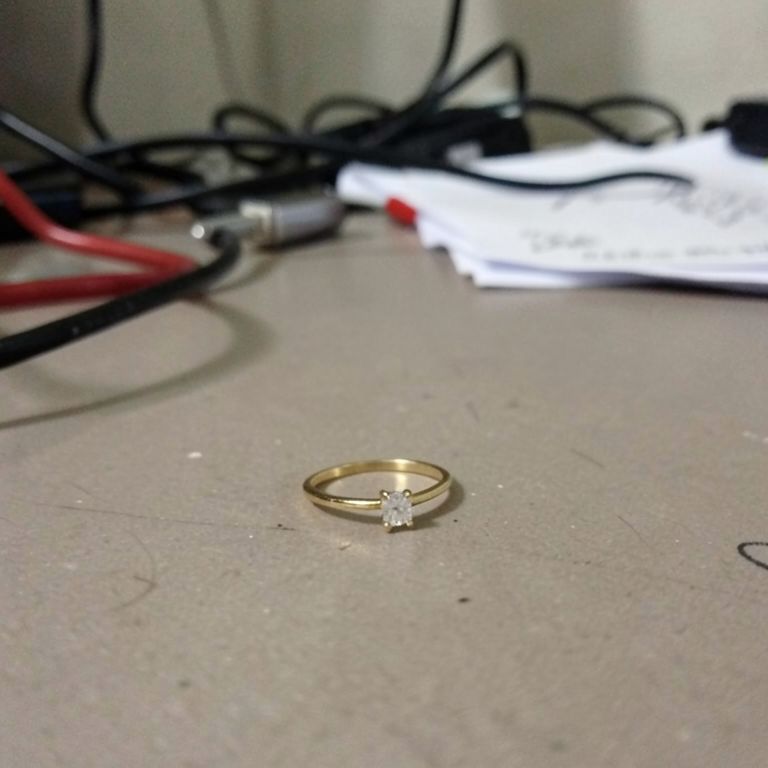 Before
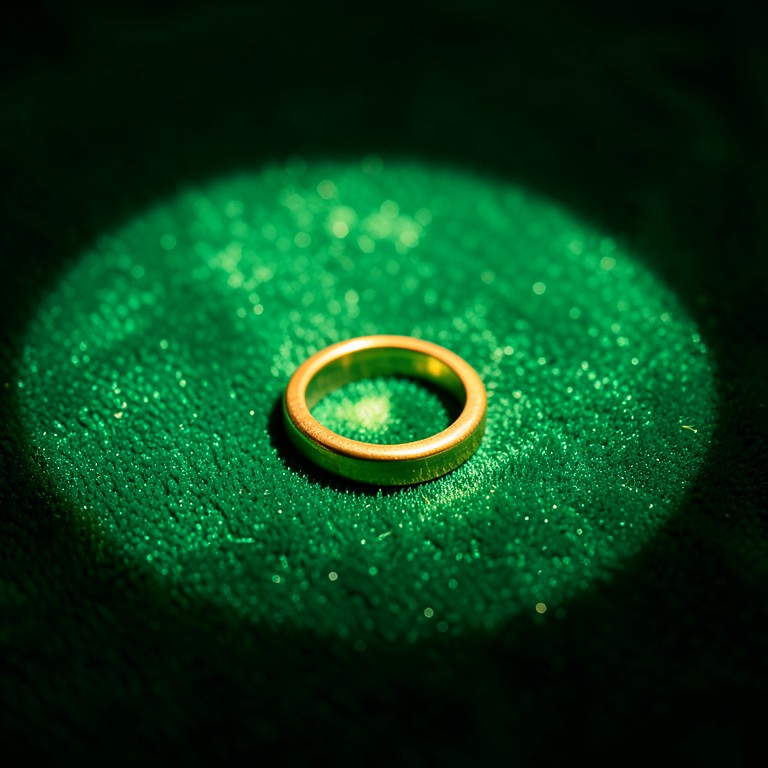
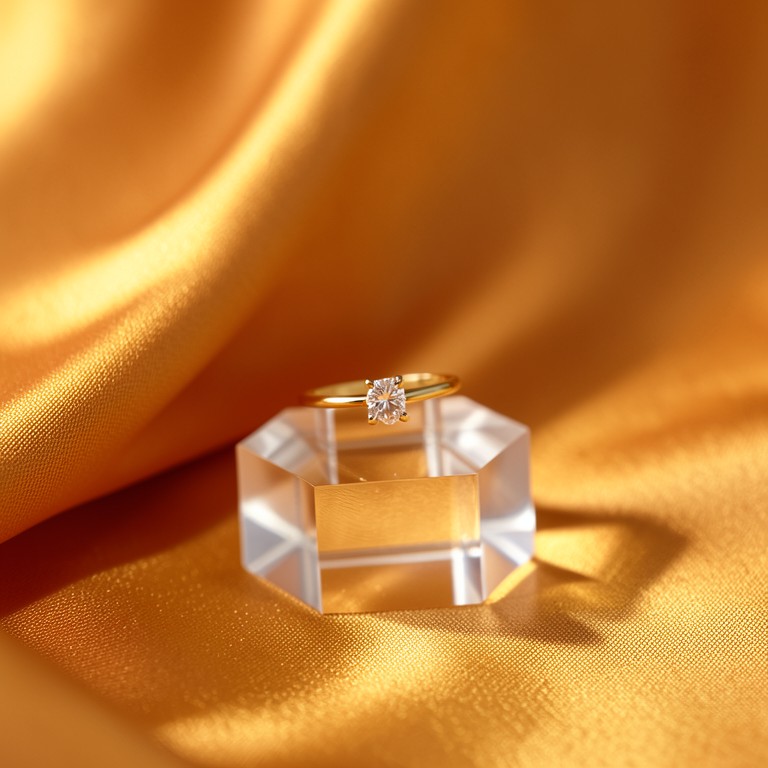 After💍AI Jewelry PhotographyTurns kitchen-table phone photos of rings, earrings and necklaces into sharp, catalog-ready jewelry shots with clean backdrops and true metal color.
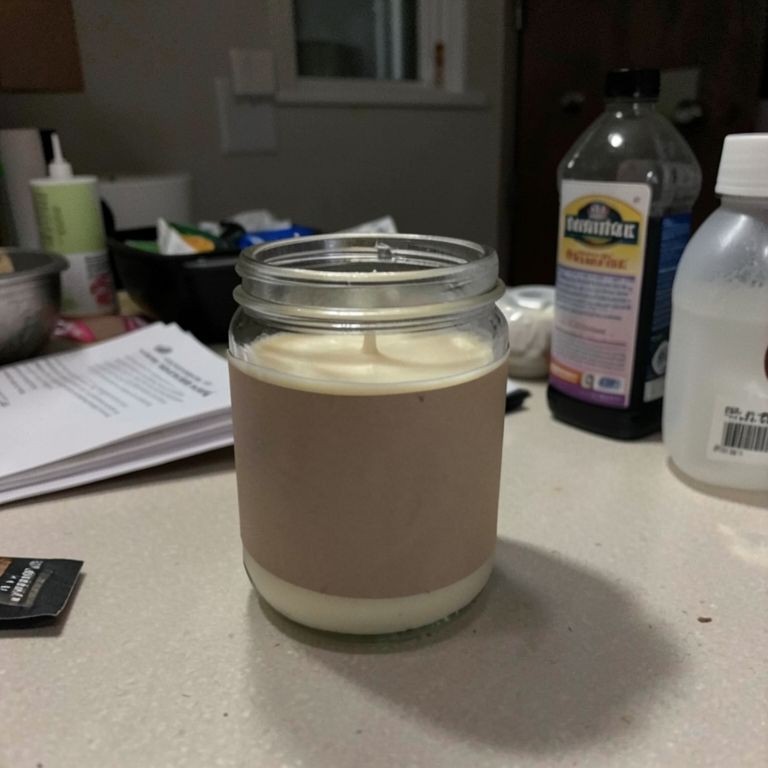 Before
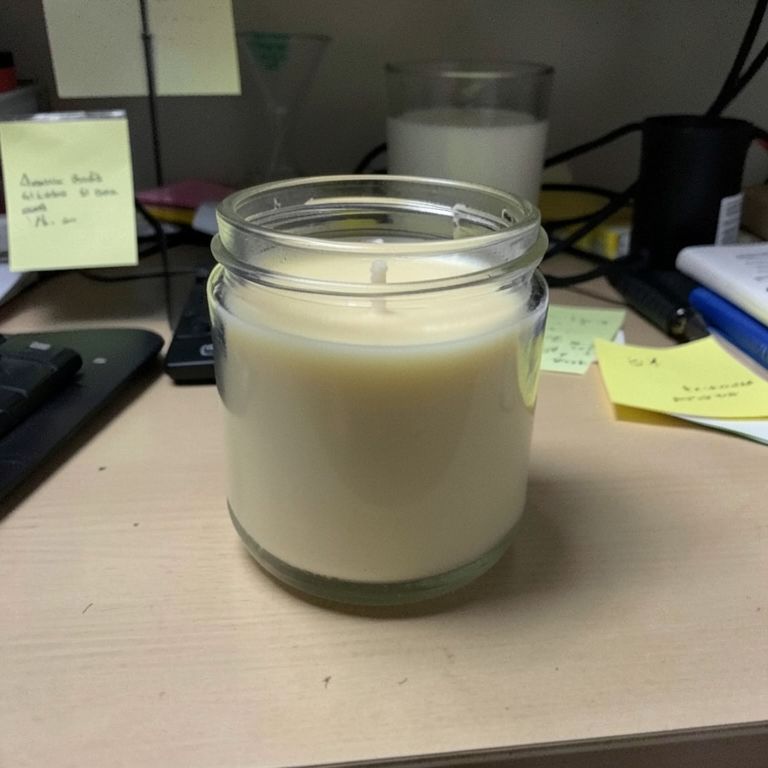
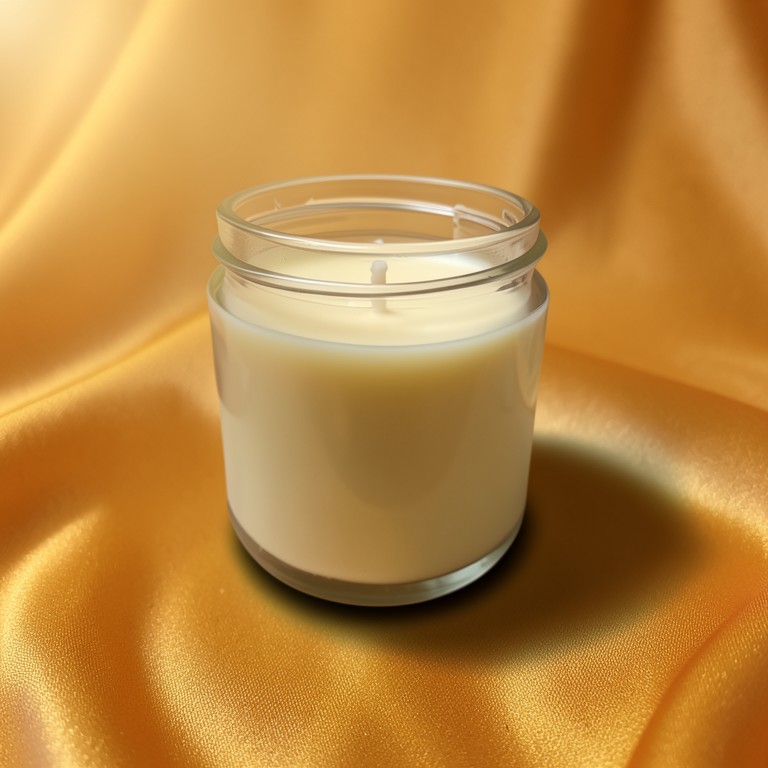
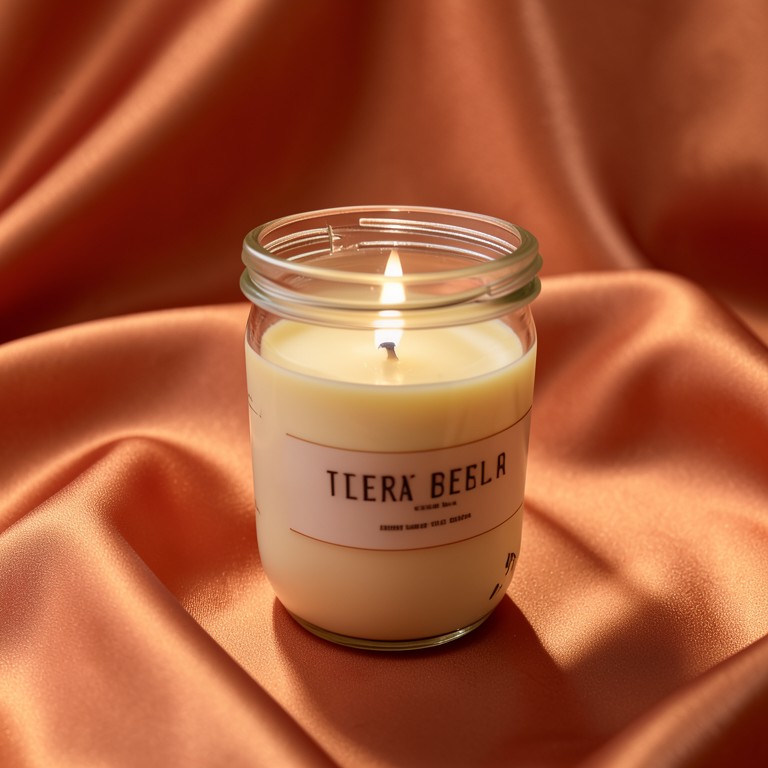
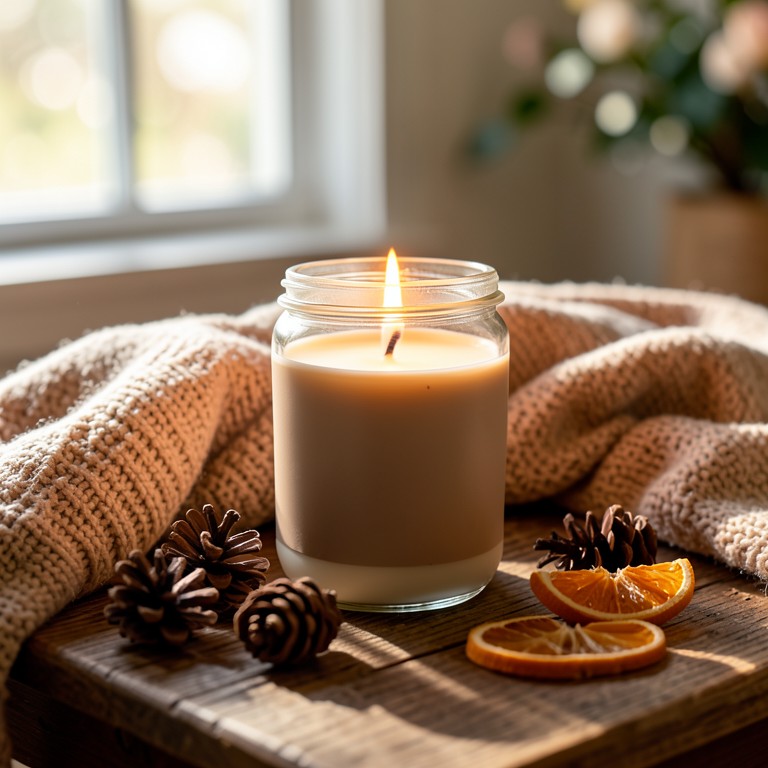 After🕯️AI Candle PhotographyTurns a phone photo of your candle into warm, editorial-style lifestyle photography for Etsy, Amazon, and Instagram listings.
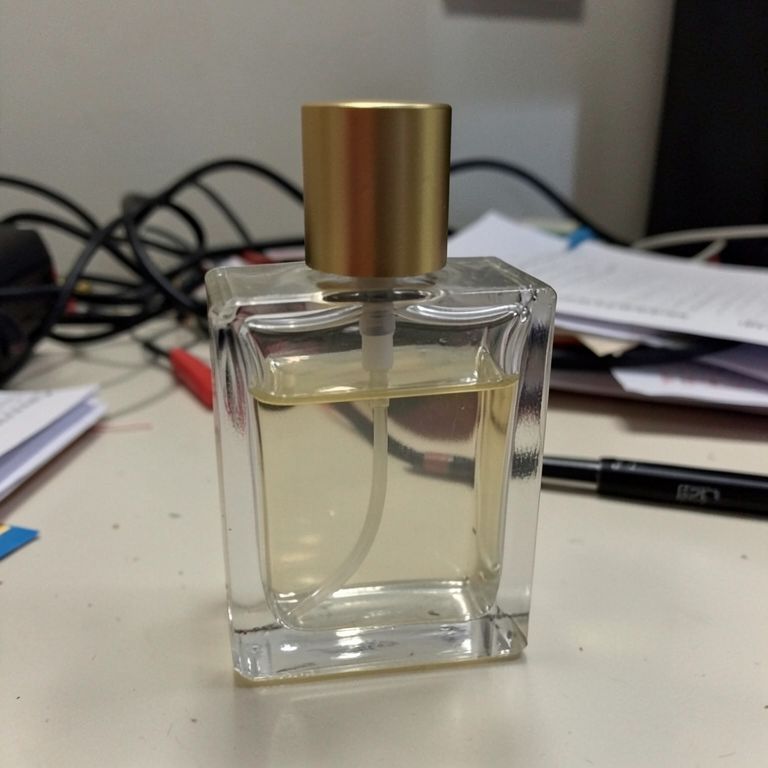 Before
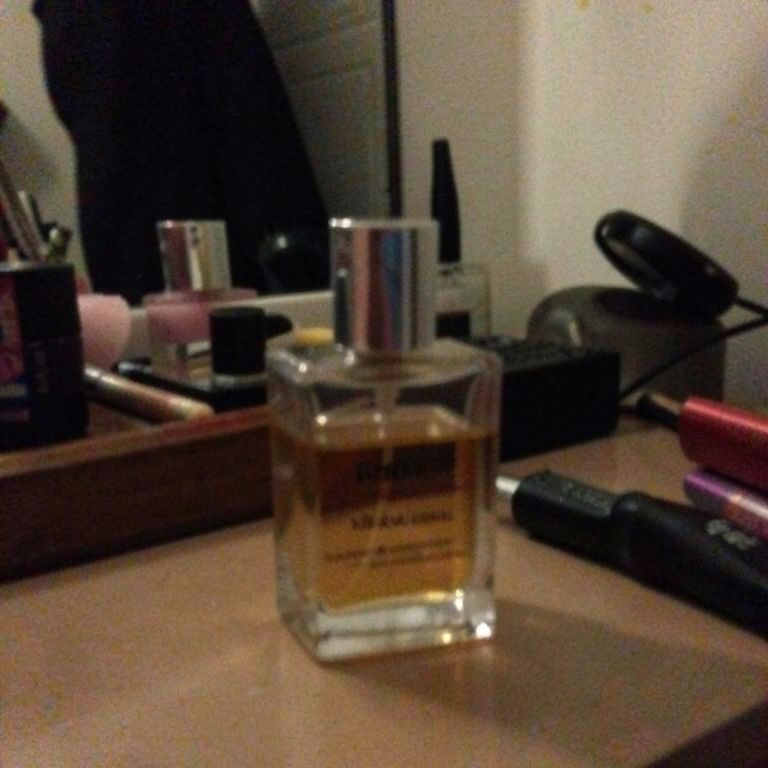
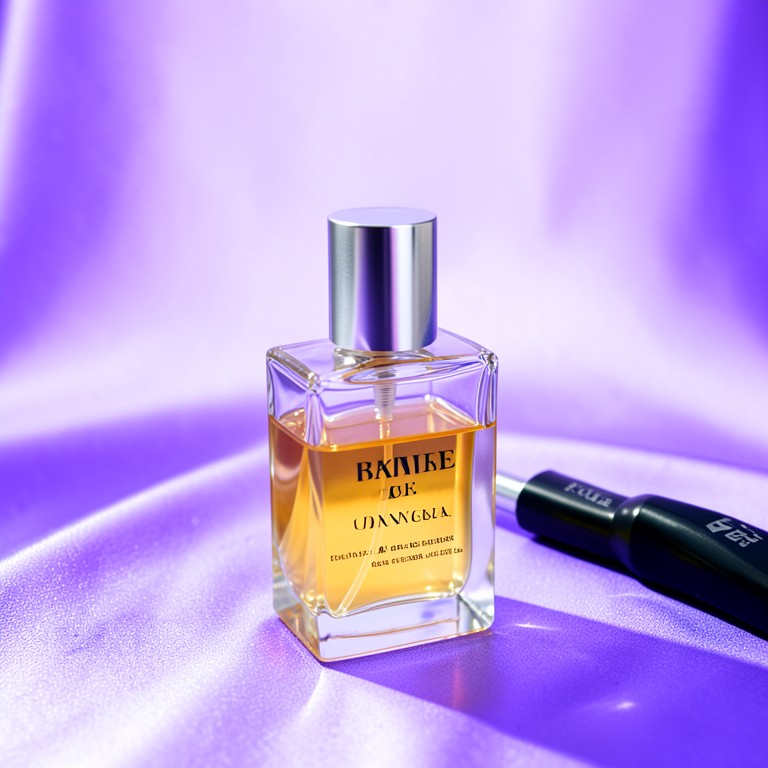
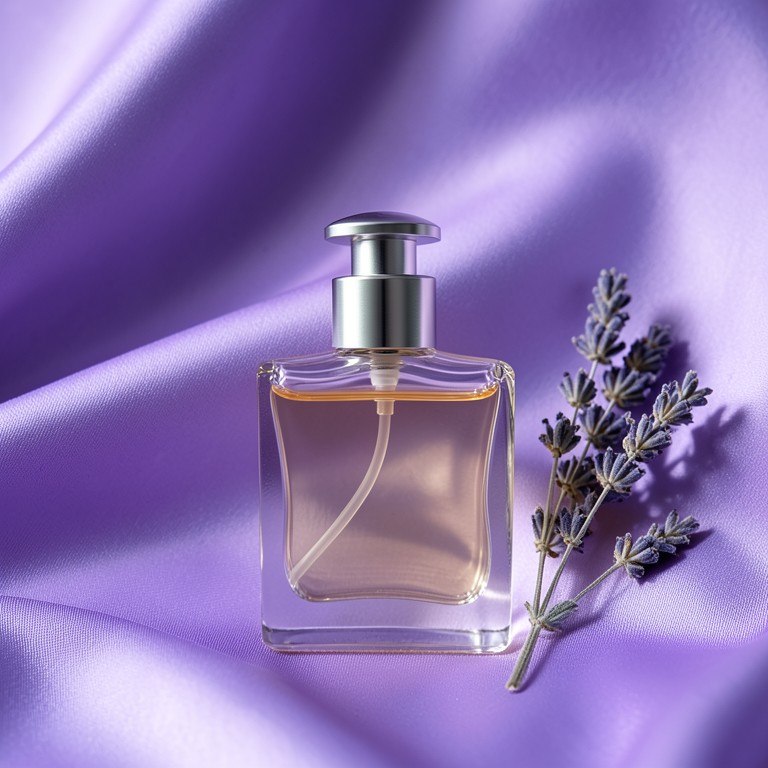
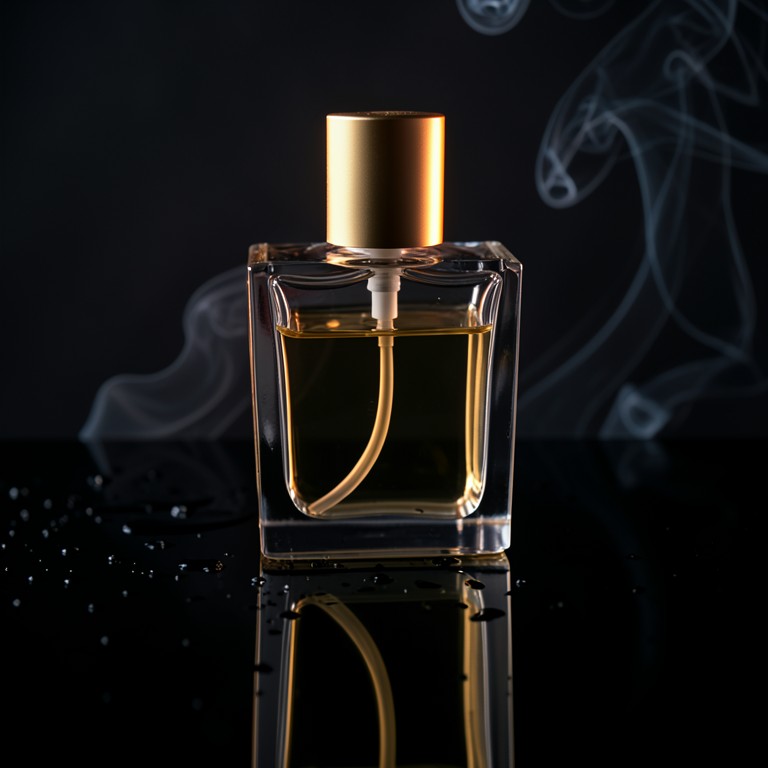 After🧴AI Perfume PhotographyTurns plain white-background perfume bottle photos into editorial, campaign-style shots for Shopify, Etsy, and Amazon sellers.
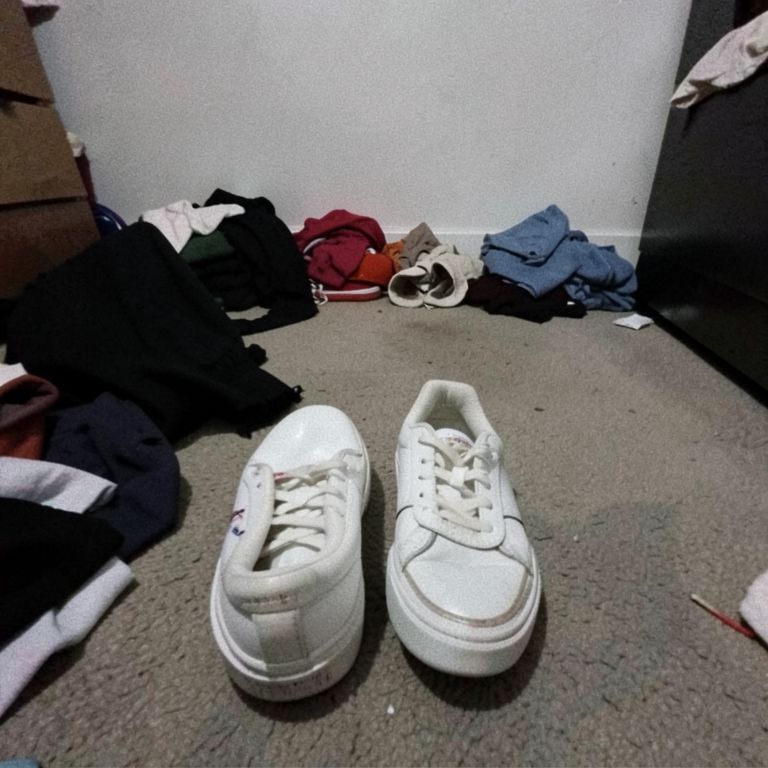 Before
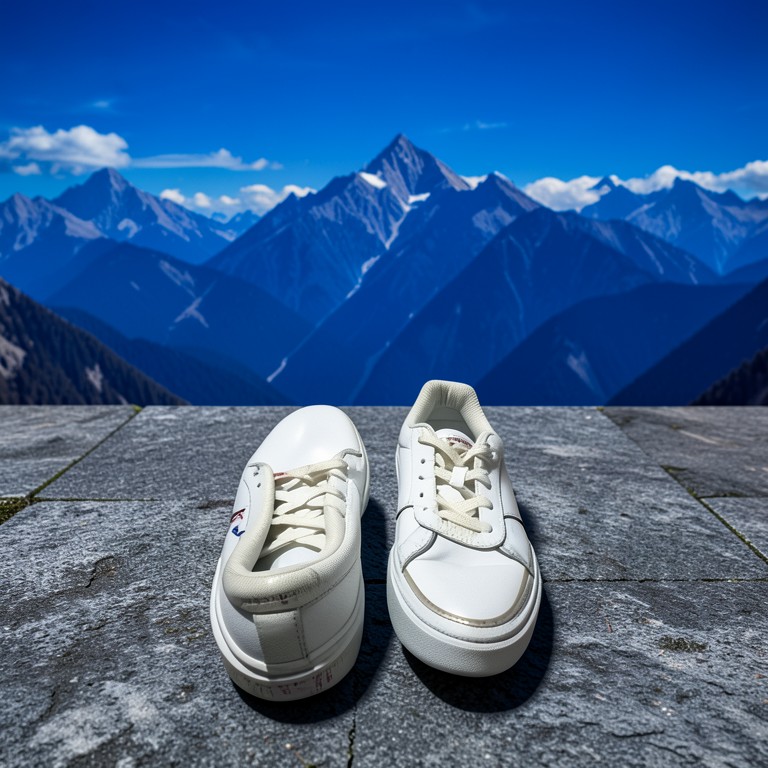 After🌅AI Background ChangerReplace any photo background with AI. Set any scene, location, or environment behind your subject.
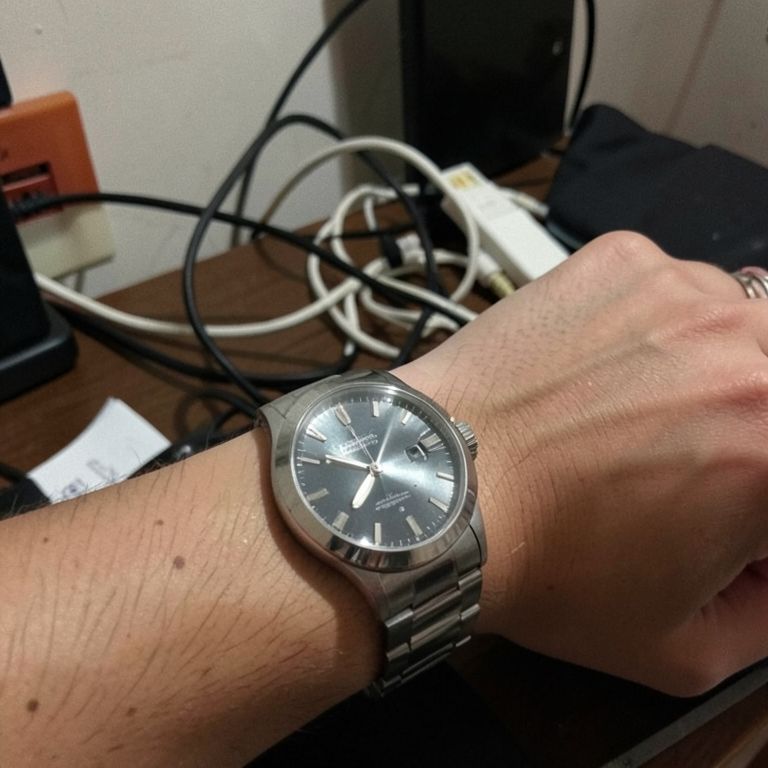 Before
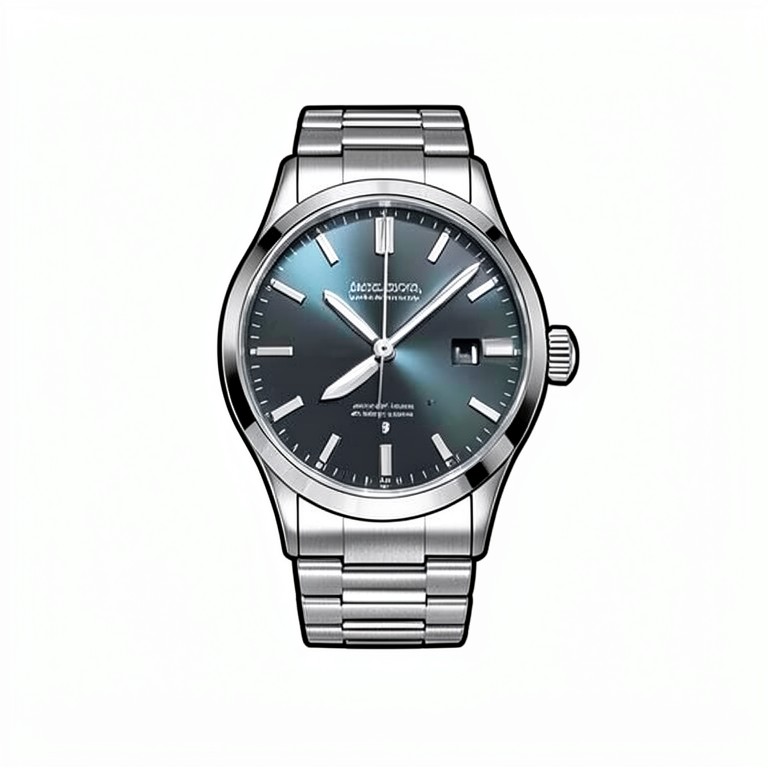 After🧹Background RemoverRemove product photo backgrounds quickly for e-commerce sellers.
 Before
 After🌓Product Shadow GeneratorAdd realistic shadows to product photos for e-commerce sellers.
 Before
 After💡Product Illumination AdjusterAdjust lighting and contrast for product images, for e-commerce sellers and photographers.
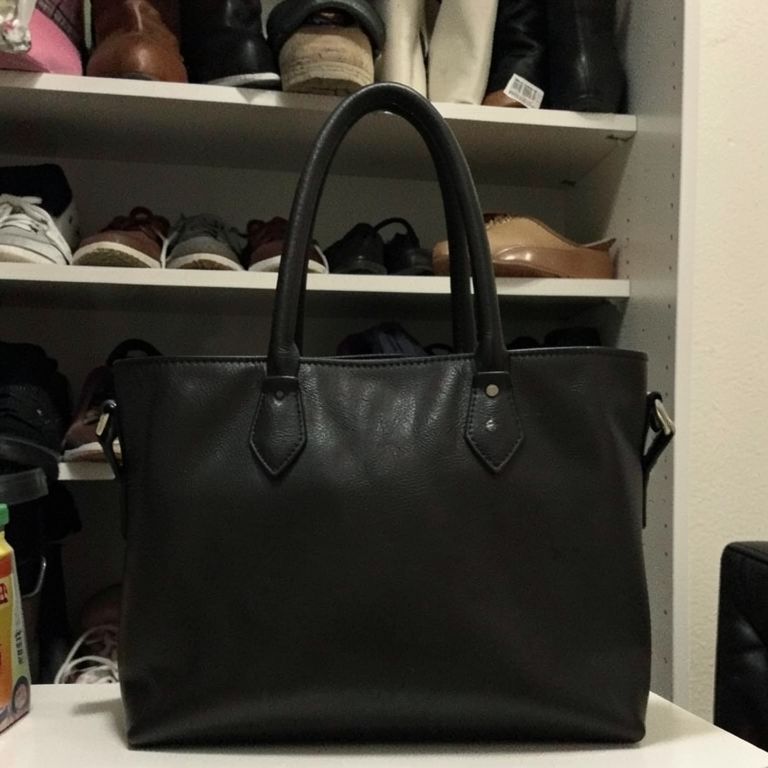 Before
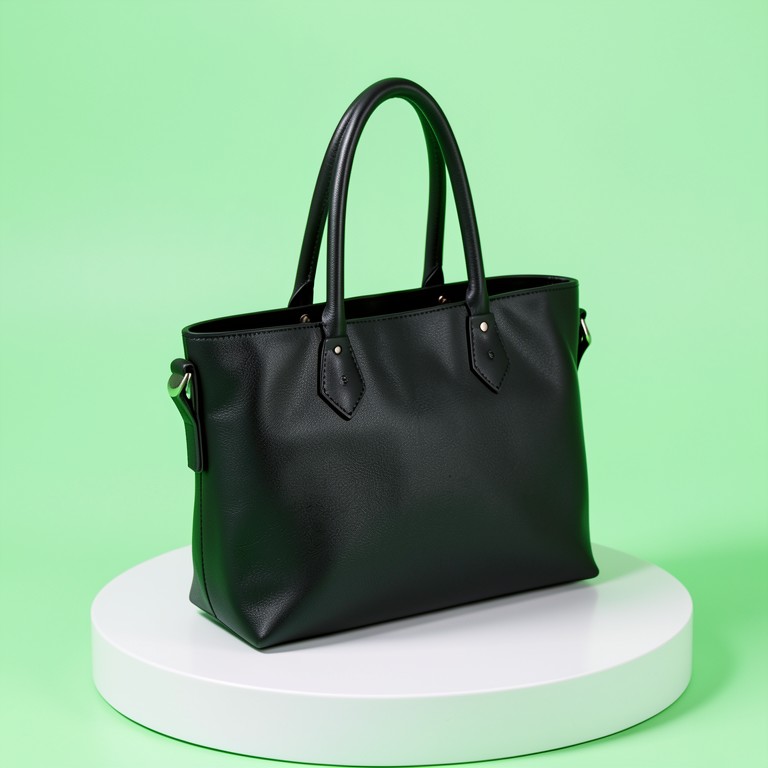 After🪄AI Photo Angle ChangerApply a photo angle changer to your photo in seconds. The AI handles the styling; you just choose the picture.
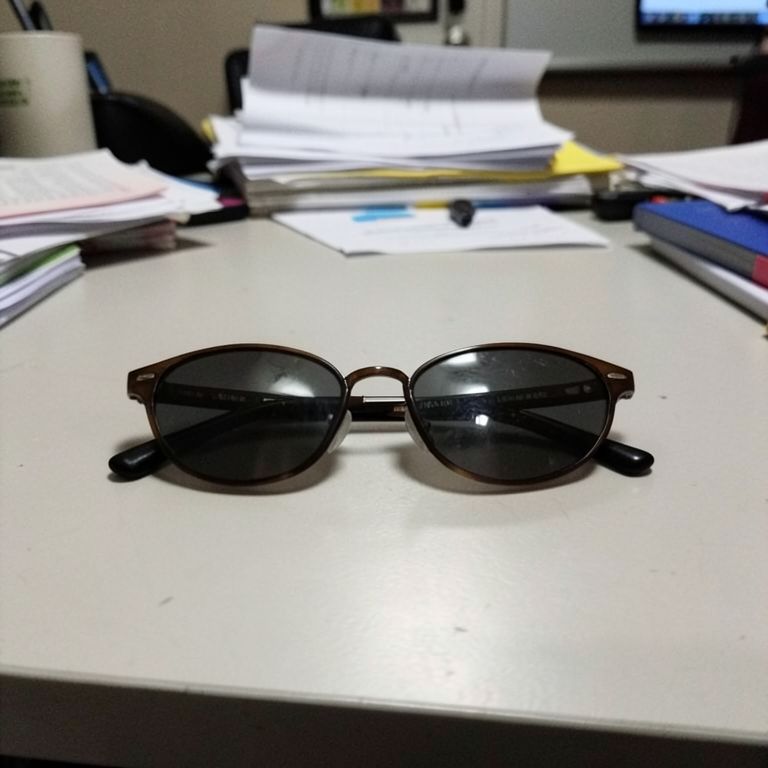 Before
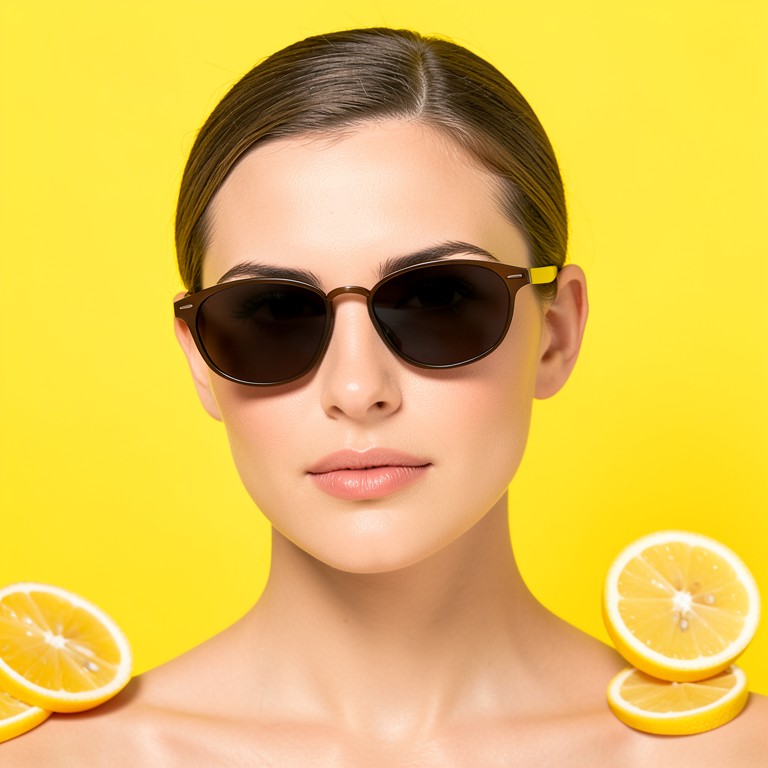 After🖼️Product Placement EditorEdit images to place your product onto a model with AI precision.Sample outputCeramic mug photo: removed dust specks from the glaze, brightened dim lighting, straightened a tilted horizon, and softened a harsh shadow behind the handle for a cleaner listing image.📷Product PhotographyEasily clean and enhance product photos for online listings, helping sellers present items with a crisp, white background.Sample outputHand-poured soy candle in a matte ceramic vessel, infused with warm vanilla and driftwood notes. Burns cleanly for 40+ hours, making it a cozy addition to any room or a thoughtful gift.📷AI Product Description Generator FreeGenerate concise product descriptions from product photos for e‑commerce sellersSample outputStainless Steel French Press, 34oz: brews rich, full-flavored coffee with a double-wall insulated build that keeps drinks hot longer. Rust-resistant mesh filter, ergonomic handle, dishwasher-safe parts. Ideal for home baristas and small kitchens.📷SEO Product DescriptionAdd product name or tagline overlays to product images for e‑commerce listings
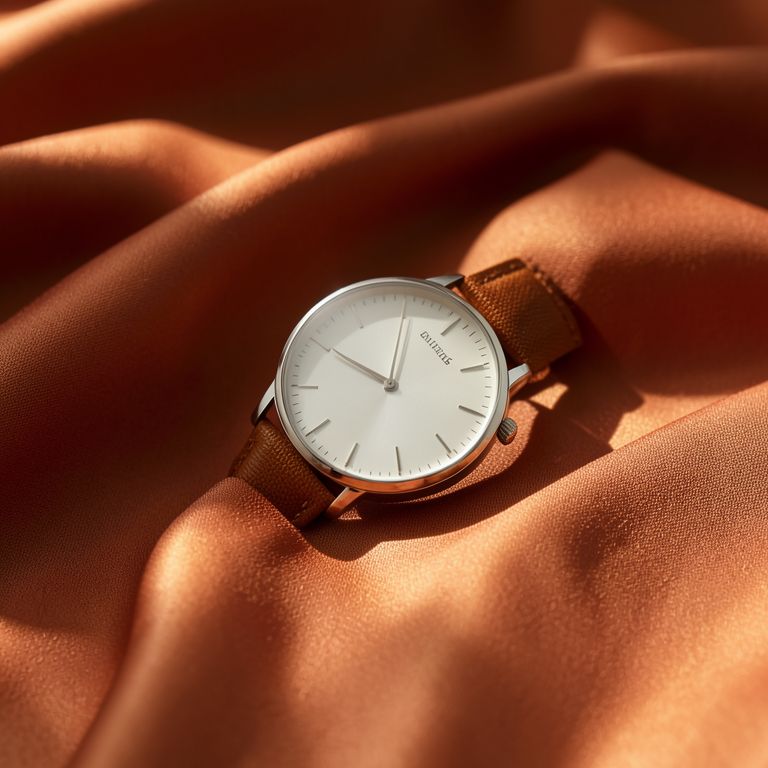 🏞️Lifestyle Scene GeneratorGenerates editorial lifestyle backdrops from a text prompt so Etsy, Shopify, and Amazon sellers can drop product cutouts into on-brand scenes.Sample outputYour ceramic mug photo shows uneven lighting with a harsh shadow on the left side. The cluttered counter background distracts from the product. Try a plain surface and diffuse the light source.🔍Product Photo CritiqueFree AI check that scans your product photo for clutter, shadows, and lighting problems before you list it.
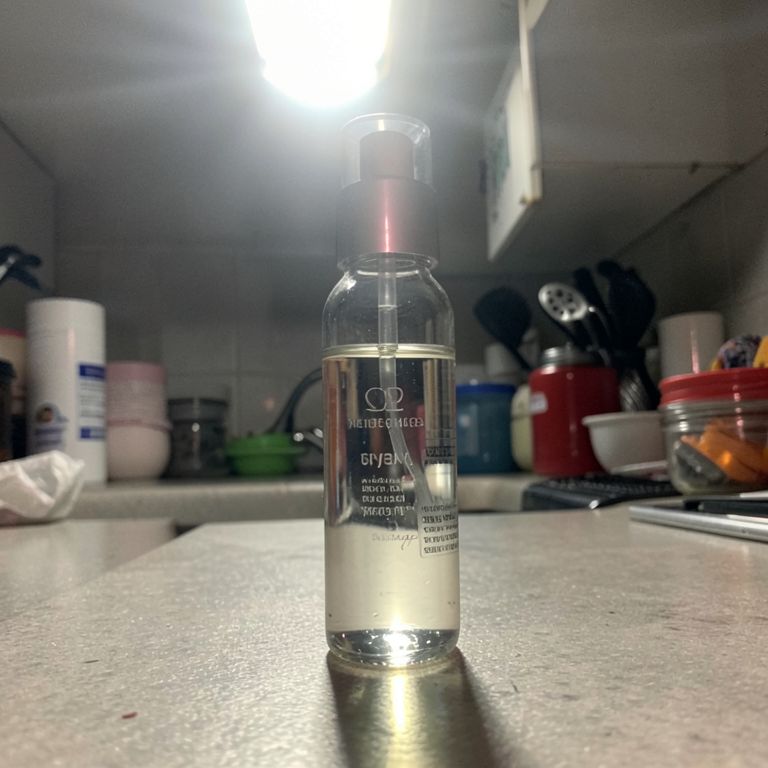 Before
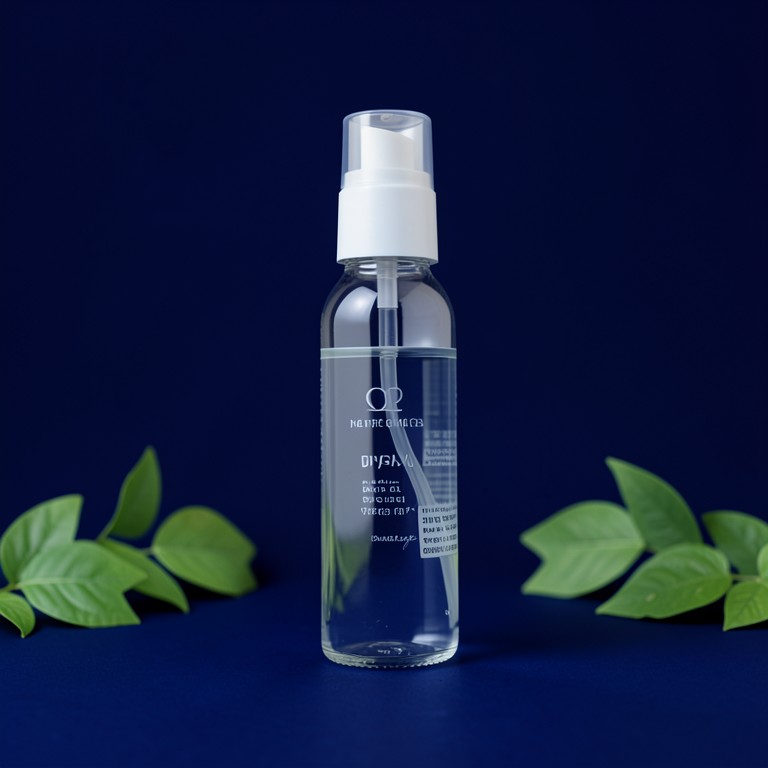 After✨Photo Glare RemoverRemoves glare, reflections and shiny hotspots from product photos for Etsy, Shopify and Amazon sellers, free and with no signup.
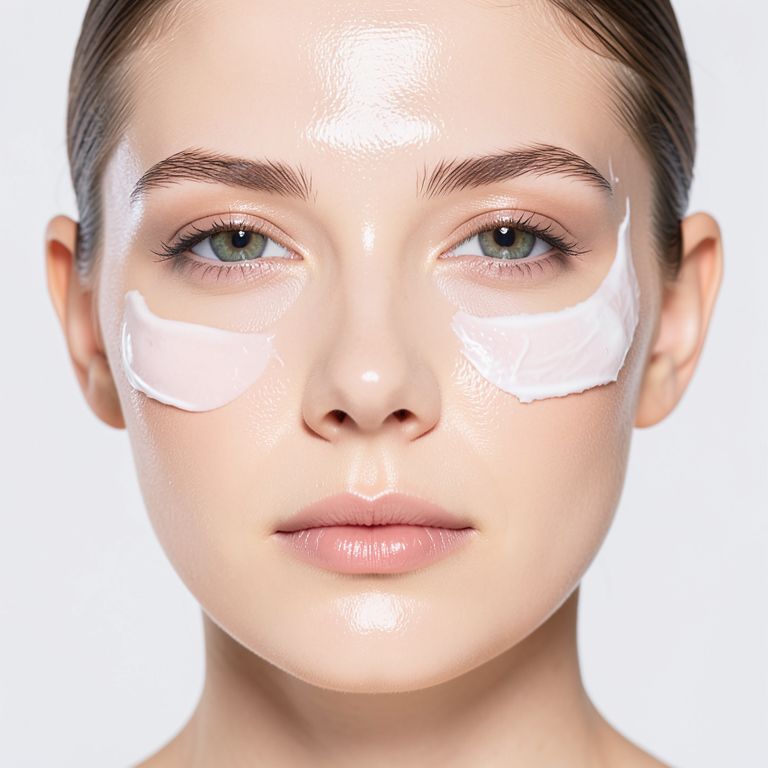 Before
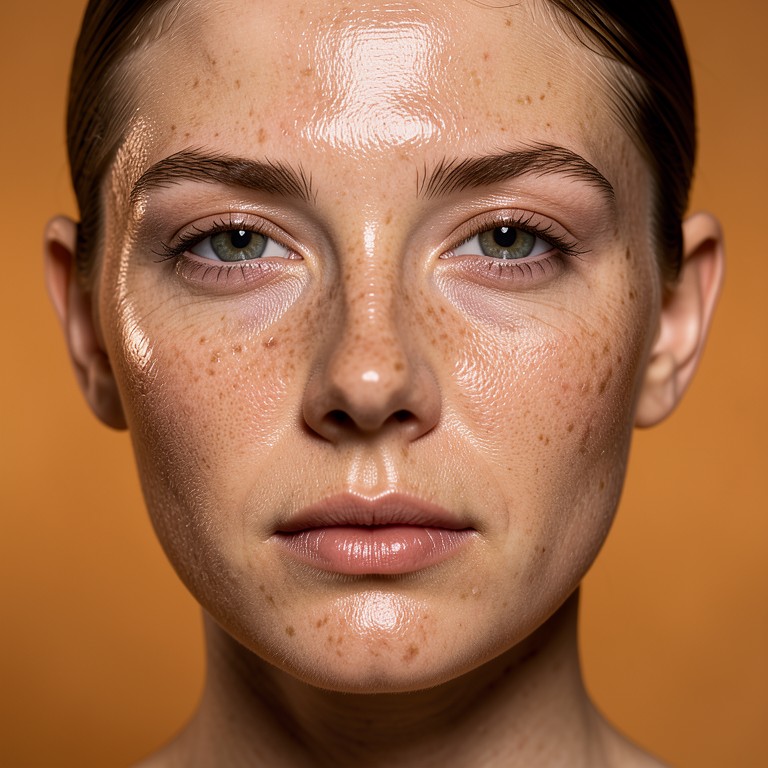 After🧑🦰AI Skin Texture EnhancerFixes plastic-looking AI-generated model skin by adding realistic pores and texture, for skincare and cosmetics brands using AI photos.
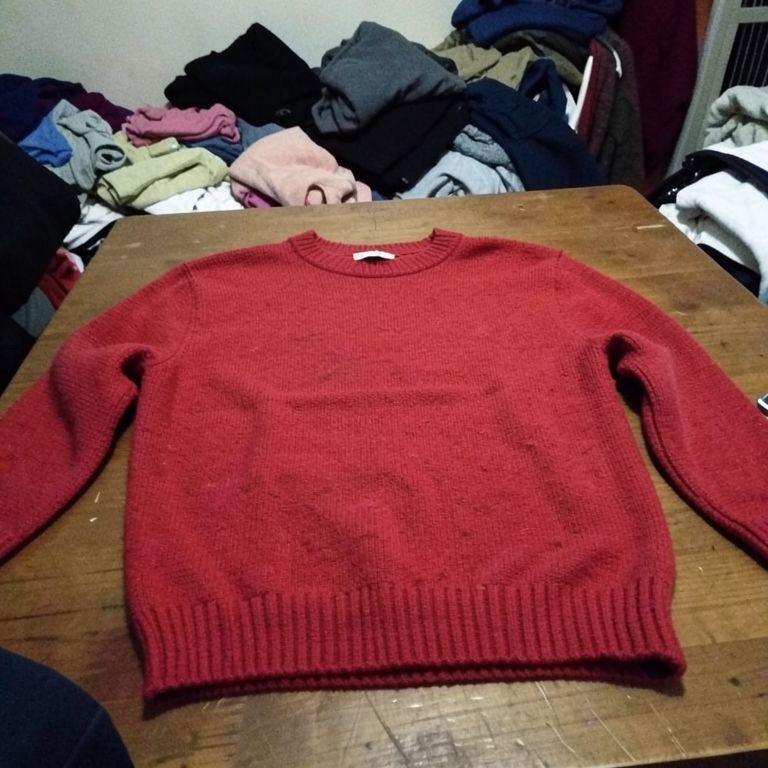 Before
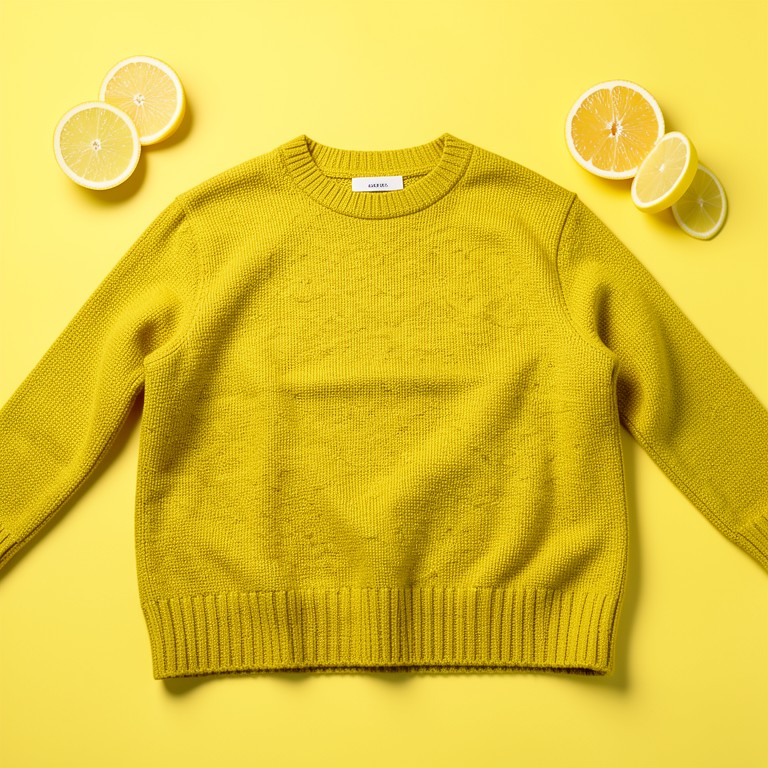 After🎨Product Color ChangerChange the color of any product, dress, or clothing item in a photo instantly, without a reshoot or new inventory photos.
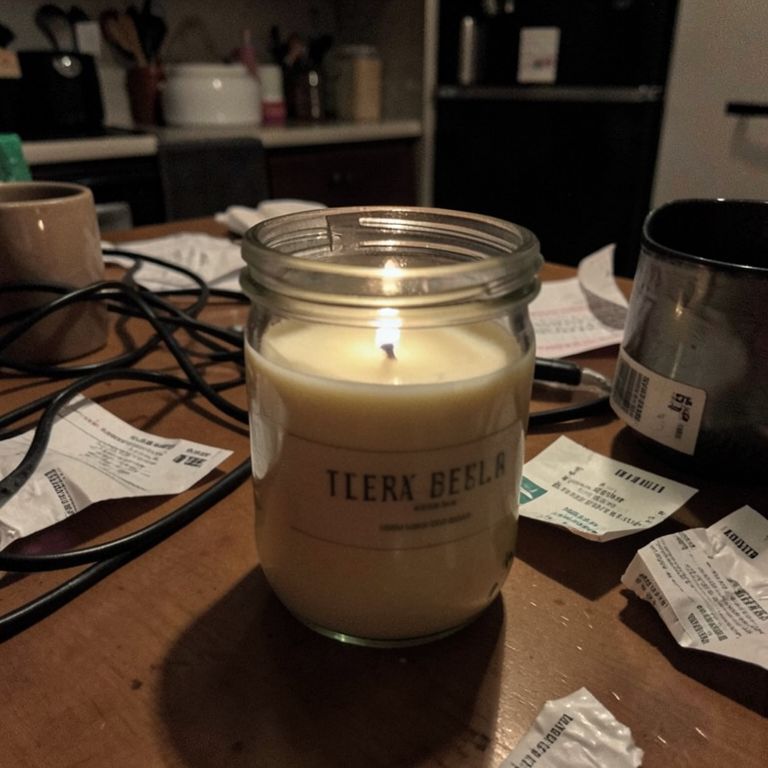 Before
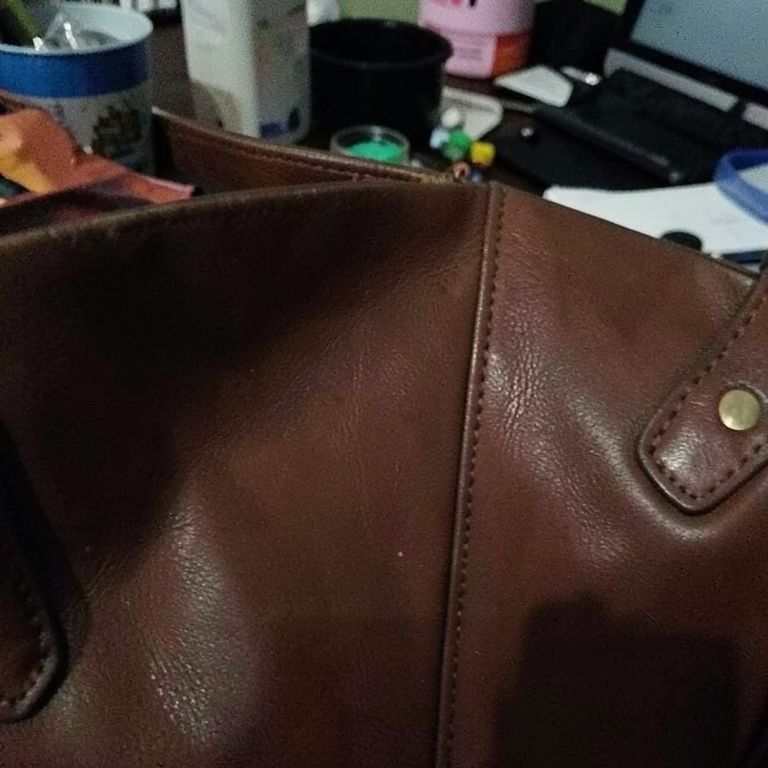
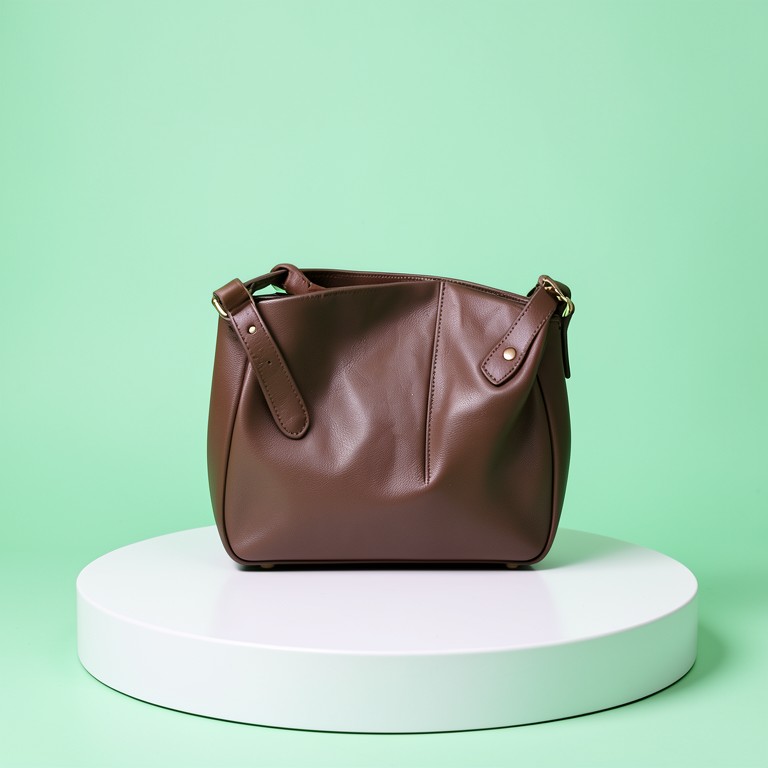
 After🧽Magic EraserRemoves clutter, hands, cords, or stray objects from product photos so Etsy and Shopify sellers get clean listing shots, free with no signup.
 Before
 After🖼️AI UncropExtends any product photo to fit square, portrait, or banner dimensions without cropping out your product — free for Etsy and Shopify sellers.
 Before
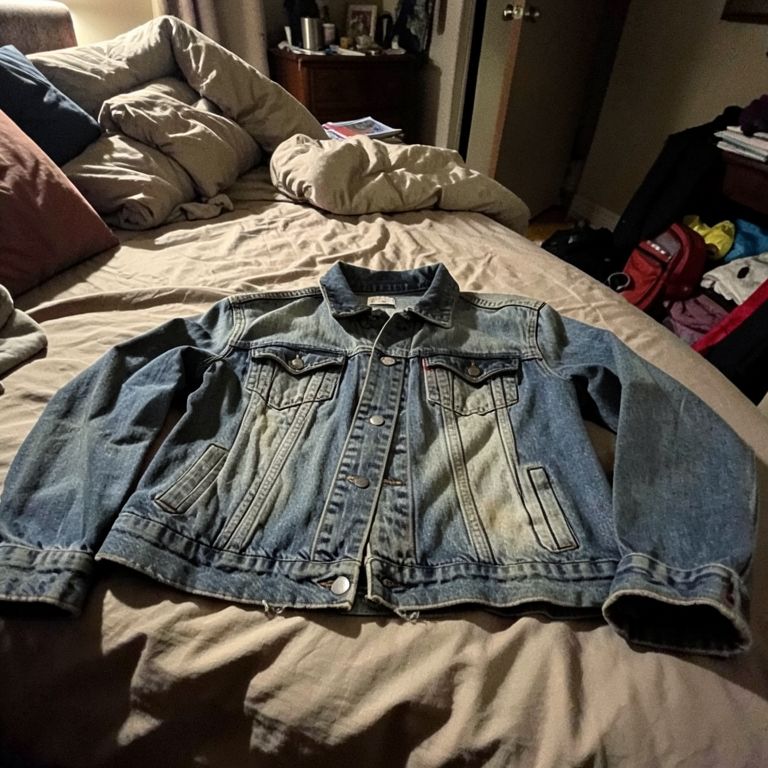
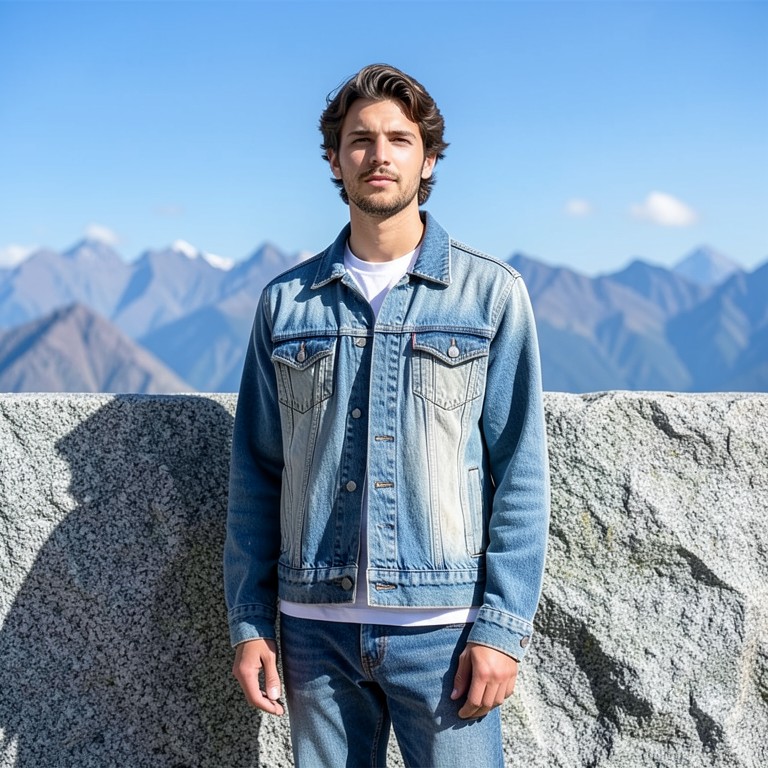 After👕Clothes on Model AITurns a flat-lay or hanger clothing photo into a realistic on-model try-on shot for online clothing and vintage resellers.
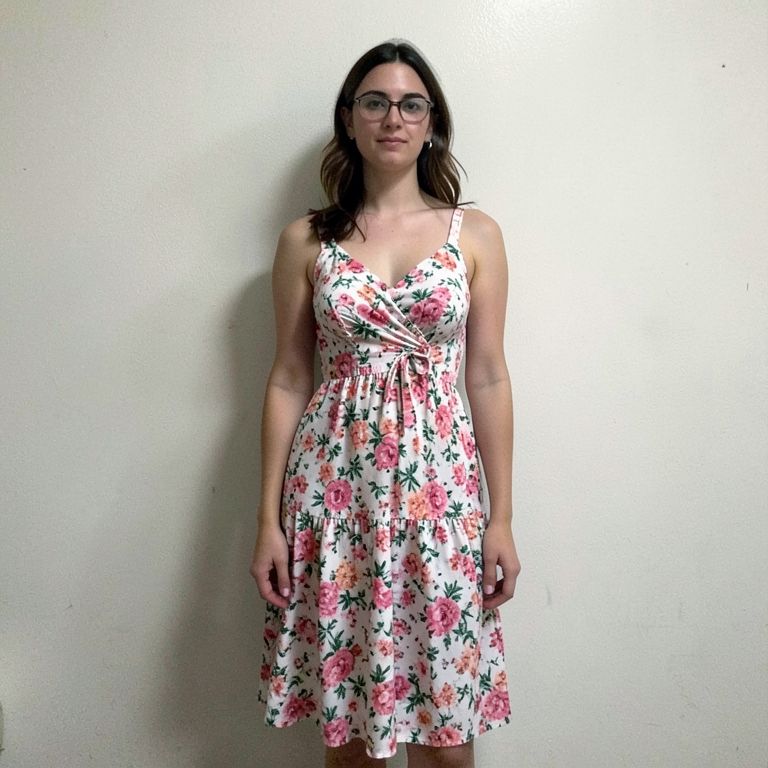 Before
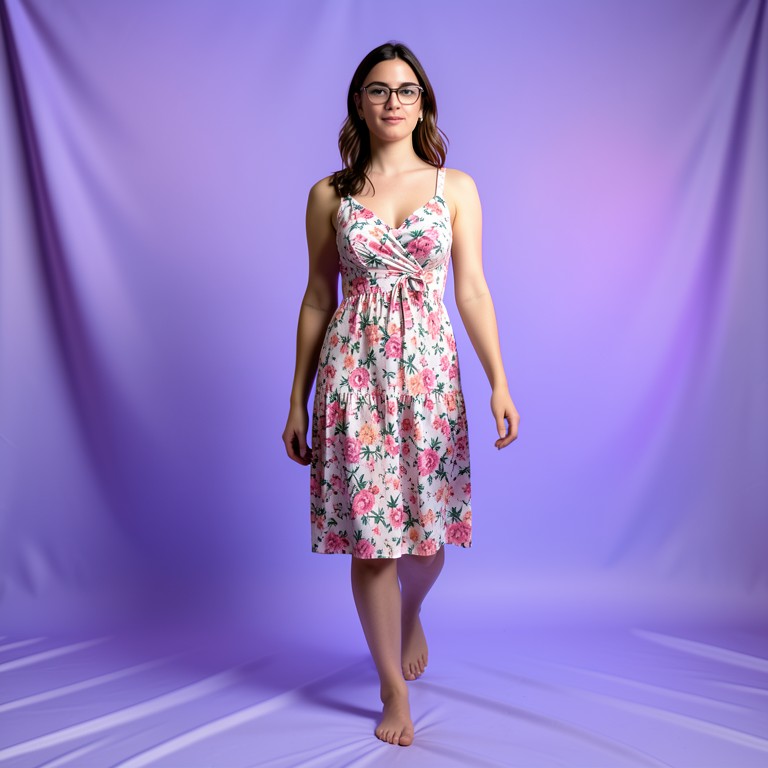 After🕺AI Pose ChangerChange a model's pose in a clothing or product photo while keeping their face, body, and outfit exactly the same — free for resellers.
Real Results
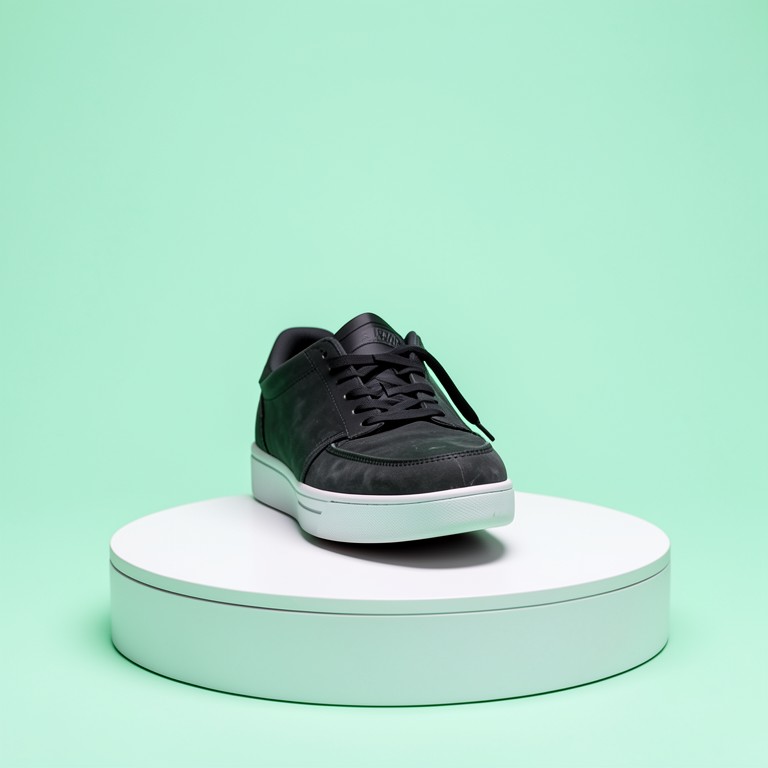
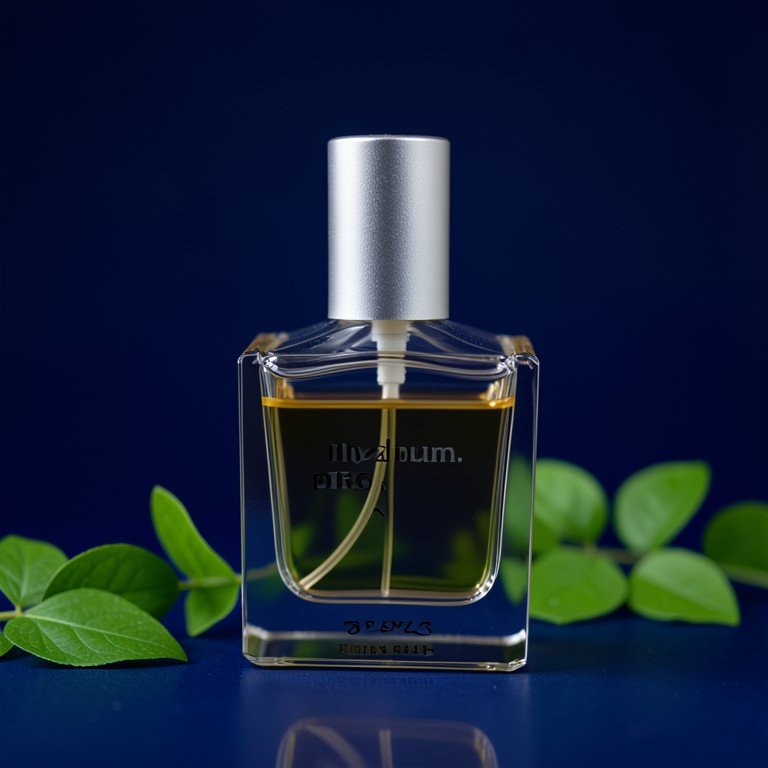
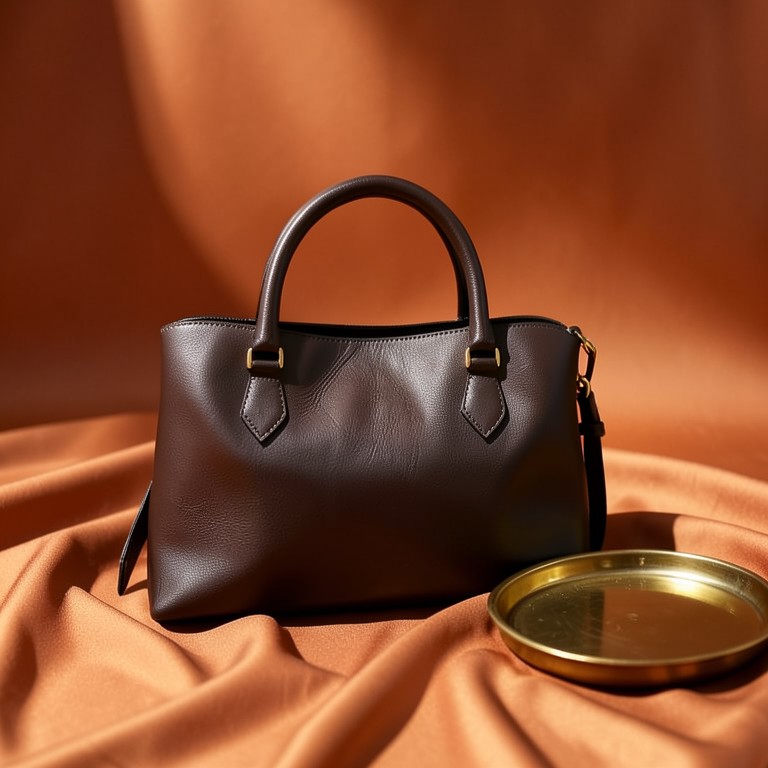
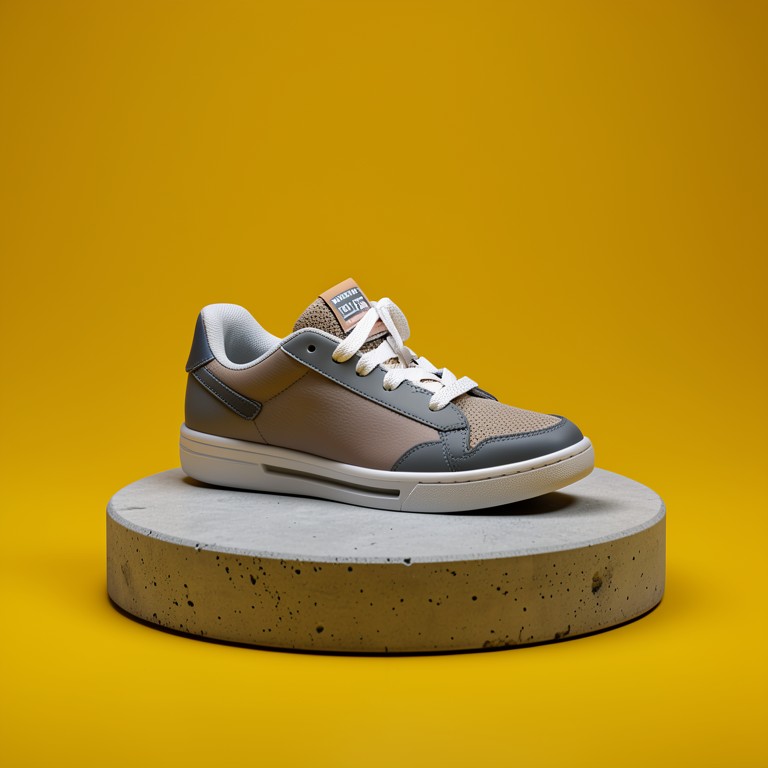
Before and after — generated with the free tools on this page.
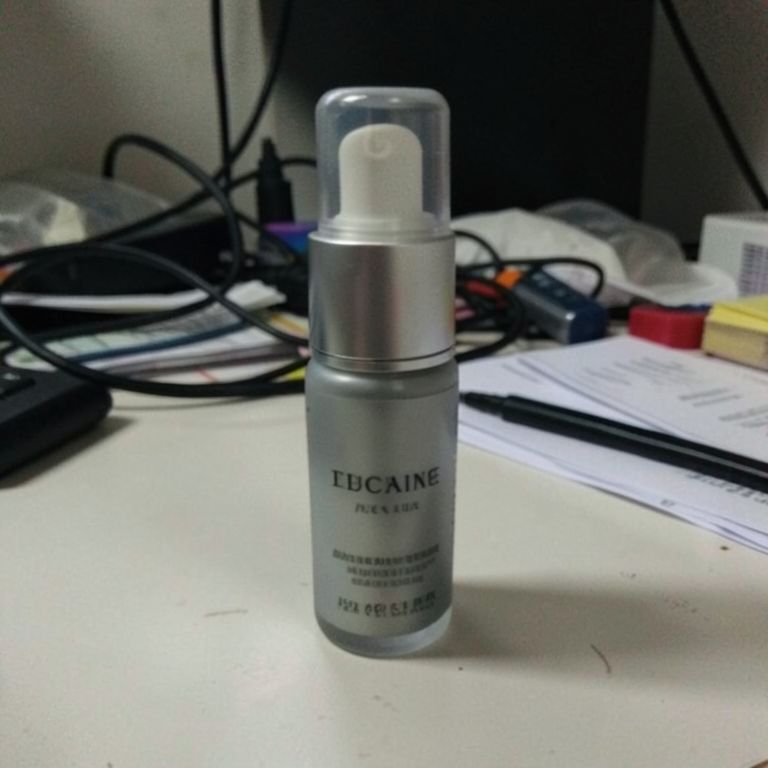 Before
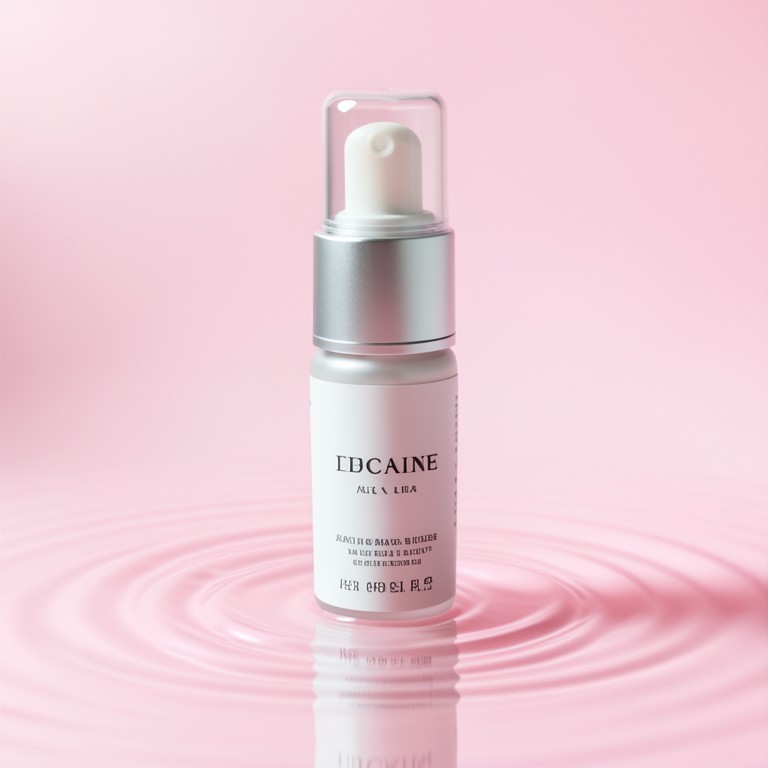 After
After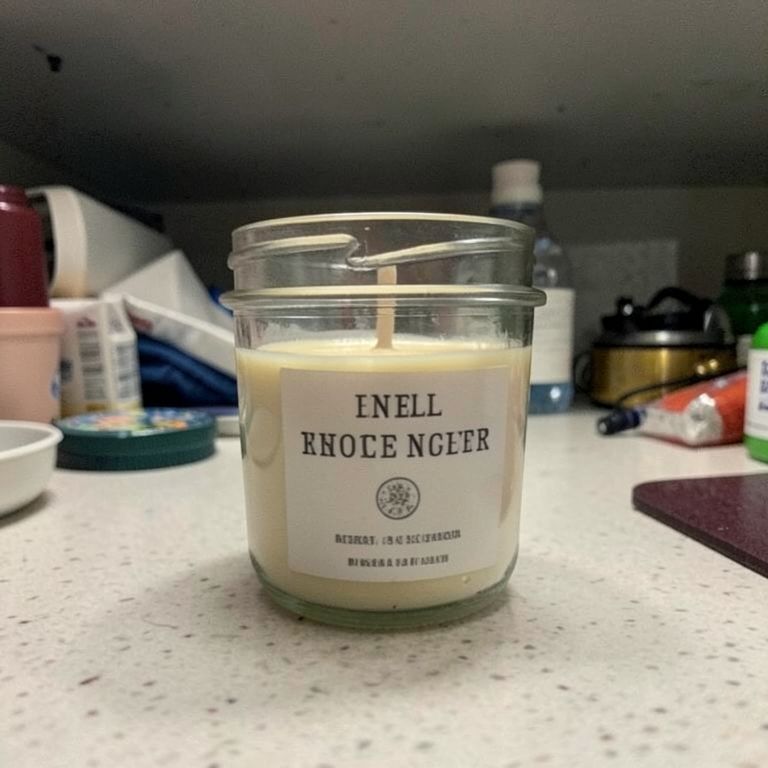 Before
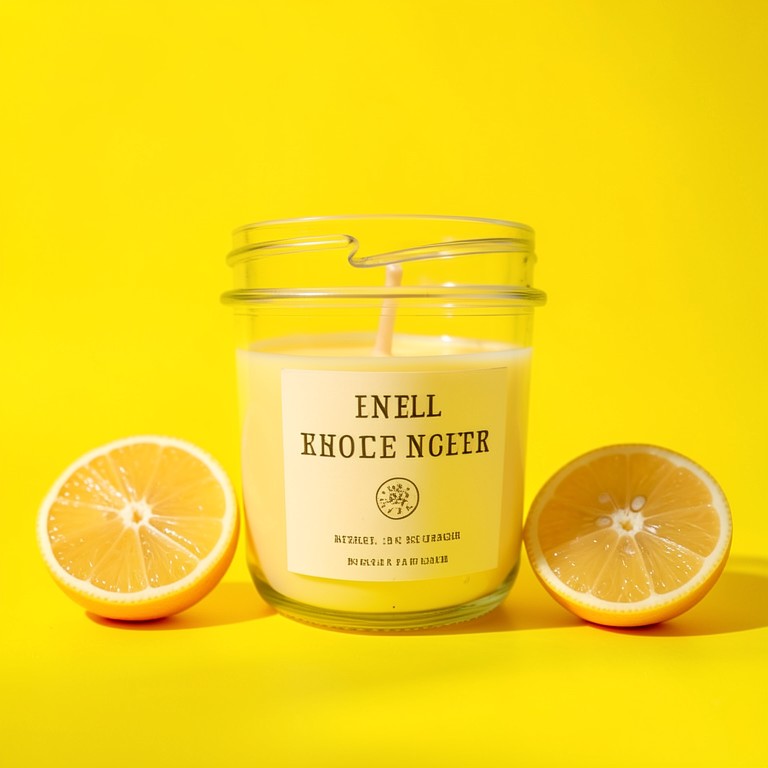 After
After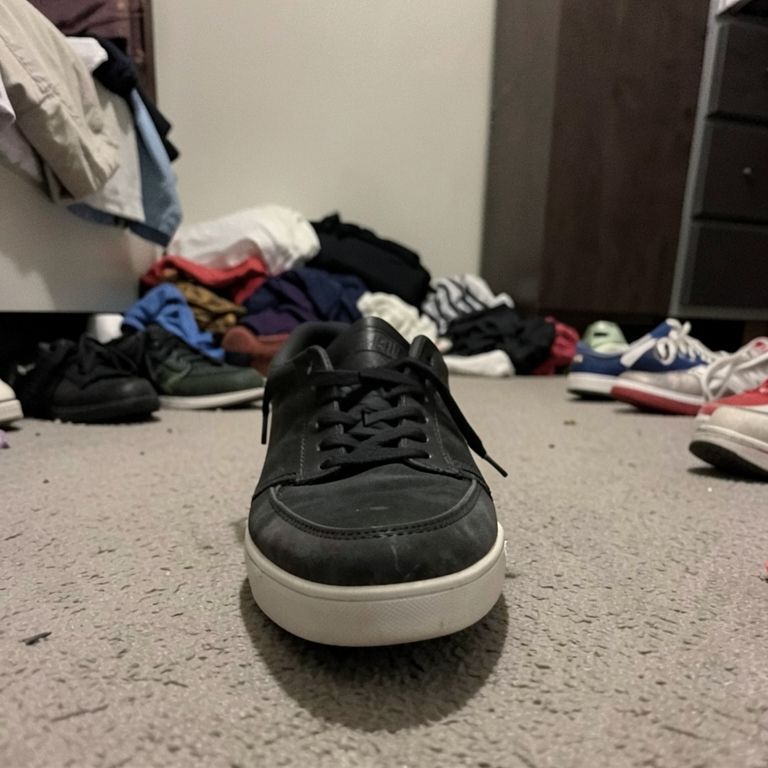 Before
 After
After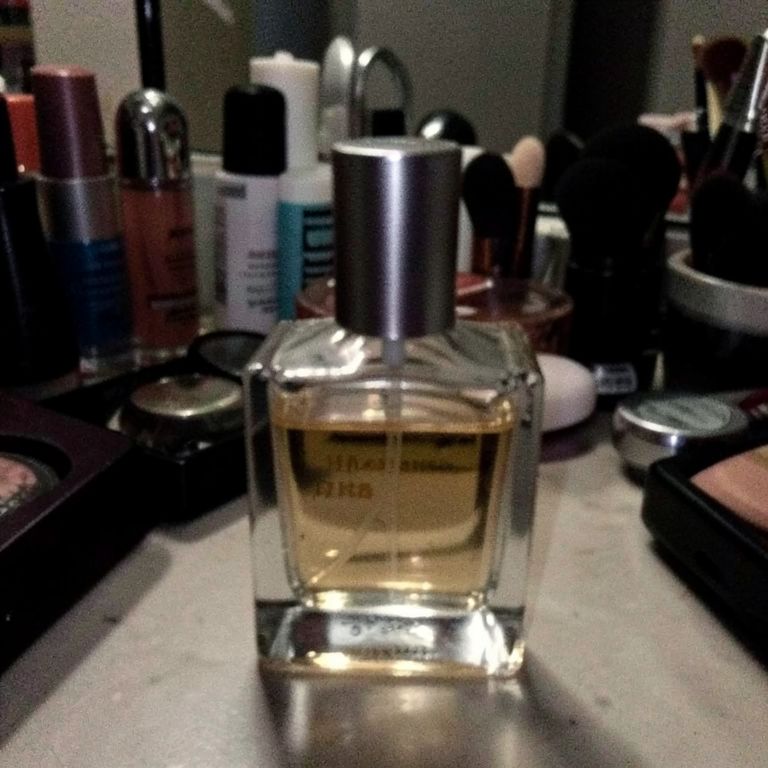 Before
 After
After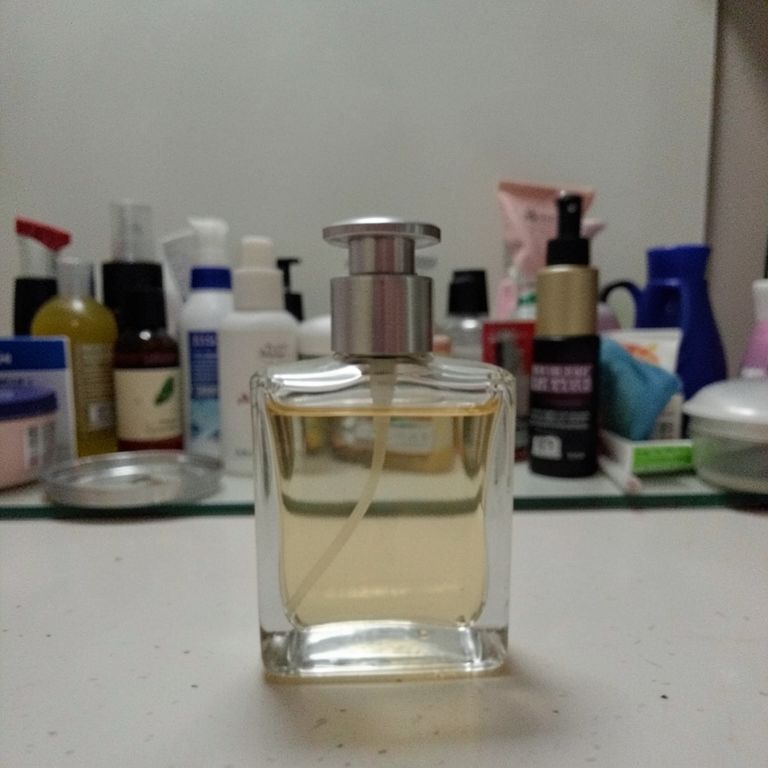 Before
 After
After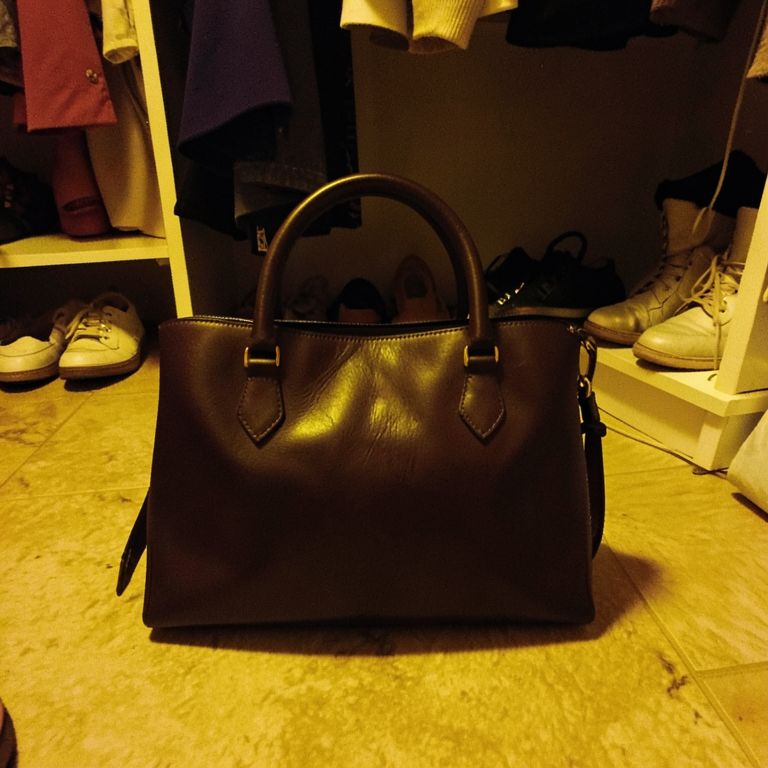 Before
 After
After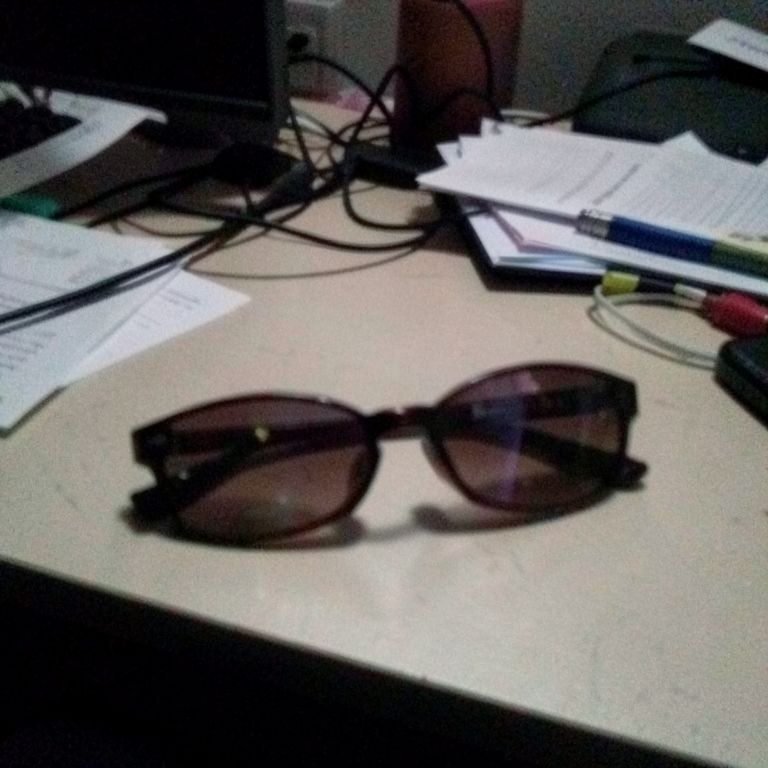 Before
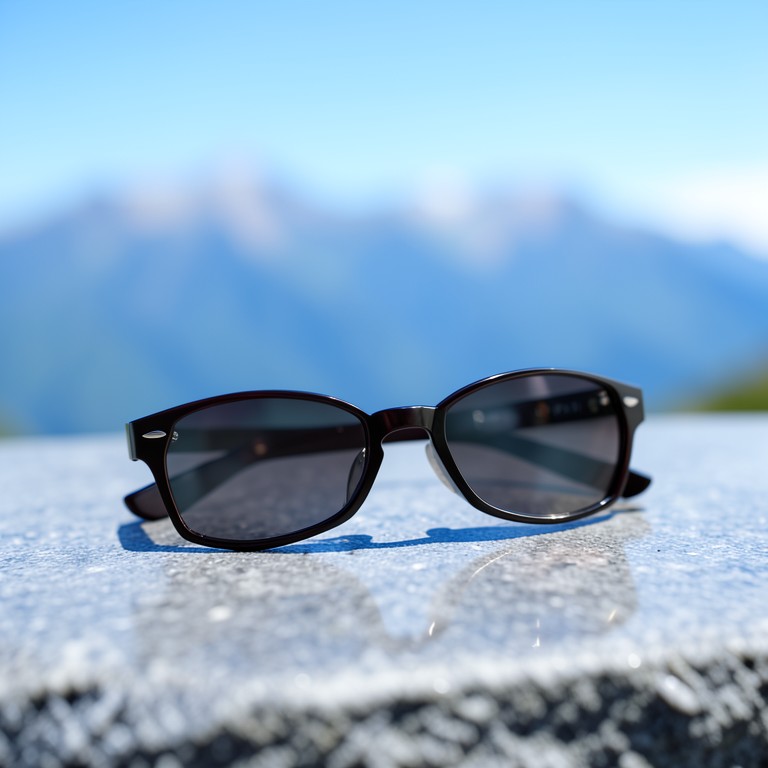 After
After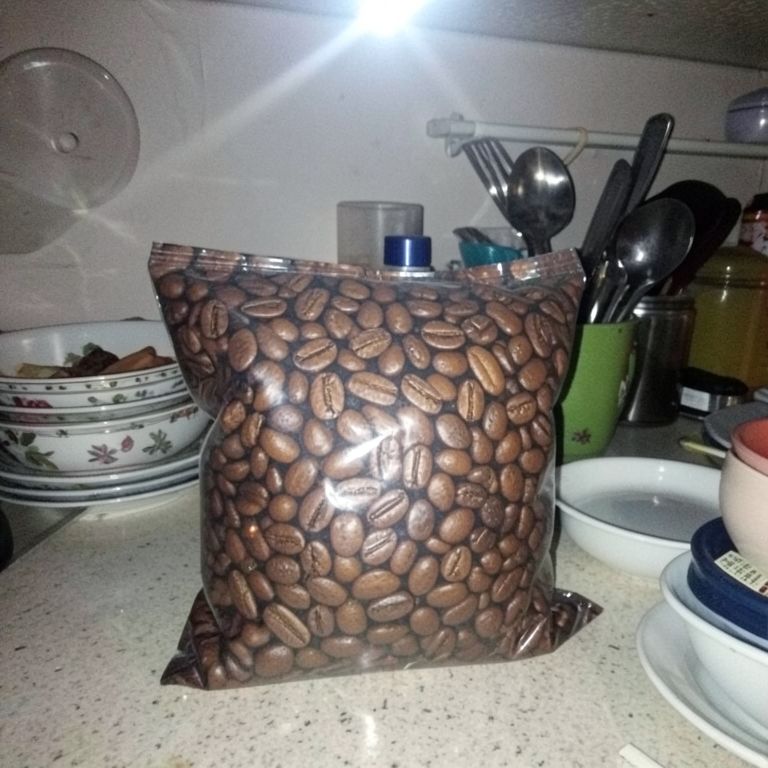 Before
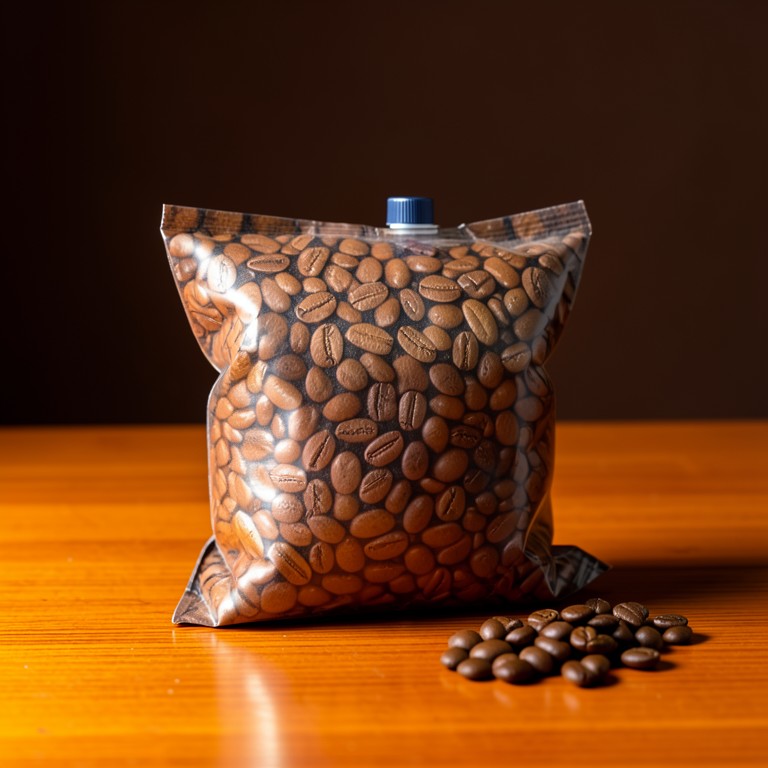 After
After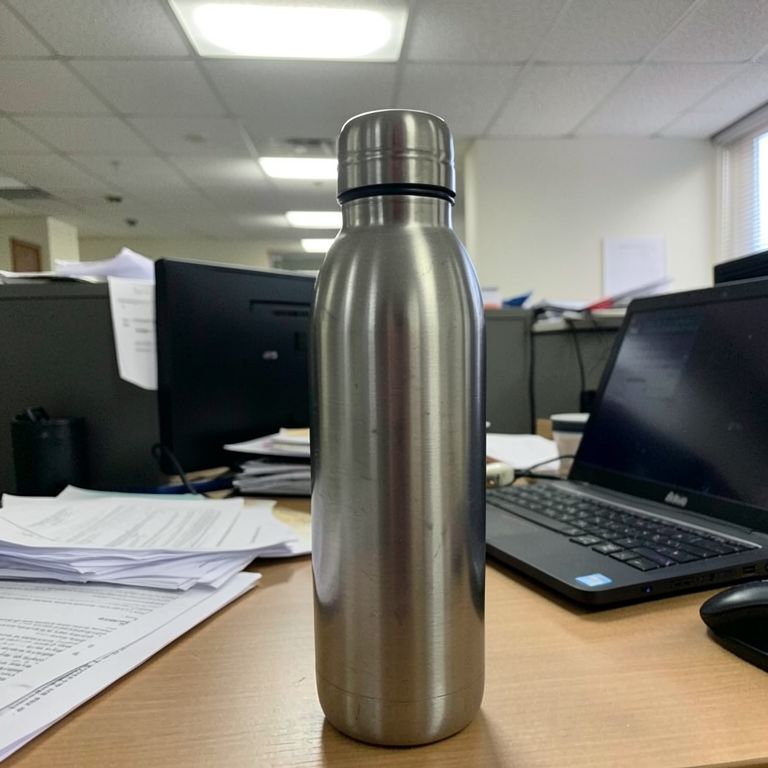 Before
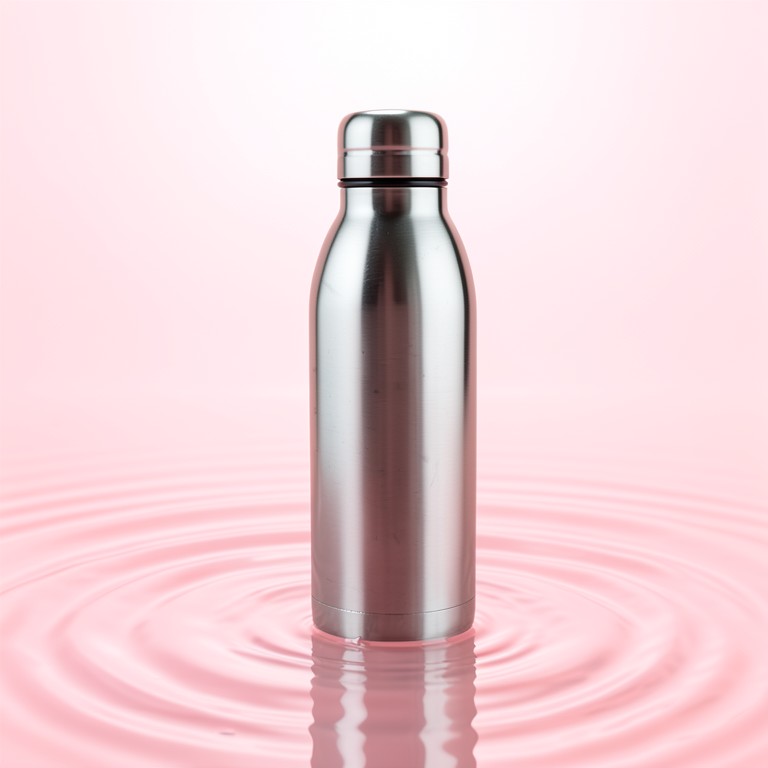 After
After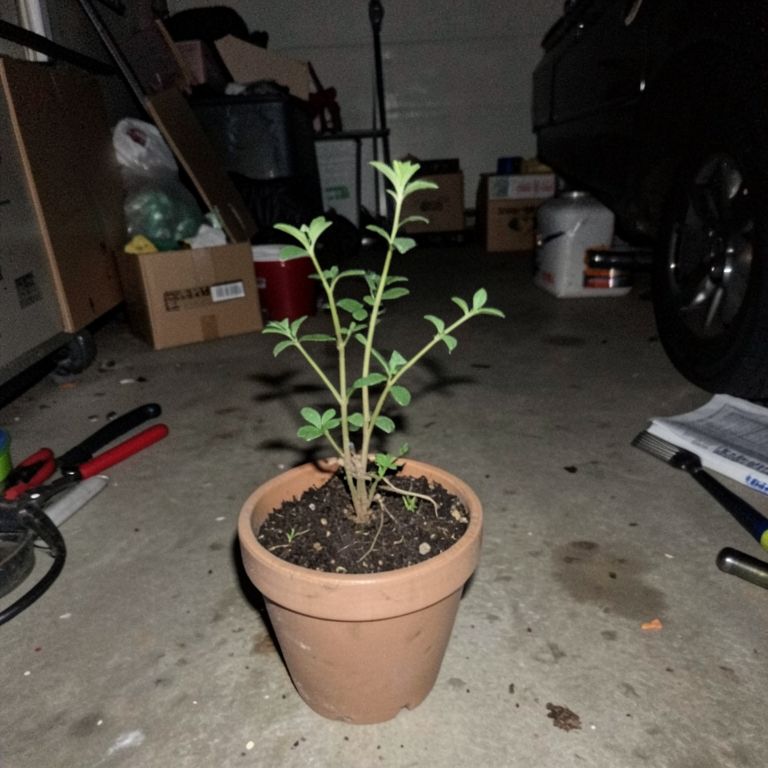 Before
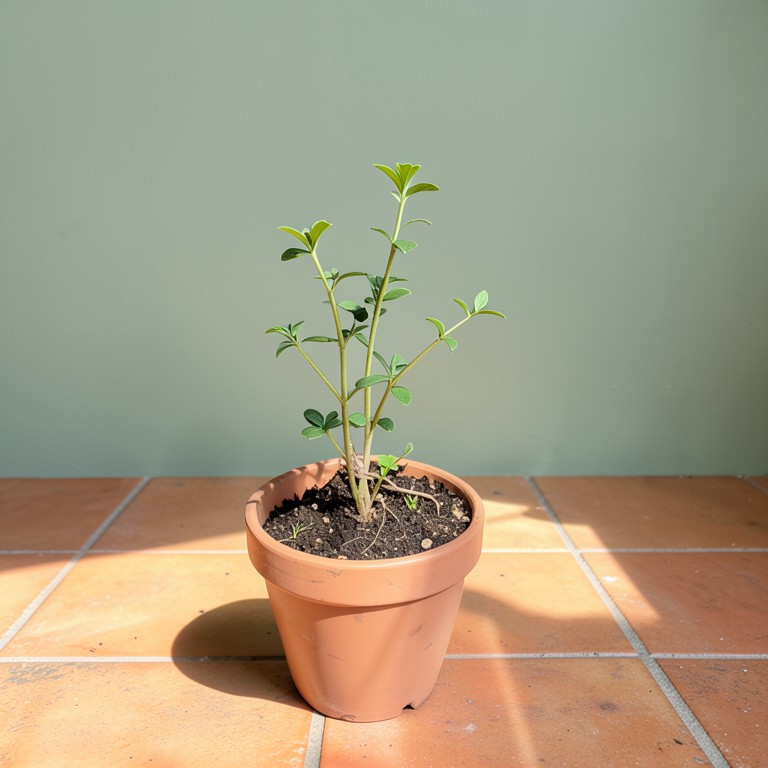 After
After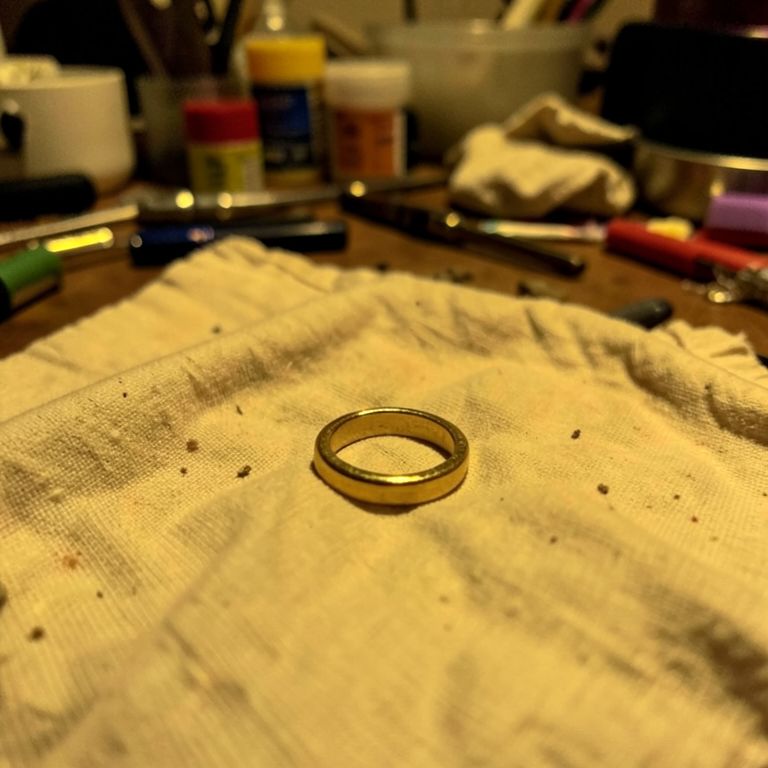 Before
 After
After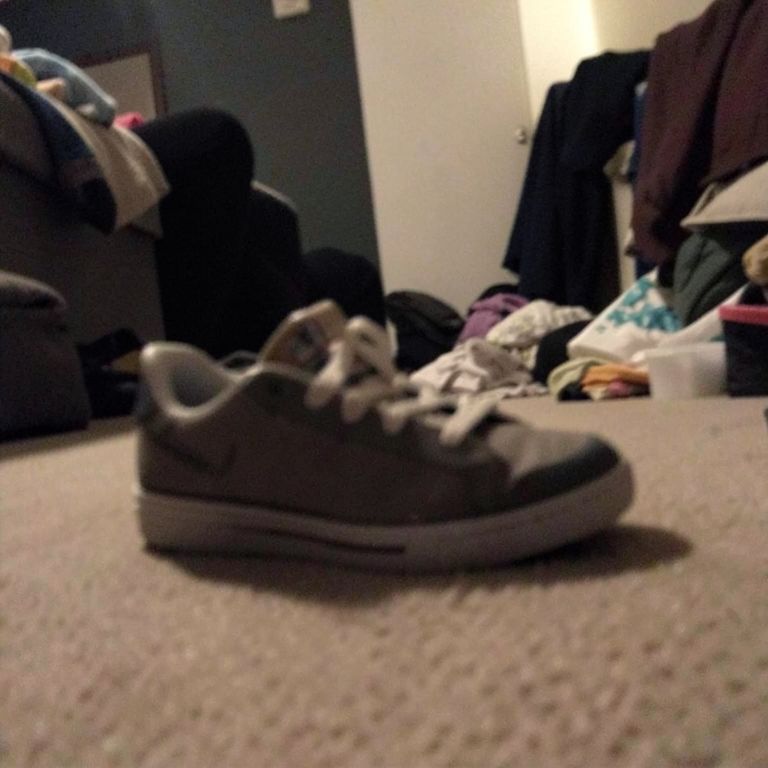 Before
 After
After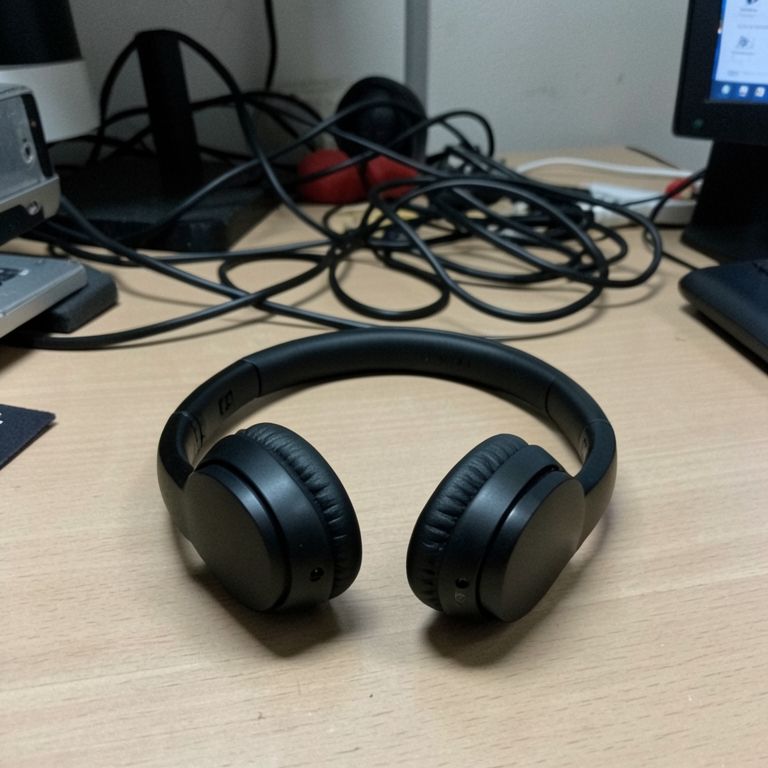 Before
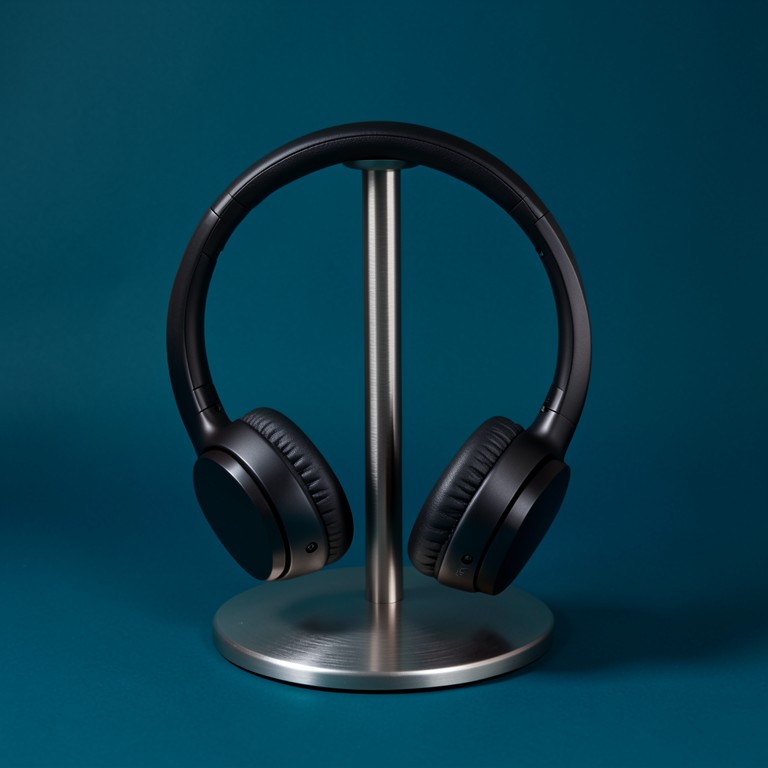 After
After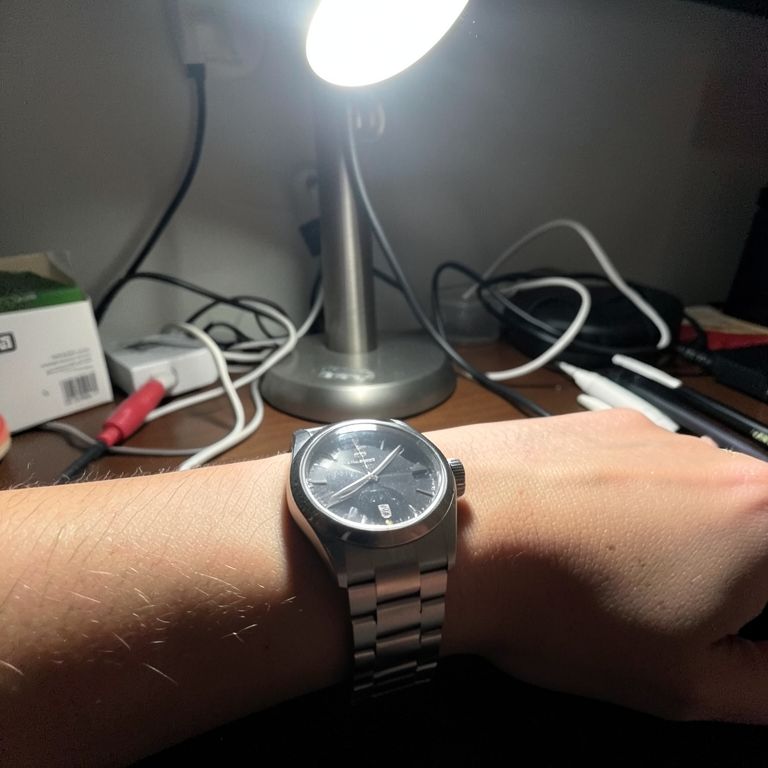 Before
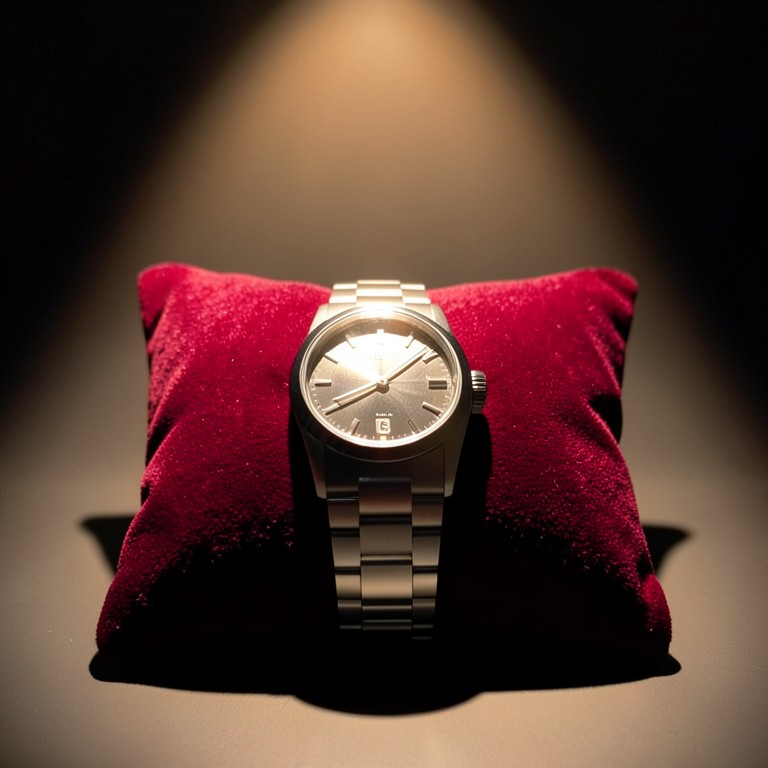 After
After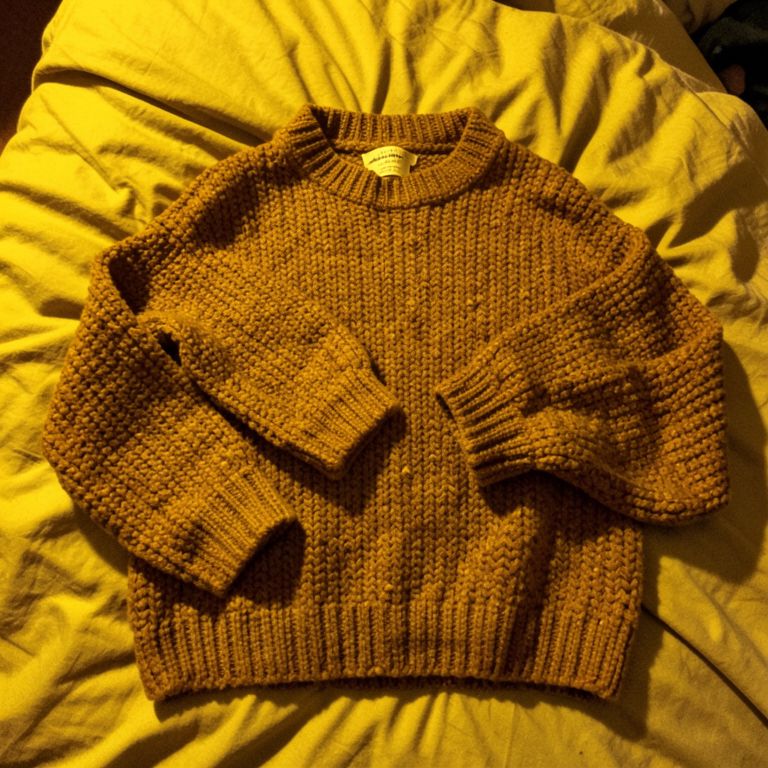 Ref 1
Ref 1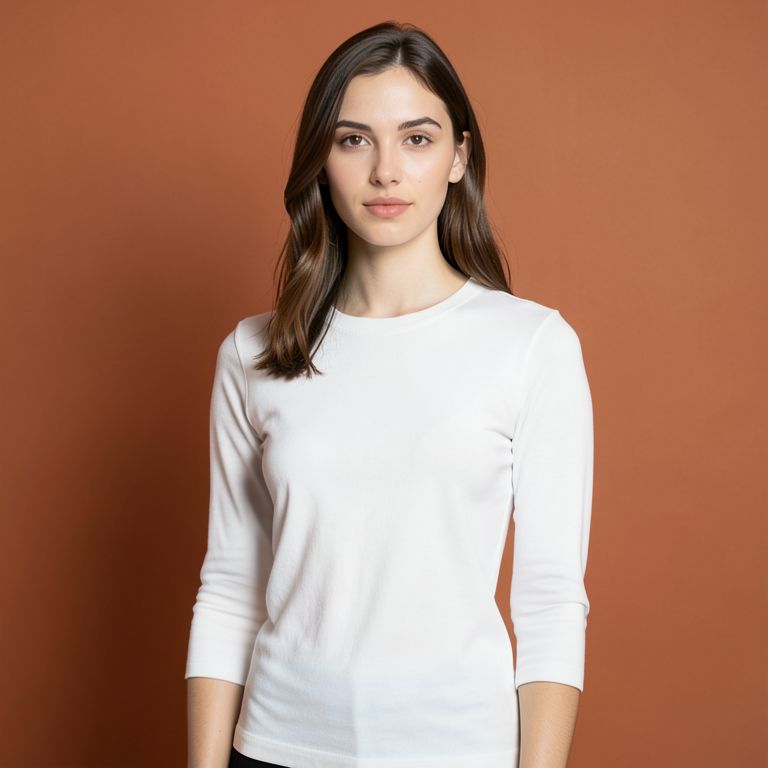 Ref 2
Ref 2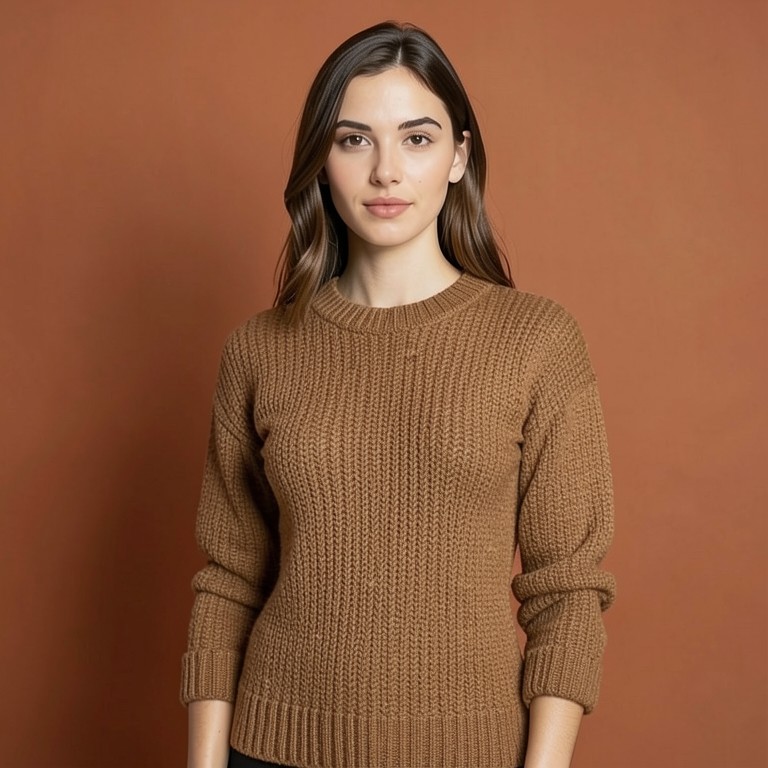 Result
 Ref 1
Ref 1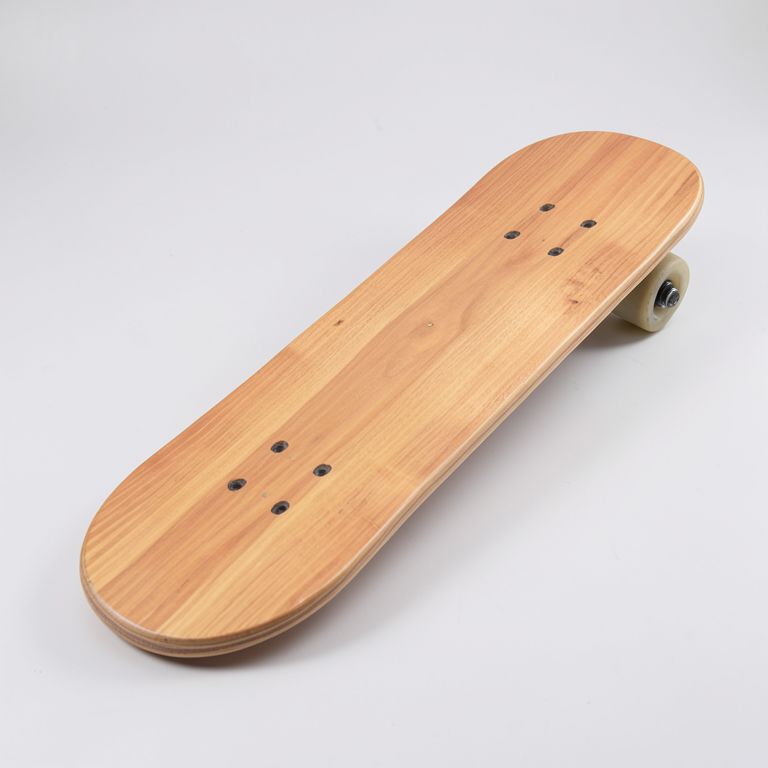 Ref 2
Ref 2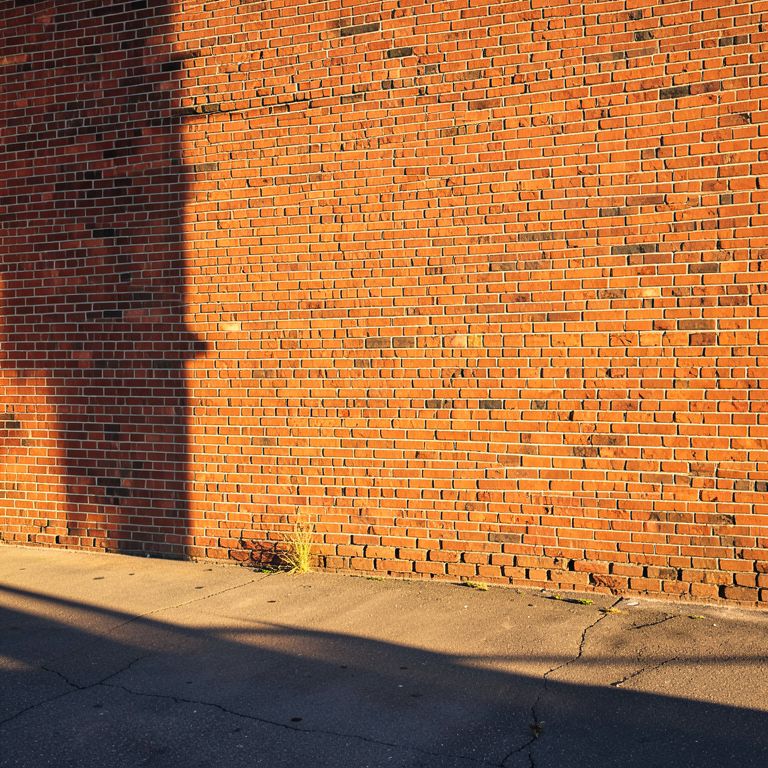 Ref 3
Ref 3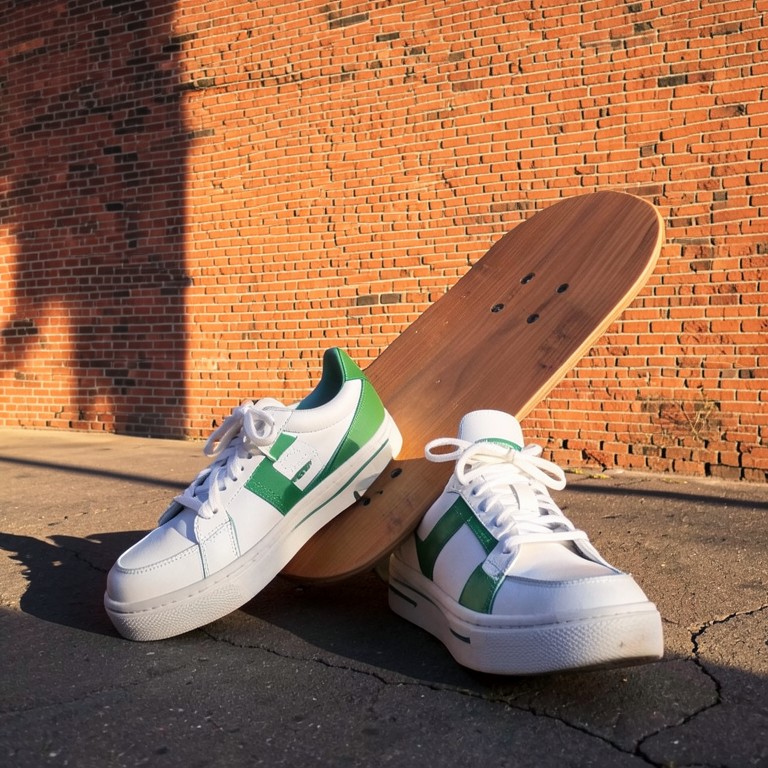 Result
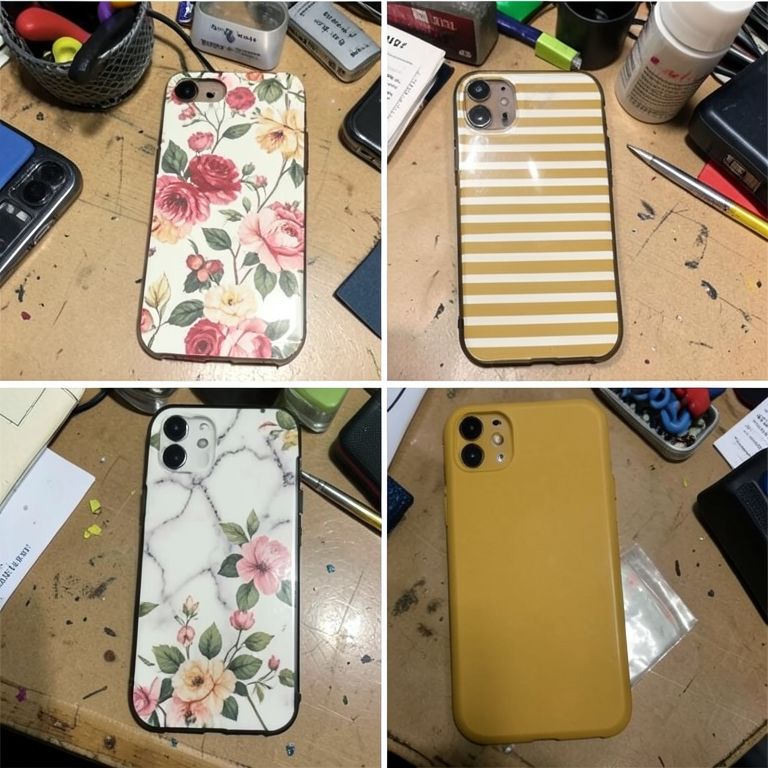 Ref 1
Ref 1 Ref 2
Ref 2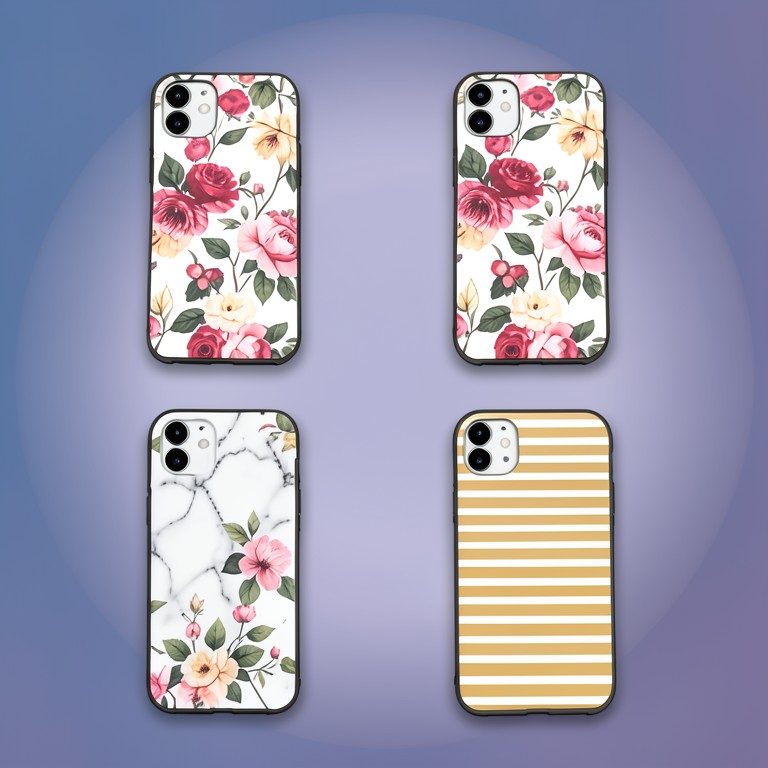 Result
How It Works
Upload your photo
Drop in the phone shot you already have, clutter, shadows, and all.
Pick a background or scene
Choose a clean white e-commerce backdrop or a lifestyle scene like marble or linen.
Download in seconds
Get the finished image with your product's exact shape, color, and label intact, ready to list.
AI Product Photo Editor
Turns a messy phone photo into a clean e-commerce shot with corrected lighting and background in one pass.
AI Background Changer
Swap in any scene or setting behind your product without touching the subject itself.
Product Shadow Generator
Adds a soft, realistic shadow so cut-out products don't look like they're floating.
Product Illumination Adjuster
Fixes uneven phone-camera lighting and contrast so colors read true on marketplace listings.
Lifestyle Scene Generator
Describe a scene in text and get an editorial-style backdrop to drop your product into for ad creative.
Product Photo Critique
Scans your photo for clutter, shadow, and lighting issues before you spend time editing or listing it.
Free Alternative to Paid Tools
How AI Photoshoot compares to the paid options.
AI Photoshoot vs PhotoRoom
PhotoRoom is a paid app for background removal and product photo editing with subscription tiers for higher volume and resolution. Our background remover, shadow generator, and lighting adjuster cover the same core editing steps at no cost.
- ✓PhotoRoom charges monthly for HD exports and batch processing
- ✓Our background removal and shadow tools are free with no export limits tied to a paid tier
- ✓Both preserve product shape during background removal
- ✓We add a free photo critique step PhotoRoom doesn't offer
AI Photoshoot vs Pebblely
Pebblely is a paid AI tool focused on generating lifestyle backgrounds for product photos from a limited free credit pool. Our Lifestyle Scene Generator and Background Changer produce similar scene-based results without a credit system.
- ✓Pebblely limits free users to a small number of generated images before charging
- ✓Our lifestyle and background tools don't run on a paid-credit model
- ✓Both let you generate multiple scene styles per product photo
- ✓We include shadow and lighting fixes as separate free tools, not bundled add-ons
Why Product Photo AI Matters for Small Sellers
Shoppers judge a listing's credibility in seconds, and mismatched or amateur photos quietly cost conversions. Studio photographers charge per SKU and take days, which doesn't work for stores adding new products weekly. AI editing tools let a seller fix lighting, swap backgrounds, and add shadows without shipping a single sample anywhere. This closes the gap between a one-person Etsy shop and a catalog that looks professionally shot.
Getting Consistent Photos Across a Whole Catalog
Buyers notice when product photos look like they came from five different cameras. Reusing the same background style, lighting adjustment, and shadow settings across every SKU creates a cohesive storefront. Our tools let you apply the same white-background or lifestyle scene setup repeatedly instead of manually recreating a look in Lightroom each time. This matters most for sellers with dozens of SKUs, like jewelry or candle makers photographing at home.
White Background vs Lifestyle Photos: When to Use Each
Marketplaces like Amazon typically require pure white background shots for the main listing image, while ads and DTC product pages perform better with lifestyle context. Testing a product against a marble counter or linen backdrop can reveal which scene drives more clicks without reshooting. Generating both versions from one phone photo means you're not choosing between compliance and conversion. Keeping the product itself unedited across both versions avoids look mismatches that confuse returning shoppers.
Frequently Asked Questions
Is SnapShelf Studio really free to use?
Yes, every tool on this page is free with no signup required. The AI models we use cost us very little to run, so we're not gating features behind a paywall.
Will the AI distort my product's shape or logo?
The tools are built to preserve the exact silhouette, label text, and colors of your original photo. You're changing the background and lighting, not the product itself.
Do I need to create an account?
No. Upload a photo, edit it, and download the result without registering or verifying an email.
Can I use these photos for Amazon or Shopify listings?
Yes, the white-background tool is designed for marketplace compliance shots, and the lifestyle generator works well for ad creative and A+ content.
How is this different from hiring a product photographer?
A photographer typically costs $50-300 per product and takes days to schedule and ship samples. These tools process a photo you already took on your phone in seconds.
Can I keep my product photos looking consistent across my whole catalog?
Yes, you can reuse the same background style or scene prompt across multiple SKUs so your listings match instead of looking mismatched.