Free AI Analysis — No Signup Required

Free Product Photo Editor – Clean Backgrounds & Enhance Details

Easily clean and enhance product photos for online listings, helping sellers present items with a crisp, white background.

Free · Instant · No registration

Create your own

Real results from Product Photography

Actual unedited outputs — upload your photo and get the same in seconds.

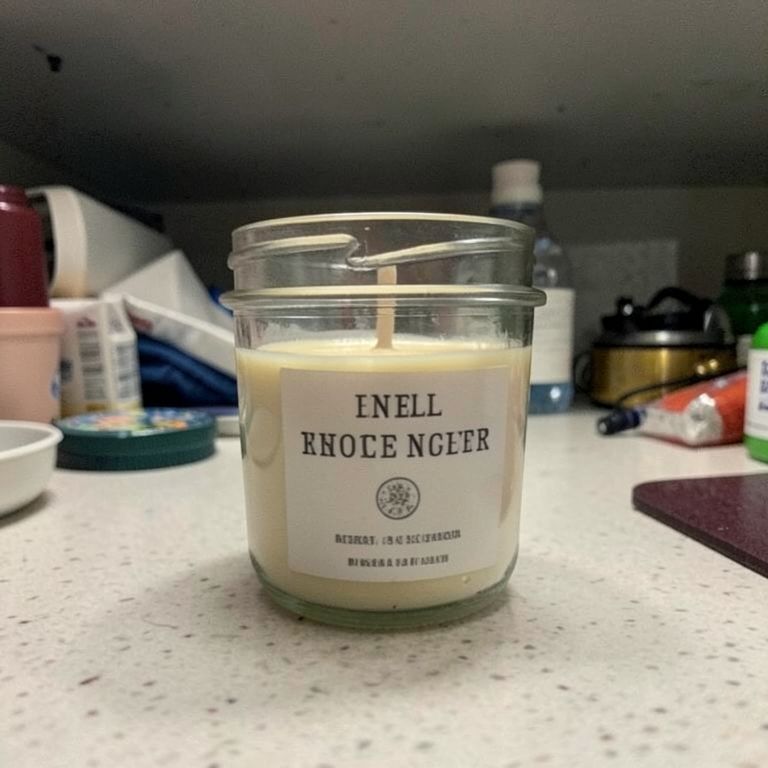
Product Photography before — Dim phone shot to citrus sceneBefore
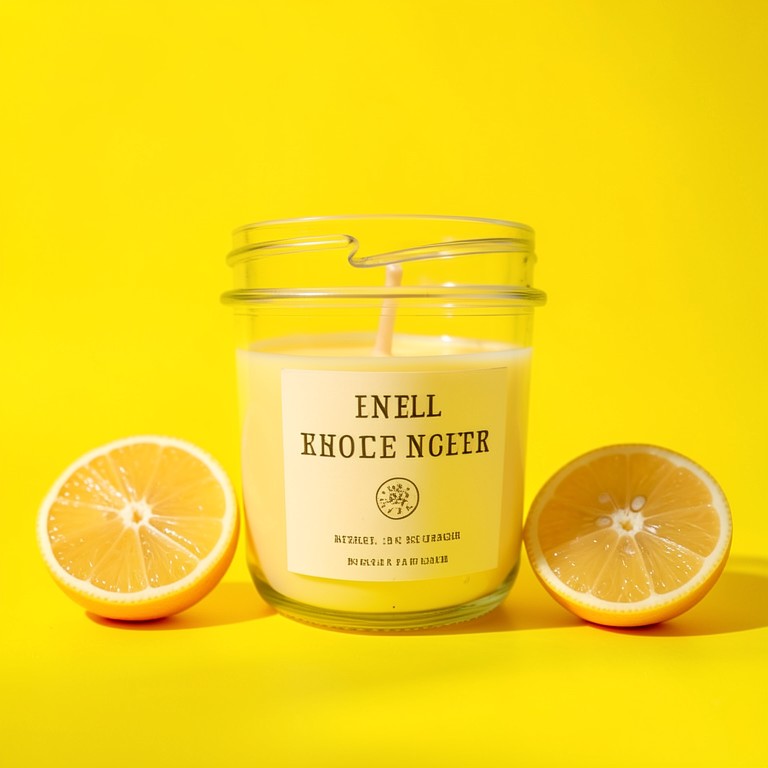
Product Photography after — Dim phone shot to citrus sceneAfter
Dim phone shot to citrus scene
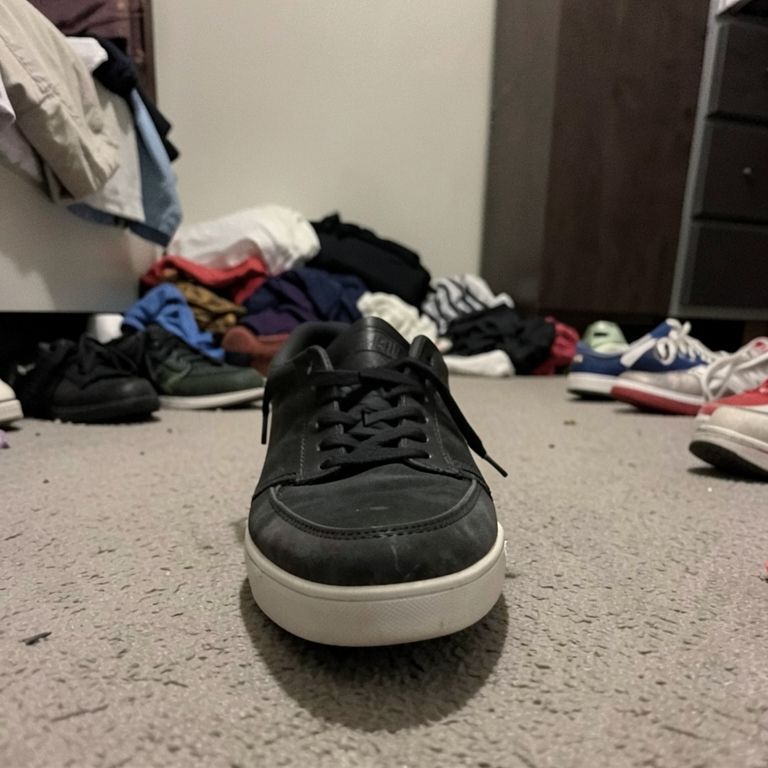
Product Photography before — Amateur snap to pedestal displayBefore
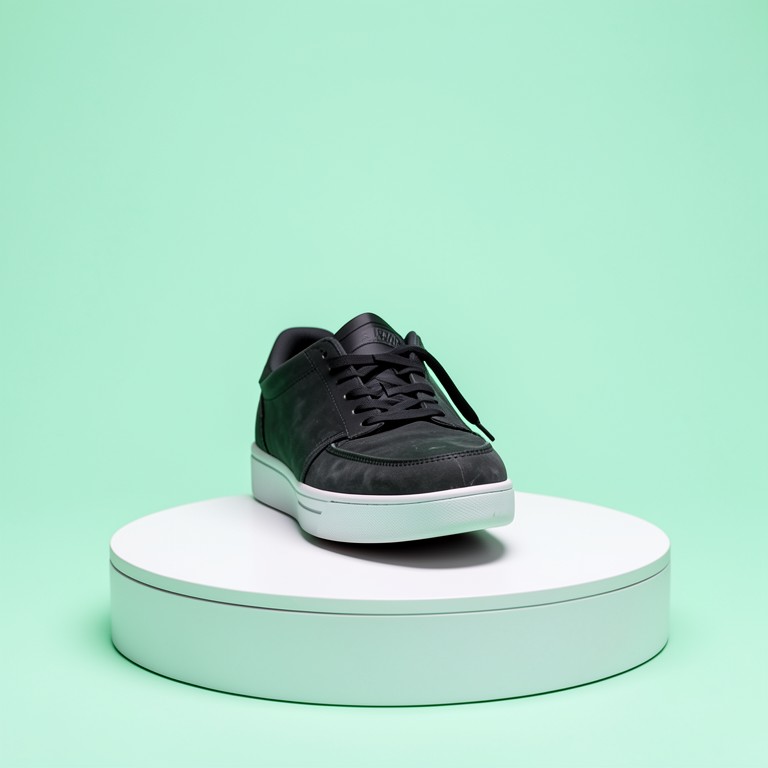
Product Photography after — Amateur snap to pedestal displayAfter
Amateur snap to pedestal display
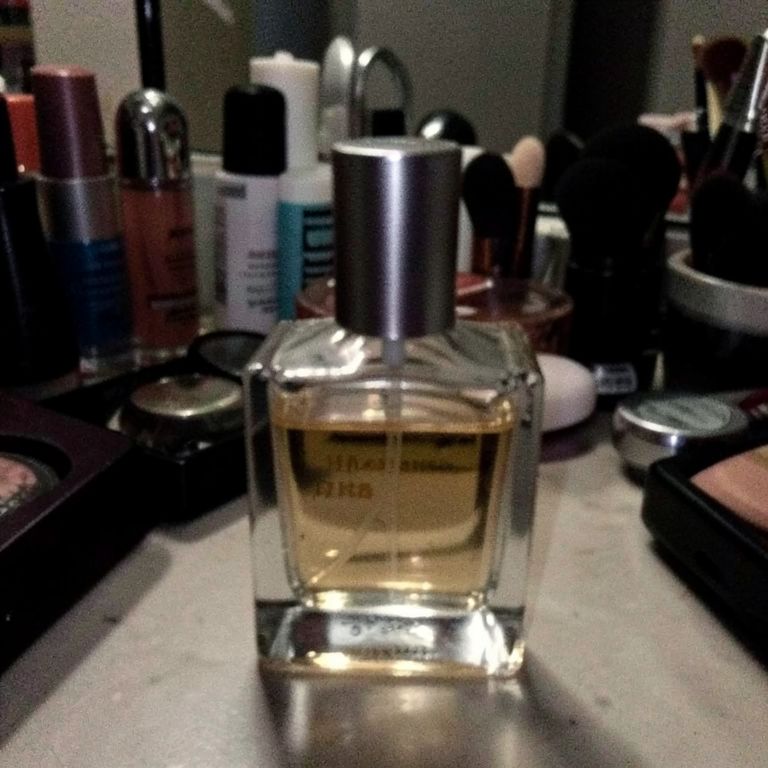
Product Photography before — Blurry phone photo to editorial navyBefore
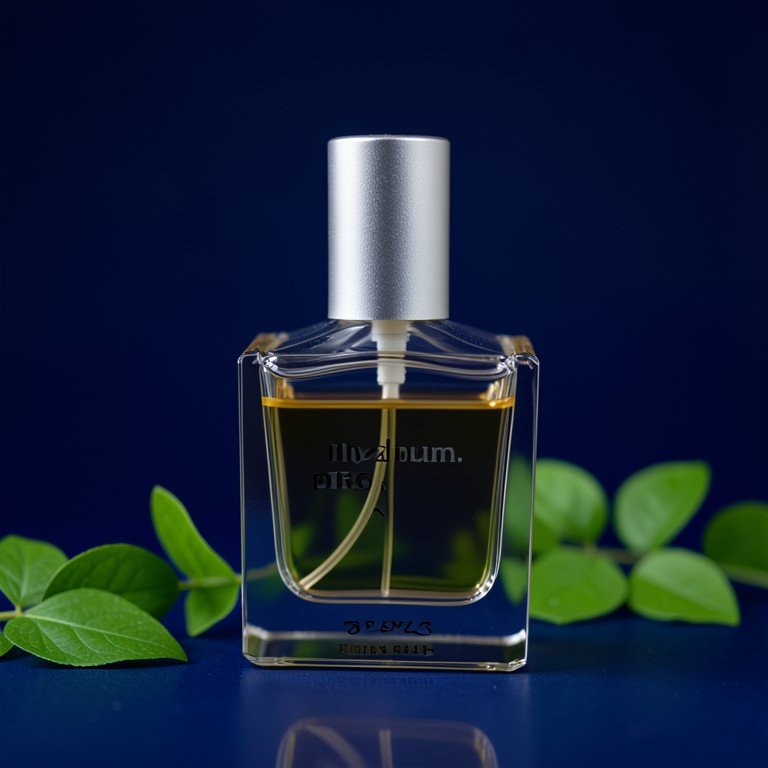
Product Photography after — Blurry phone photo to editorial navyAfter
Blurry phone photo to editorial navy
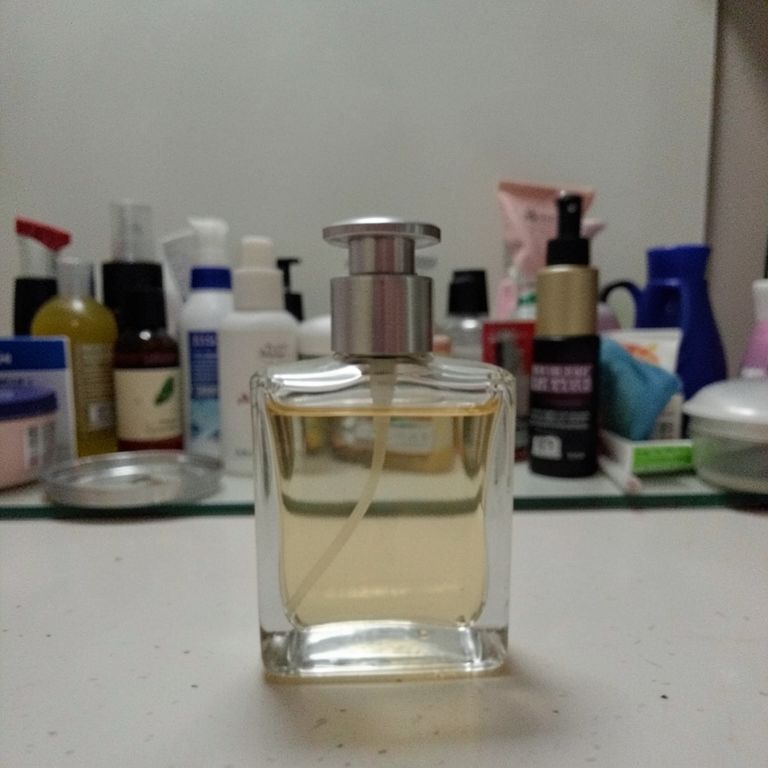
Product Photography before — Cluttered counter to silk backdropBefore
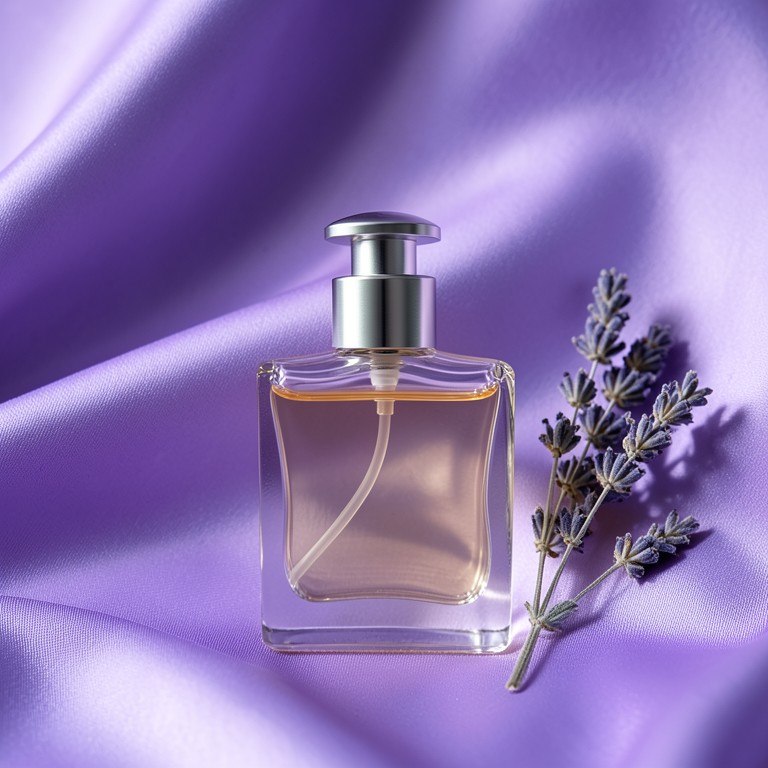
Product Photography after — Cluttered counter to silk backdropAfter
Cluttered counter to silk backdrop

Try these popular edits:

Make background whiteClean up background and sharpen productImprove lighting on productAdd white background and enhance detail

Why use Product Photography?

📷
Product Photography
Easily clean and enhance product photos for online listings, helping sellers present items with a crisp, white background.
🔍
Instant AI Analysis
Upload a photo and Product Photography breaks down what it sees in seconds.
🆓
Free to Use
Product Photography is free with no watermarks and no account required.
🎯
Explore & Improve
Deep dives, comparisons, and experiments keep the session going — not a one-shot score.

How it works

1
Upload Your Photo
Select or drag & drop a clear front-facing selfie
2
Run Analysis
Get overall + area scores with your biggest opportunity
3
Explore Next Steps
Deep dive, compare photos, experiment, and track progress

This free AI editor streamlines product photos for e-commerce. It removes messy backgrounds, corrects lighting, and sharpens details so listings look professional. No sign‑up required, and results load in seconds.

How It Works

The tool analyzes the image, isolates the product, replaces the background with white, adjusts exposure, and sharpens edges. It supports common file types and preserves product details. The result is ready for online listings or catalogues.

Tips for Best Results

Use a well‑lit photo with the product centered and minimal shadows. Avoid complex patterns or colors that match the background. Keep the product in focus and avoid too much blur.

Who Benefits

Online sellers on Amazon, Etsy, or Shopify who need bulk product photos. Small business owners showcasing items on their website. Photographers looking for quick background cleanup.

Frequently asked questions

Ready to try Product Photography?

Free, instant, and no signup needed.