Free AI Image Editor — No Signup Required

AI Jewelry Photography: Free Studio Shots from Phone Photos

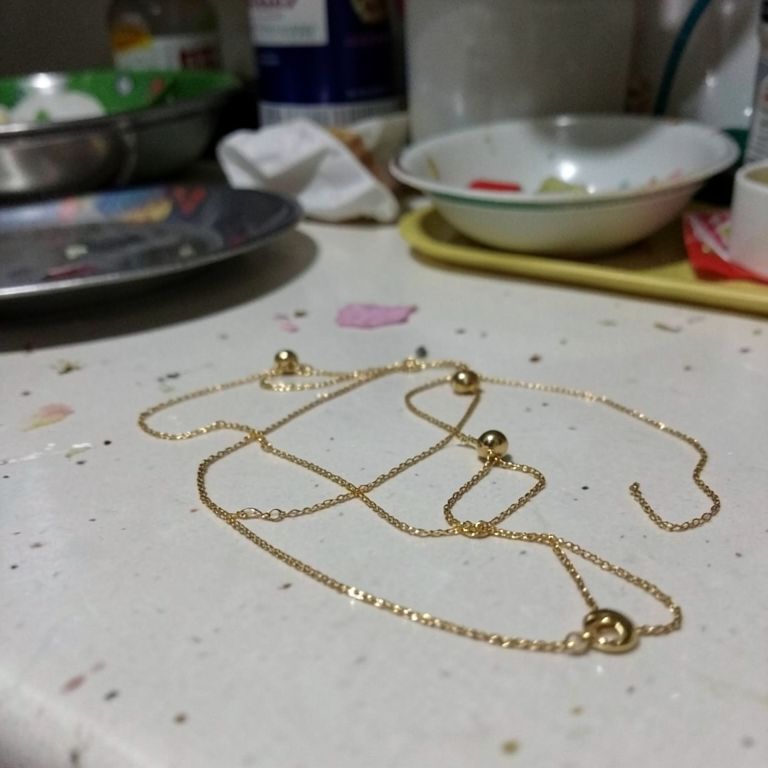
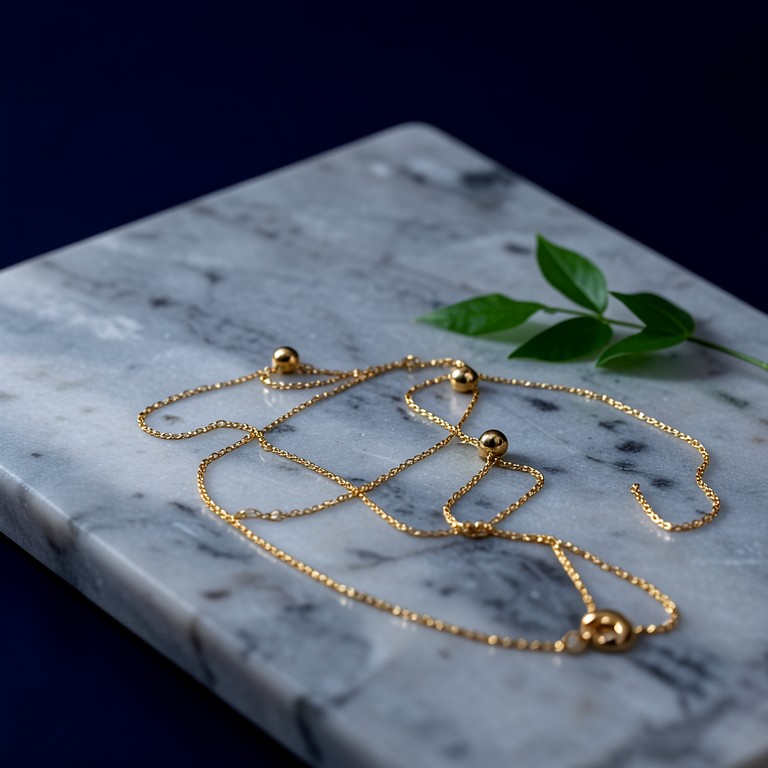
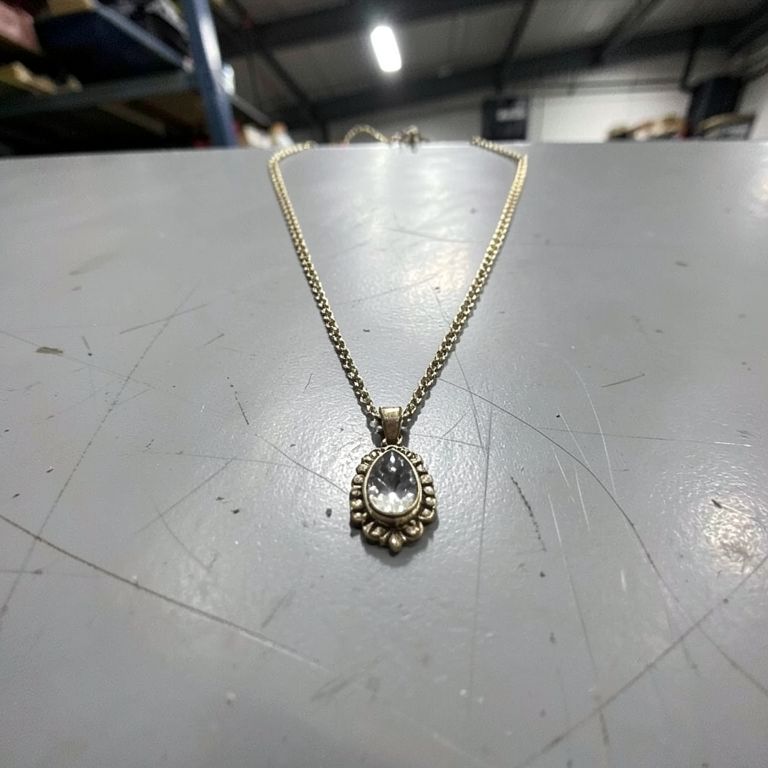
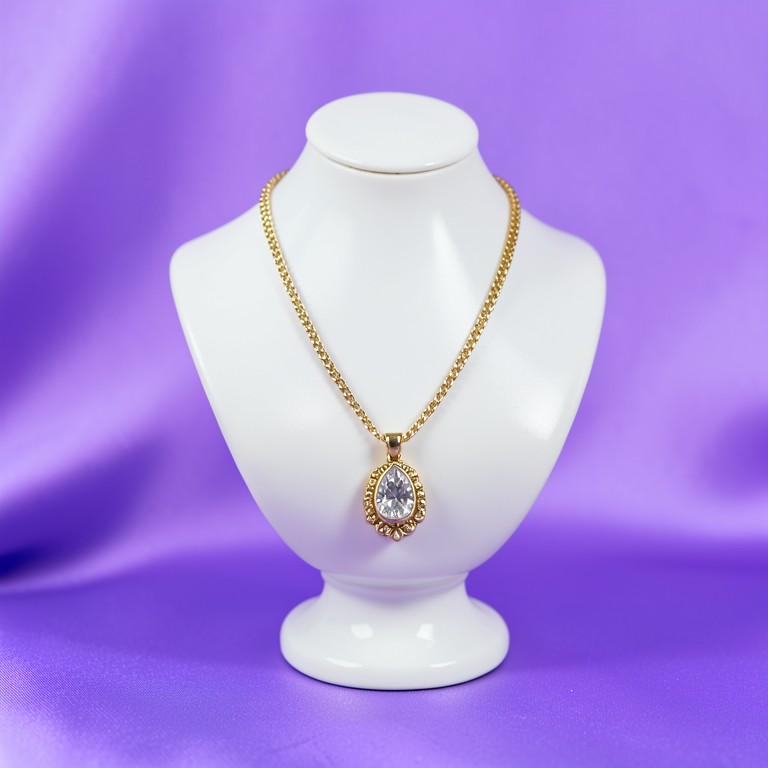
Turns kitchen-table phone photos of rings, earrings and necklaces into sharp, catalog-ready jewelry shots with clean backdrops and true metal color.

Free · Instant · No registration

Real results from AI Jewelry Photography

Actual unedited outputs — upload your photo and get the same in seconds.

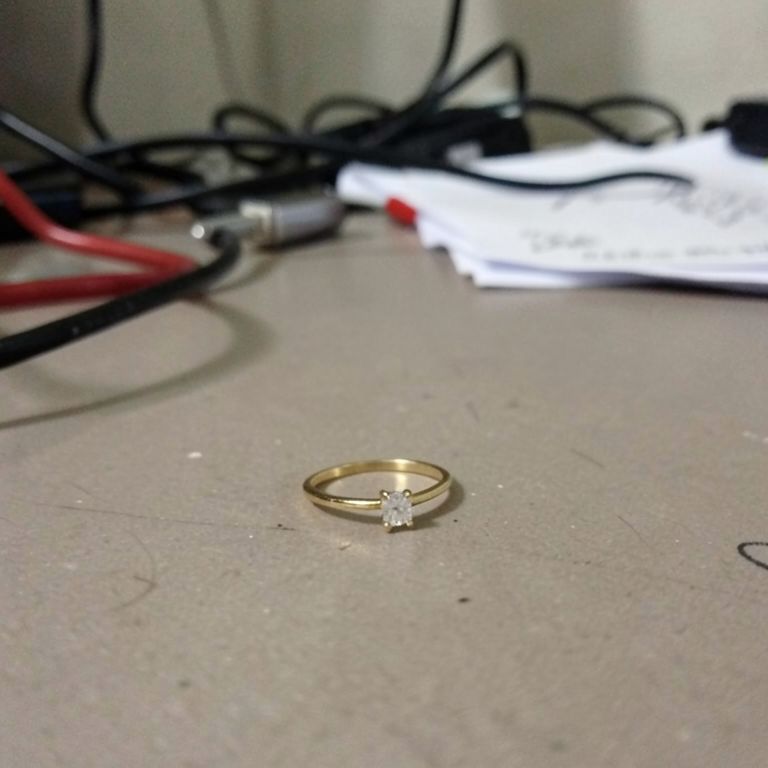
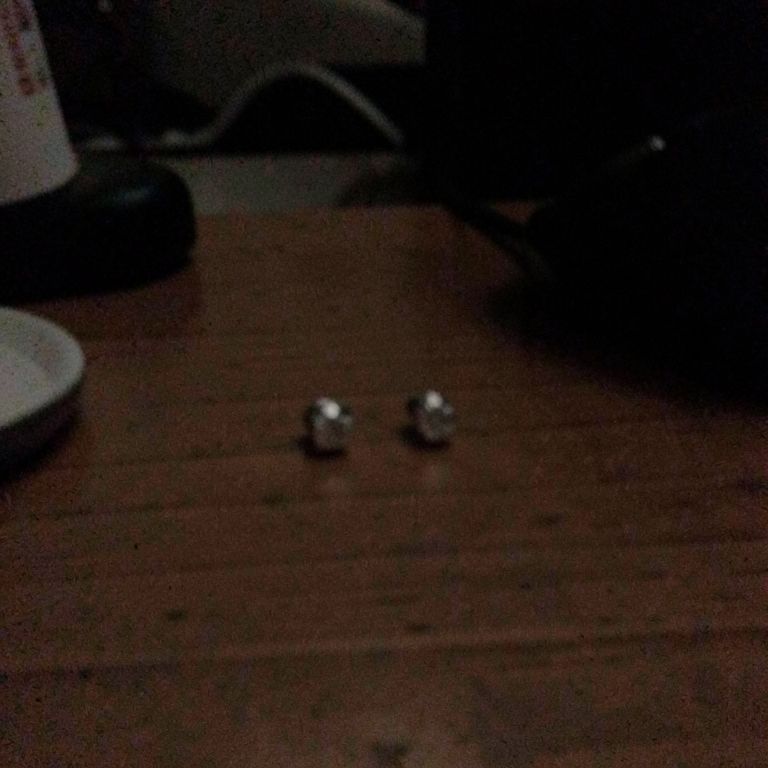
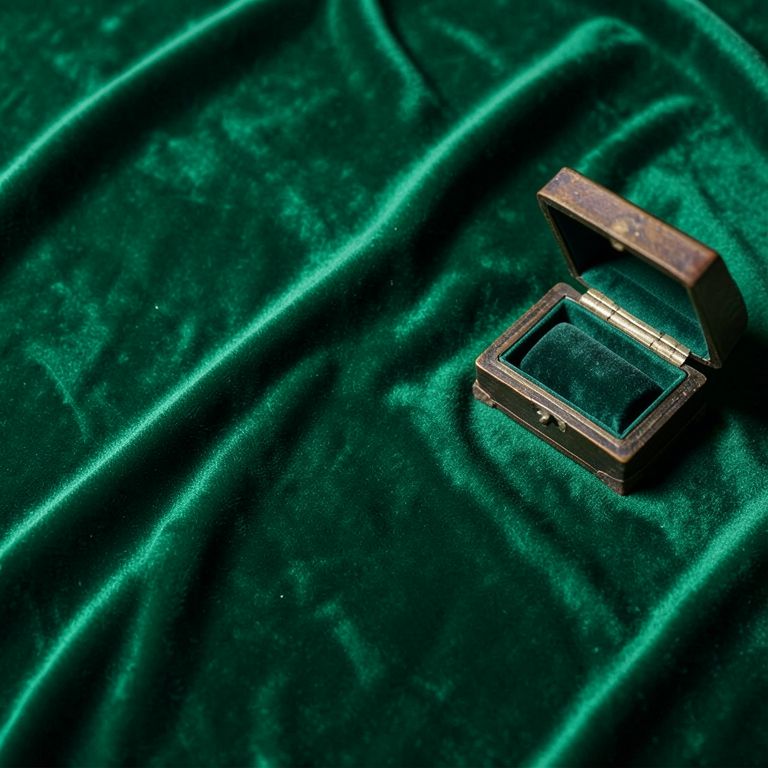
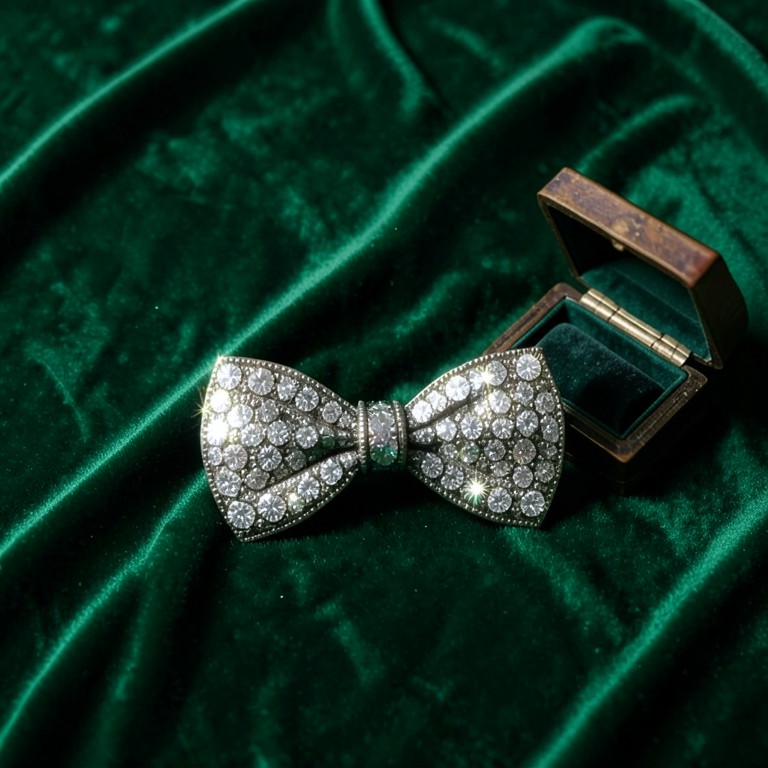
AI Jewelry Photography before — original photoBefore
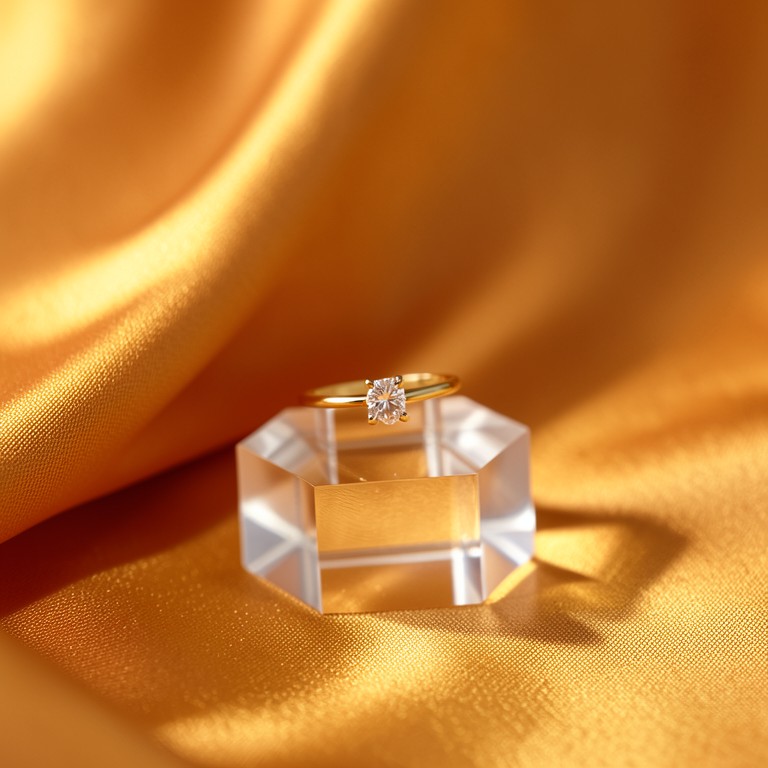
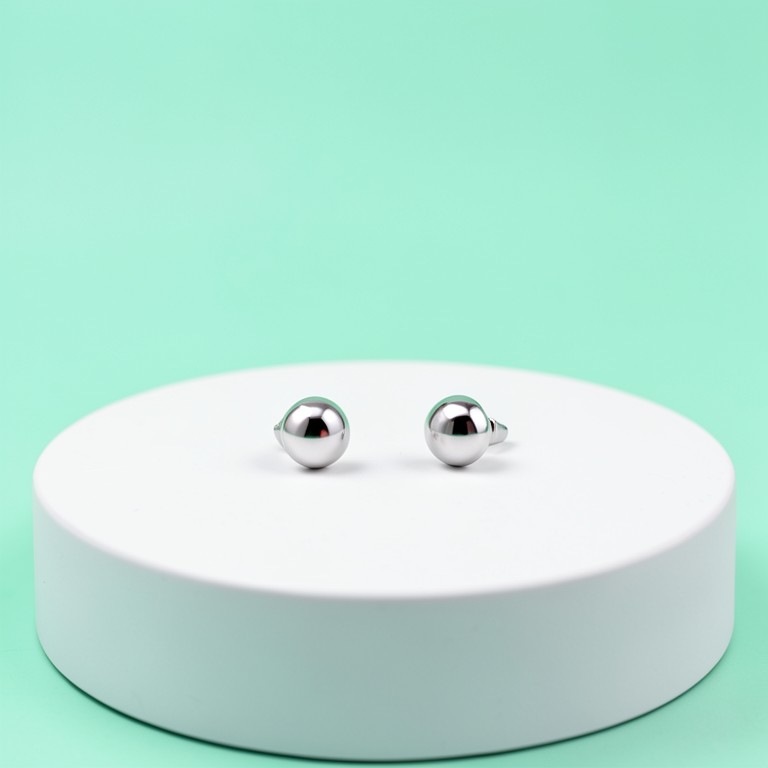
AI Jewelry Photography after — AI-edited photoAfter
AI Jewelry Photography before — original photoBefore
AI Jewelry Photography after — AI-edited photoAfter
AI Jewelry Photography before — original photoBefore
AI Jewelry Photography after — AI-edited photoAfter
AI Jewelry Photography before — original photoBefore
AI Jewelry Photography after — AI-edited photoAfter
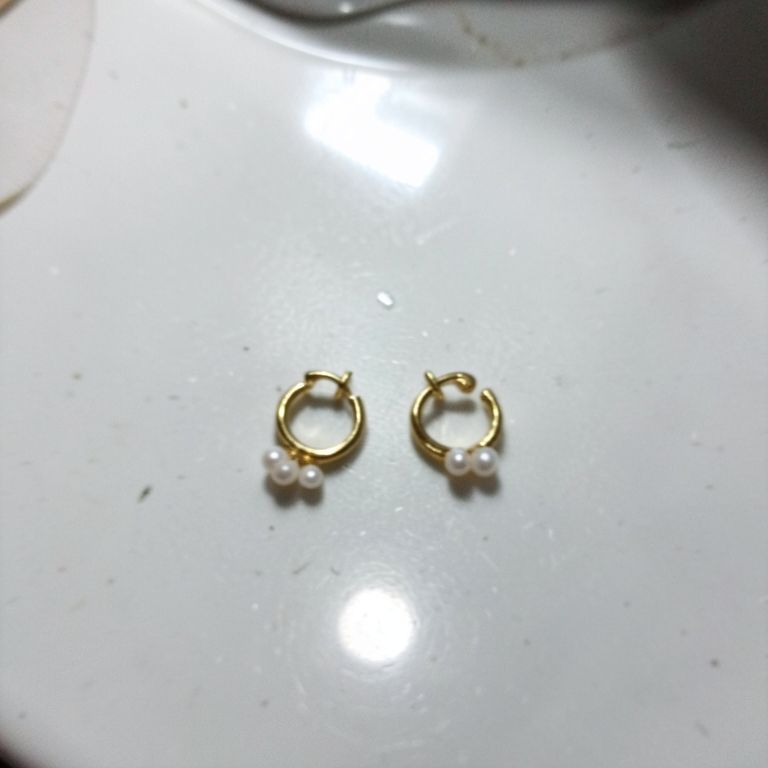
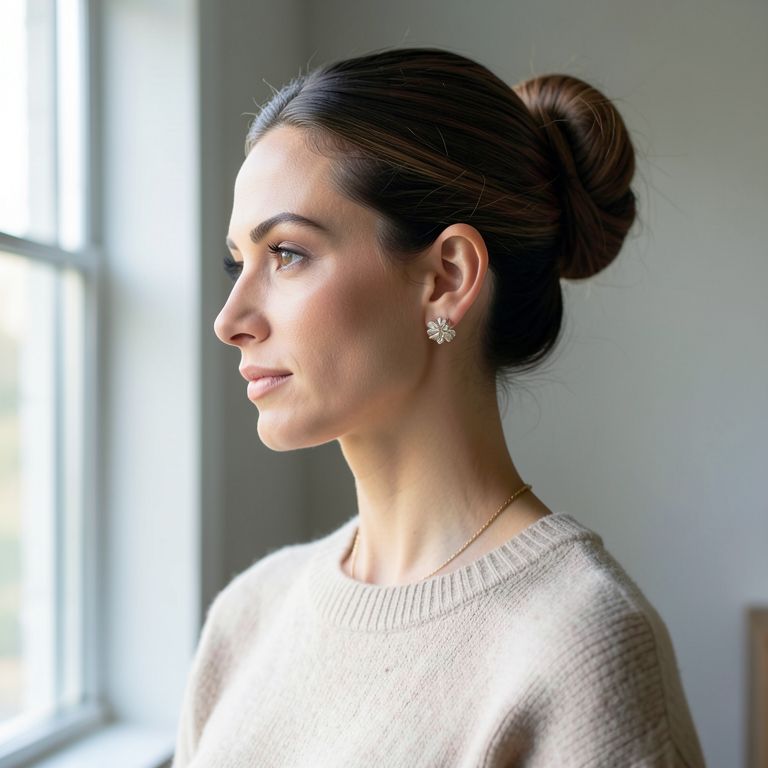
AI Jewelry Photography reference 1 — input photoRef 1
AI Jewelry Photography reference 2 — input photoRef 2
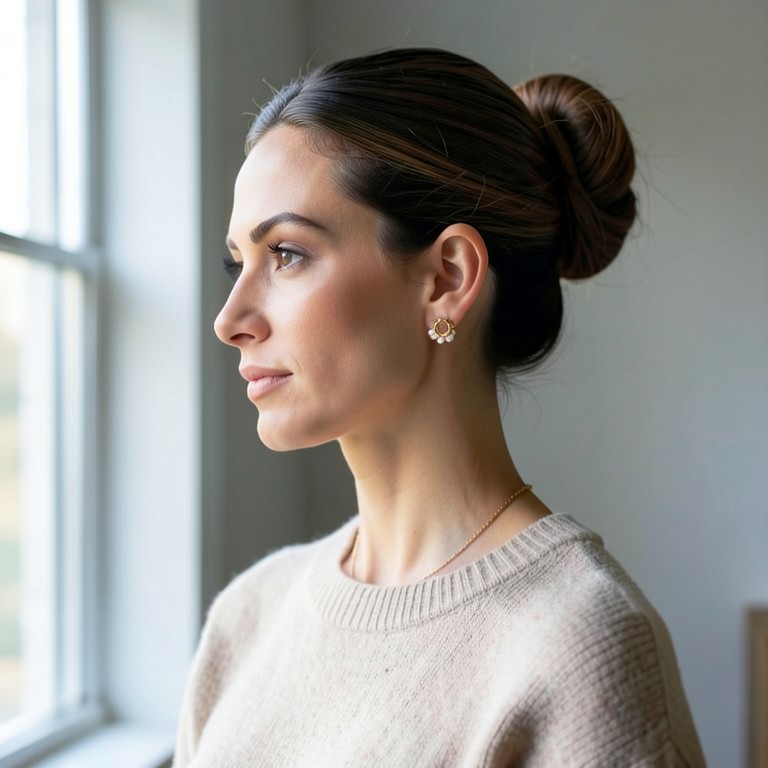
AI Jewelry Photography result — AI-edited photoResult
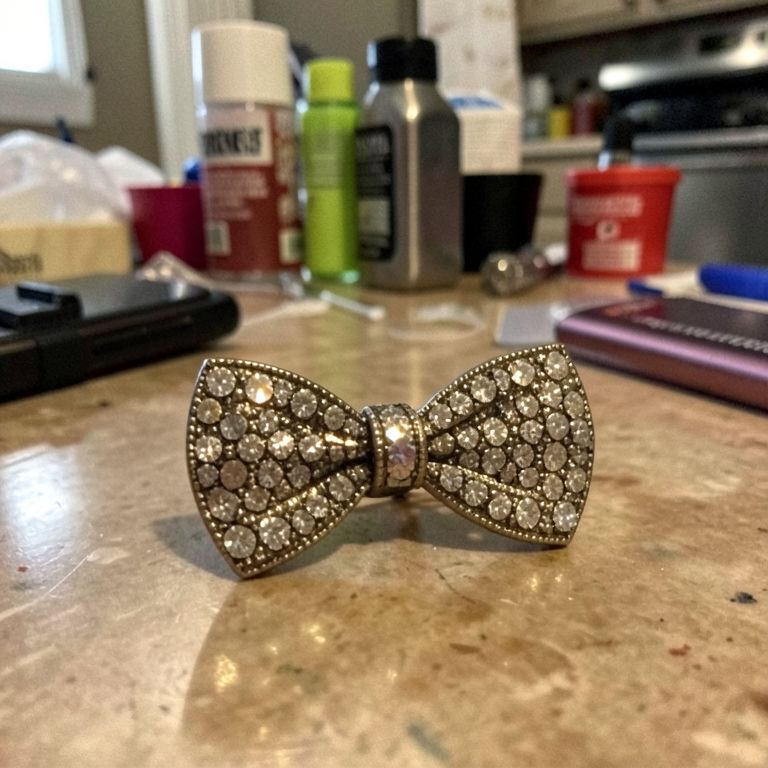
AI Jewelry Photography reference 1 — input photoRef 1
AI Jewelry Photography reference 2 — input photoRef 2
AI Jewelry Photography result — AI-edited photoResult

Try these popular edits:

Clean white background for this ringFix dull lighting on this necklaceMake this gold look accurate, not yellowAdd soft shadow under these earrings

Why use AI Jewelry Photography?

💍
AI Jewelry Photography
Turns kitchen-table phone photos of rings, earrings and necklaces into sharp, catalog-ready jewelry shots with clean backdrops and true metal color.
🔄
Before & After Preview
See exactly how AI Jewelry Photography transforms your photo — compare original and edited side by side.
🆓
Free to Use
AI Jewelry Photography is free with no watermarks and no account required — edit as many photos as you like.
☁️
No Download Needed
Works entirely in your browser — no app or software installation required.

How it works

1
Upload Your Image
Select or drag & drop any photo you want to edit
2
Describe the Change
Tell the AI what to change in plain language
3
Get Instant Results
Download your edited image in seconds

AI Jewelry Photography turns rough phone shots of rings, necklaces, earrings and bracelets into clean, catalog-ready images. It's built for Etsy sellers, Shopify jewelry brands, and small jewelers who need consistent studio-quality photos without hiring a photographer.

Built for Jewelry, Not Generic Products

Most AI photo tools are trained on mugs, shoes, and bottles, so they blur prongs, flatten gemstone facets, or shift metal color. This tool focuses on the details that matter for fine jewelry: sharp stone edges, accurate gold or silver tone, and realistic light reflections. The goal is a shot that still looks like the real piece, just professionally lit.

Tips for the Best Result

Shoot in even, bright light and fill the frame with the piece to give the AI more detail to work with. Avoid heavy shadows or glare across gemstones before uploading, since the AI enhances existing detail rather than inventing it. For stacking rings or layered pieces, a straight-on angle keeps proportions accurate.

Where Sellers Use It

Etsy sellers use it to turn kitchen-table ring photos into white-background listings in minutes. Growing Instagram brands use it to keep hundreds of SKUs visually consistent across drops. Dropshippers use it to upgrade low-res factory photos of fashion jewelry so listings look premium enough to support higher prices.

1–3s
Generation time
100%
Free to use
60+
AI tools available

Frequently asked questions

Ready to try AI Jewelry Photography?

Free, instant, and no signup needed.