Free AI Image Editor — No Signup Required

AI-Powered Product Placement Editor

Edit images to place your product onto a model with AI precision.

Free · Instant · No registration

Real results from Product Placement Editor

Actual unedited outputs — upload your photo and get the same in seconds.

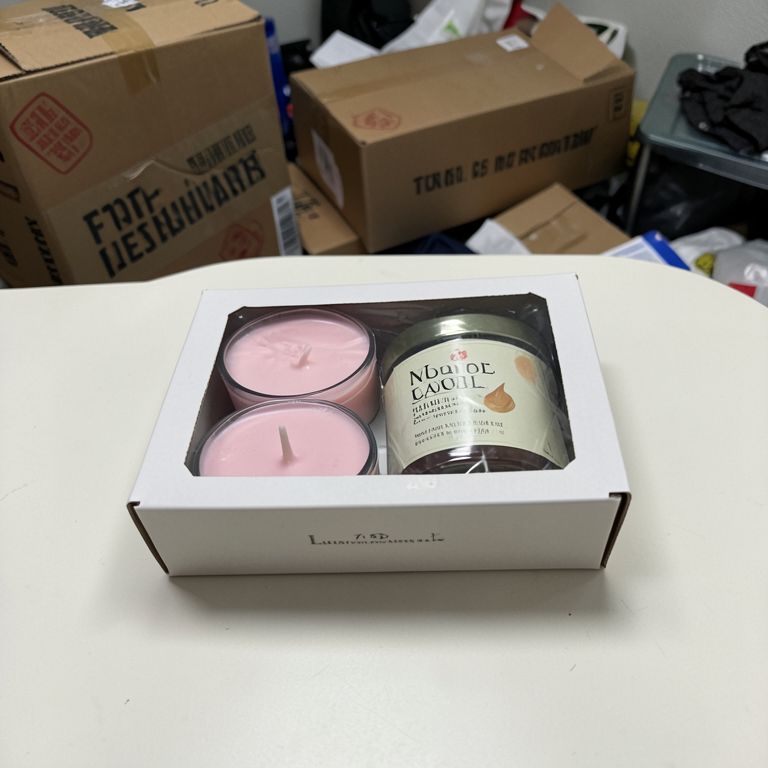
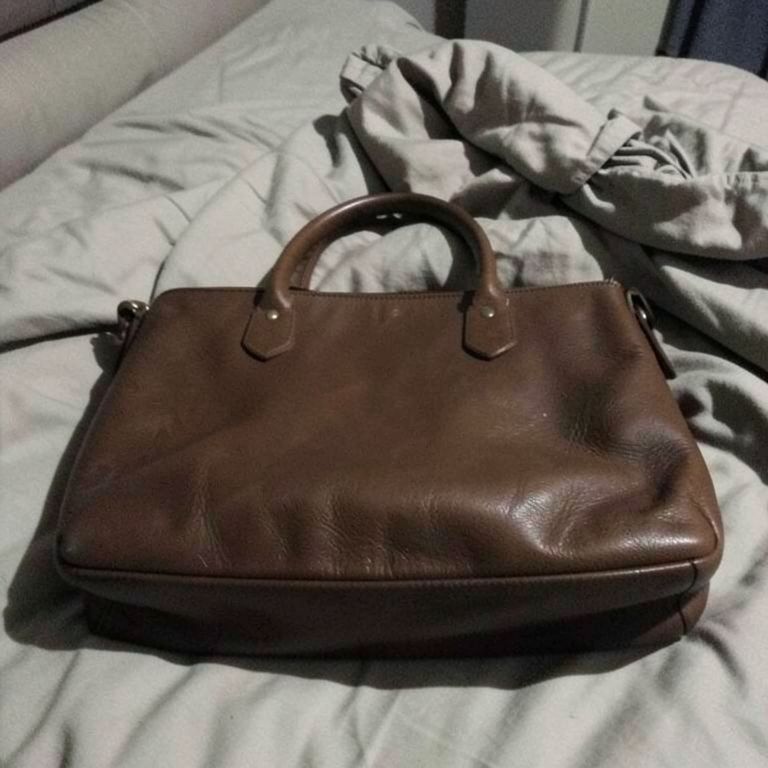
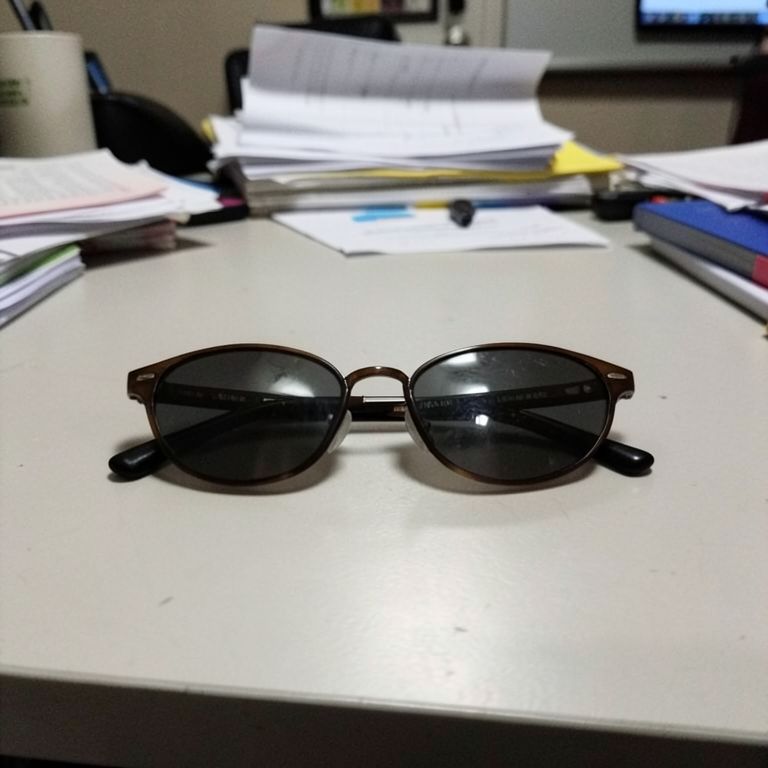
Product Placement Editor before — original photoBefore
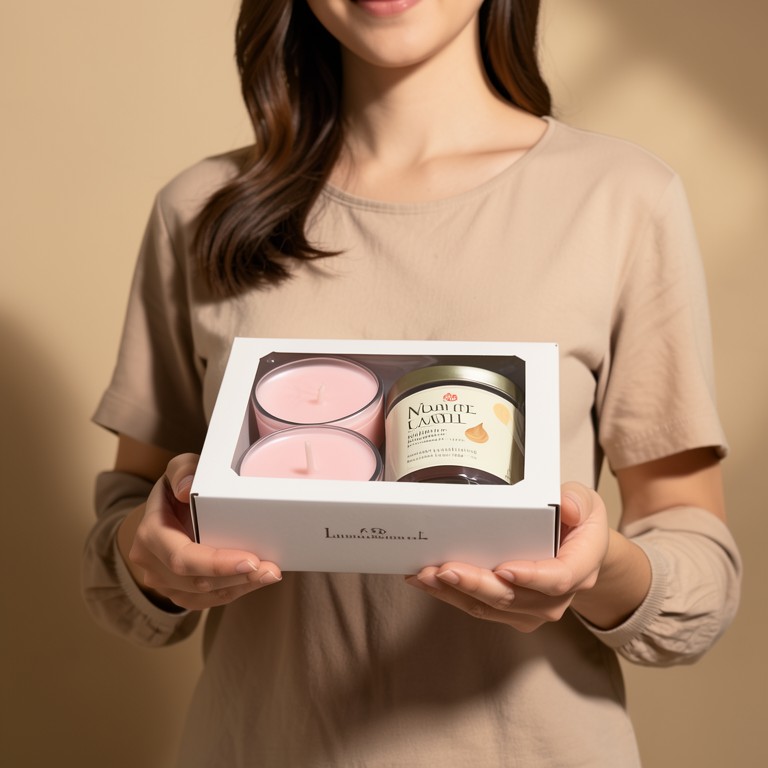
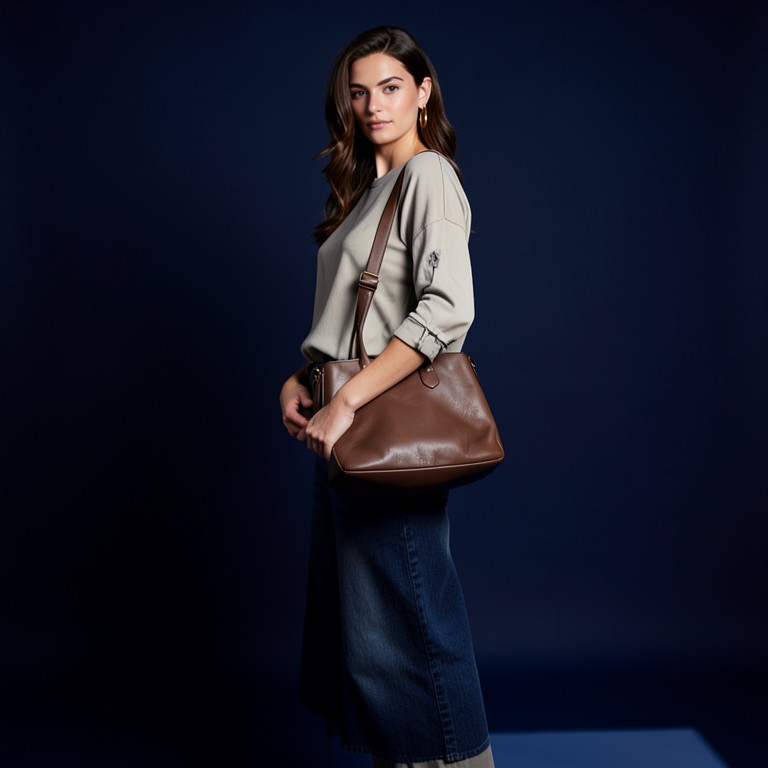
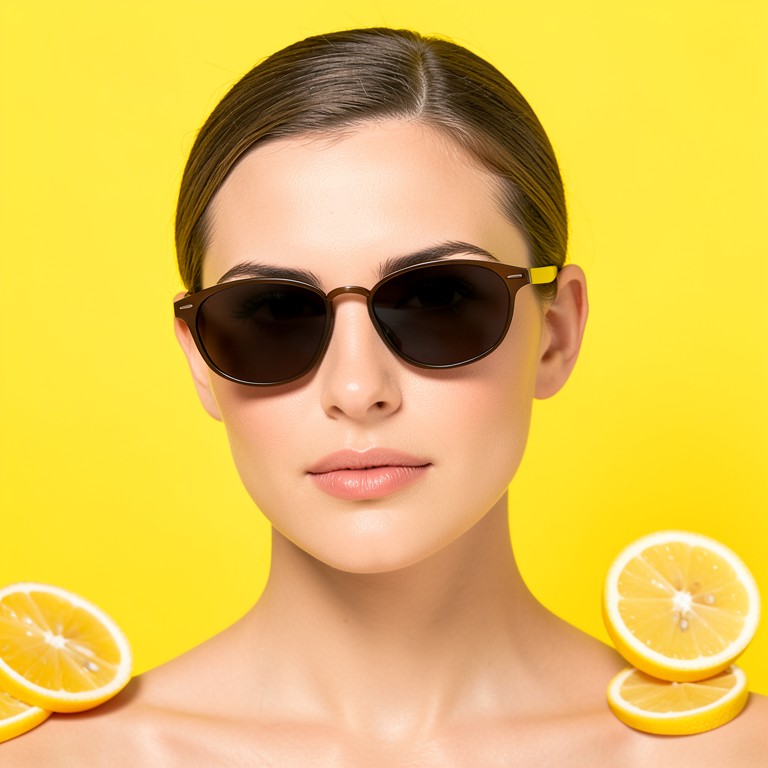
Product Placement Editor after — AI-edited photoAfter
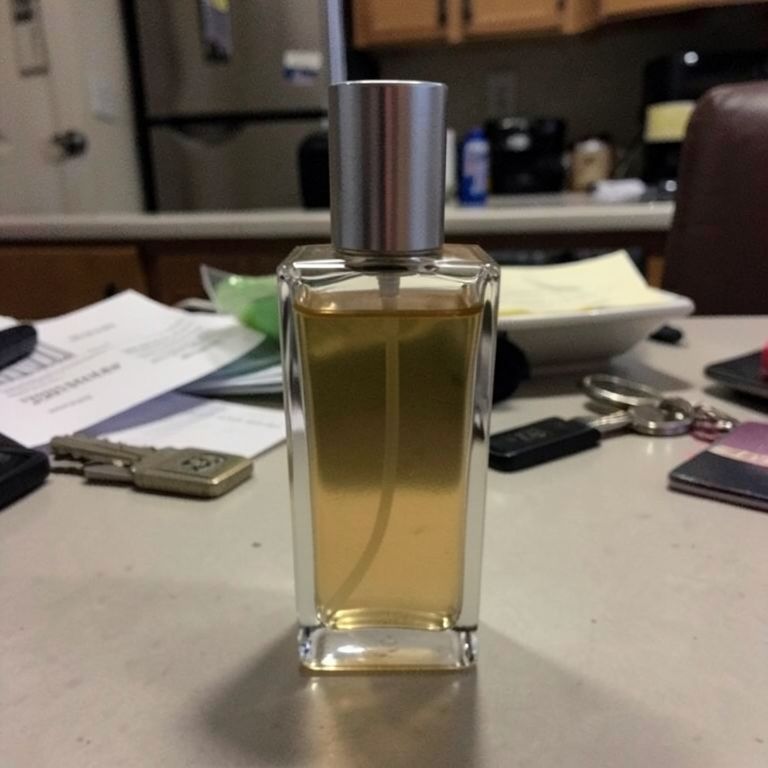
Product Placement Editor before — original photoBefore
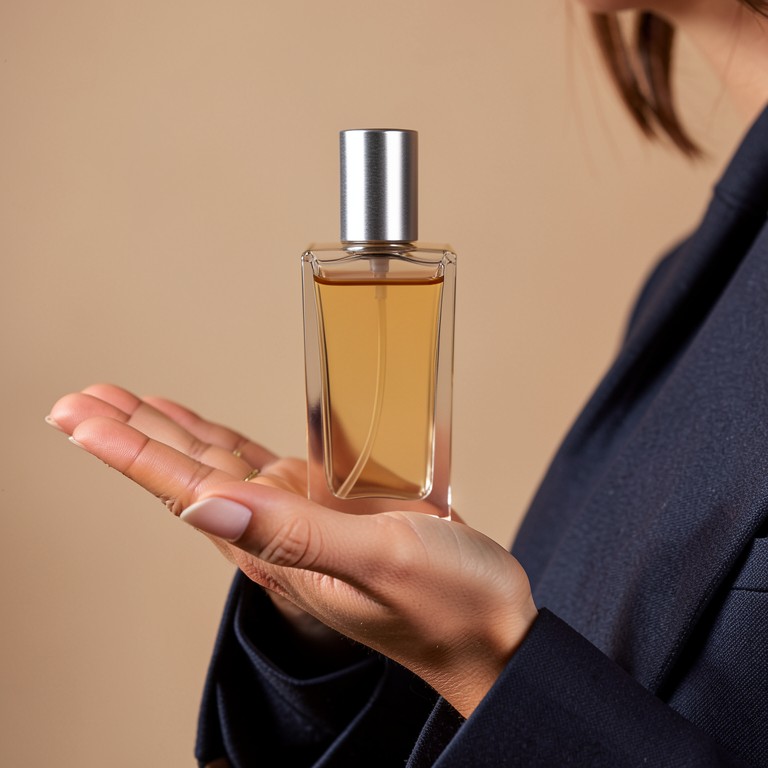
Product Placement Editor after — AI-edited photoAfter
Product Placement Editor before — original photoBefore
Product Placement Editor after — AI-edited photoAfter
Product Placement Editor before — original photoBefore
Product Placement Editor after — AI-edited photoAfter

Try these popular edits:

Place a phone on a model's handPut a watch on a model's wristAdd a laptop to a model's lapAttach a bag to a model's back

Why use Product Placement Editor?

🖼️
Product Placement Editor
Edit images to place your product onto a model with AI precision.
🔄
Before & After Preview
See exactly how Product Placement Editor transforms your photo — compare original and edited side by side.
🆓
Free to Use
Product Placement Editor is free with no watermarks and no account required — edit as many photos as you like.
☁️
No Download Needed
Works entirely in your browser — no app or software installation required.

How it works

1
Upload Your Image
Select or drag & drop any photo you want to edit
2
Describe the Change
Tell the AI what to change in plain language
3
Get Instant Results
Download your edited image in seconds

Transform your product photography by seamlessly placing items onto model images. Our AI tool delivers realistic, high‑quality results in seconds, saving you time and money on manual editing.

How It Works

Upload a photo of your product and a model. The AI detects the model’s body and calculates the optimal placement, adjusting lighting, shadows, and perspective for a natural look.

Benefits

Reduce production costs, speed up marketing campaigns, and create stunning visuals for e‑commerce, social media, and advertising—all without hiring a professional retoucher.

Getting Started

1. Upload both images. 2. Select the placement area. 3. Fine‑tune size and orientation. 4. Download the final composite.

1–3s
Generation time
100%
Free to use
60+
AI tools available

Frequently asked questions

Ready to try Product Placement Editor?

Free, instant, and no signup needed.