Free AI Image Editor — No Signup Required

Product Illumination Adjuster – Free AI Tool for Product Photos

Adjust lighting and contrast for product images, for e-commerce sellers and photographers.

Free · Instant · No registration

Real results from Product Illumination Adjuster

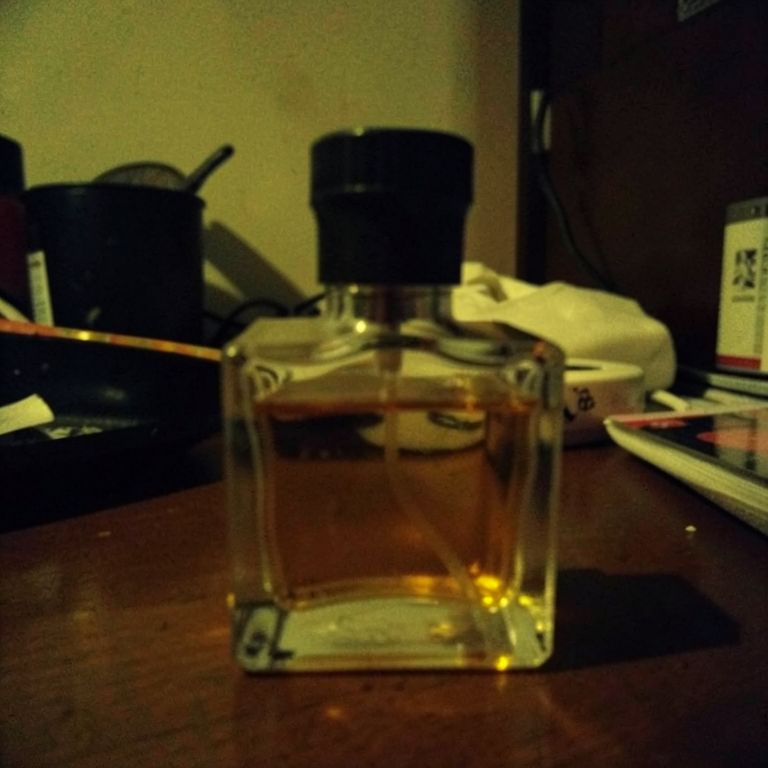
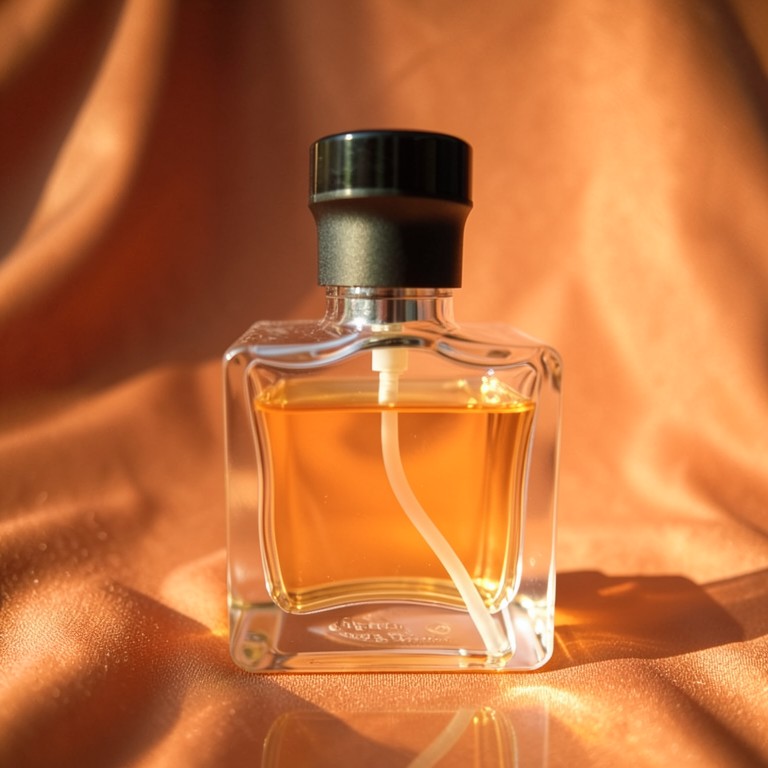
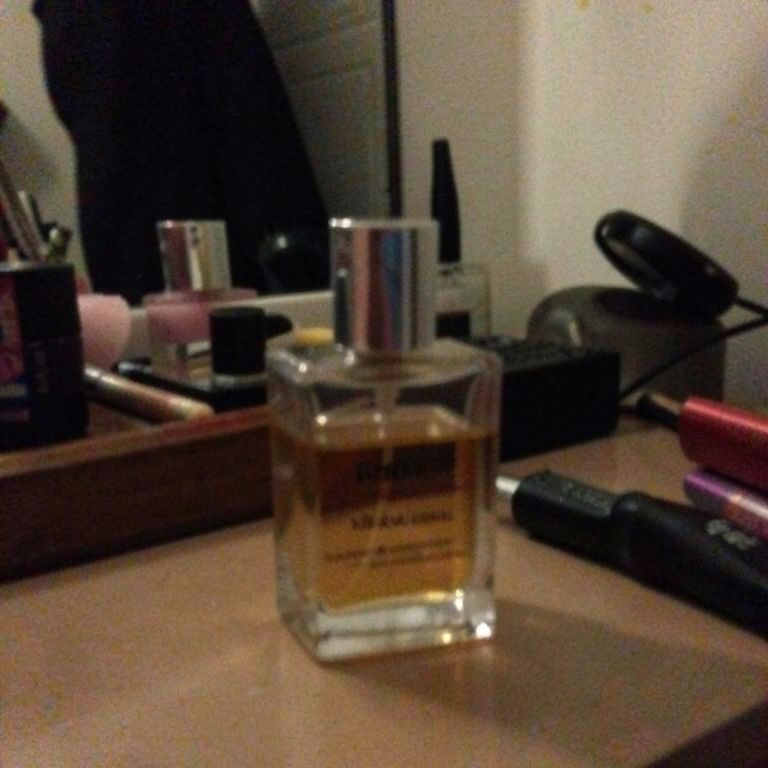
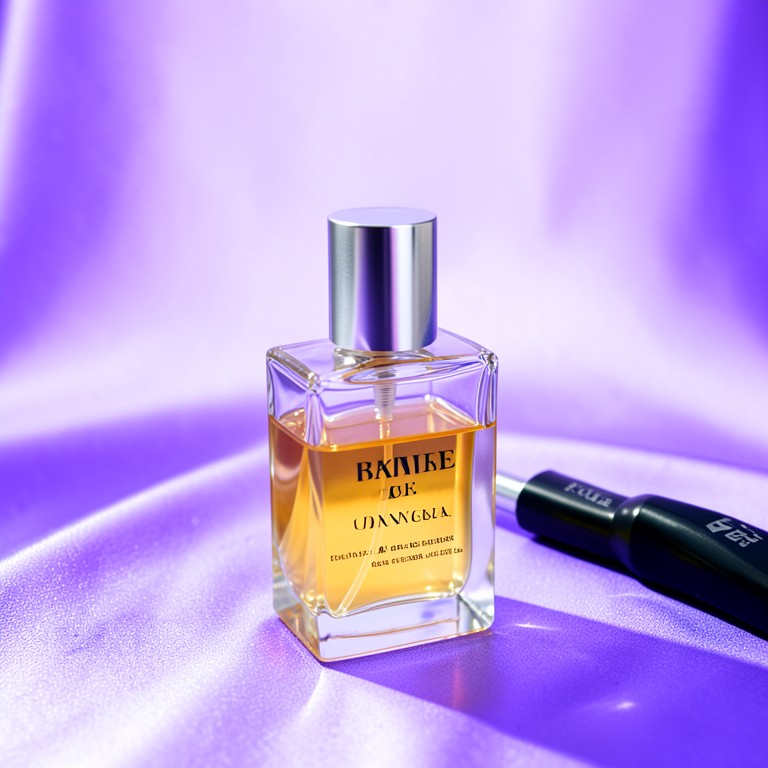
Actual unedited outputs — upload your photo and get the same in seconds.

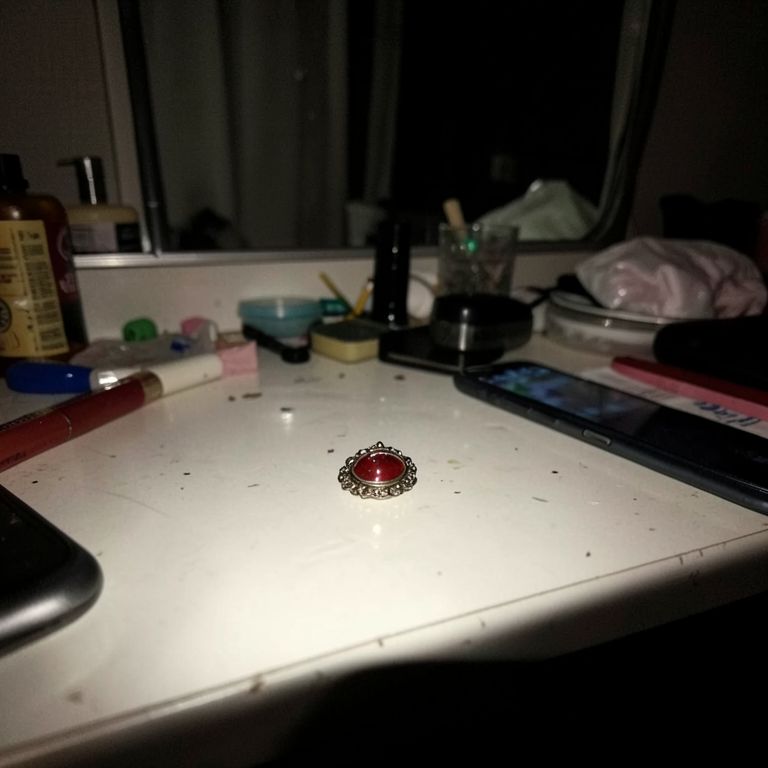
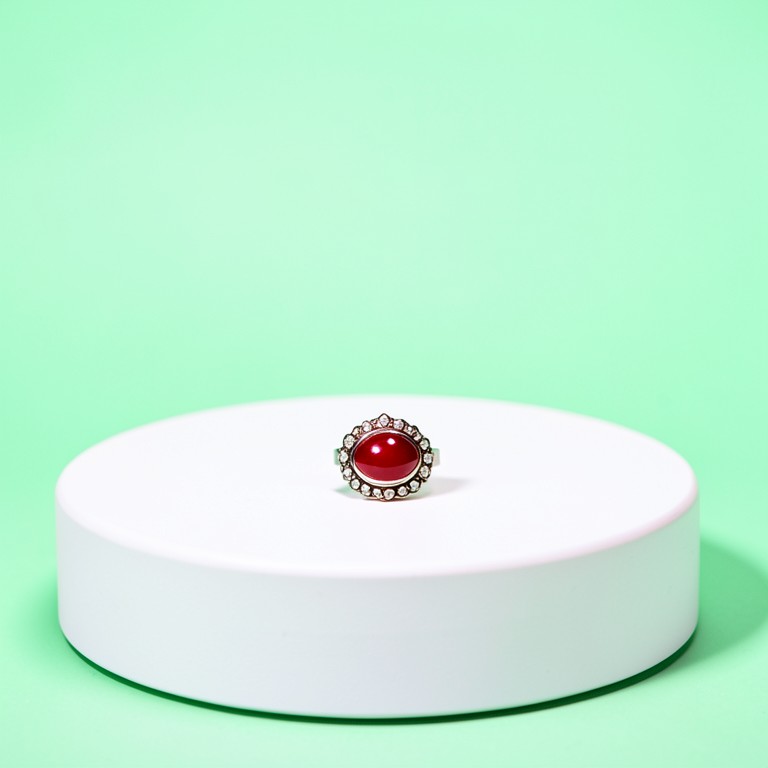
Product Illumination Adjuster before — original photoBefore
Product Illumination Adjuster after — AI-edited photoAfter
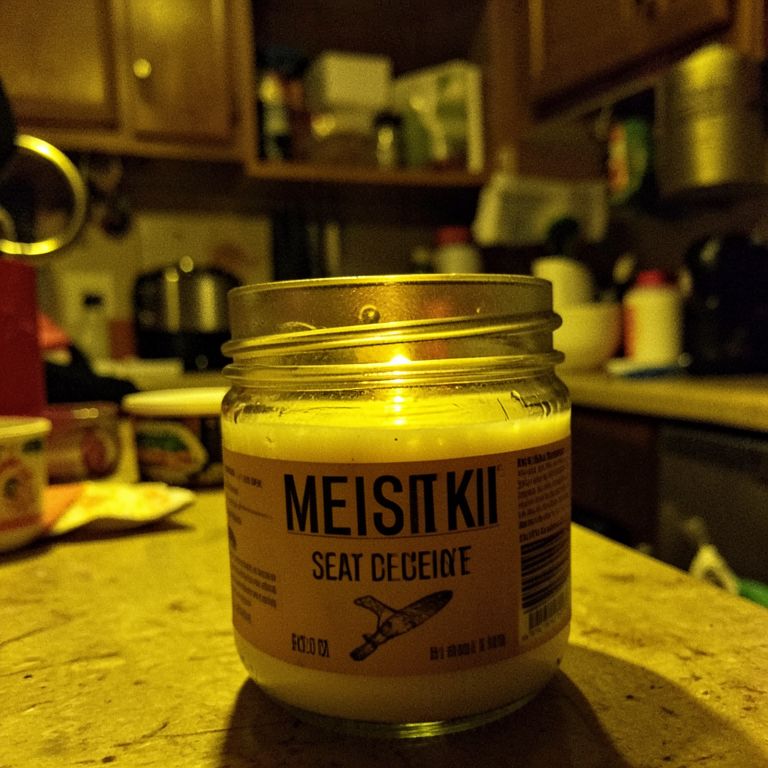
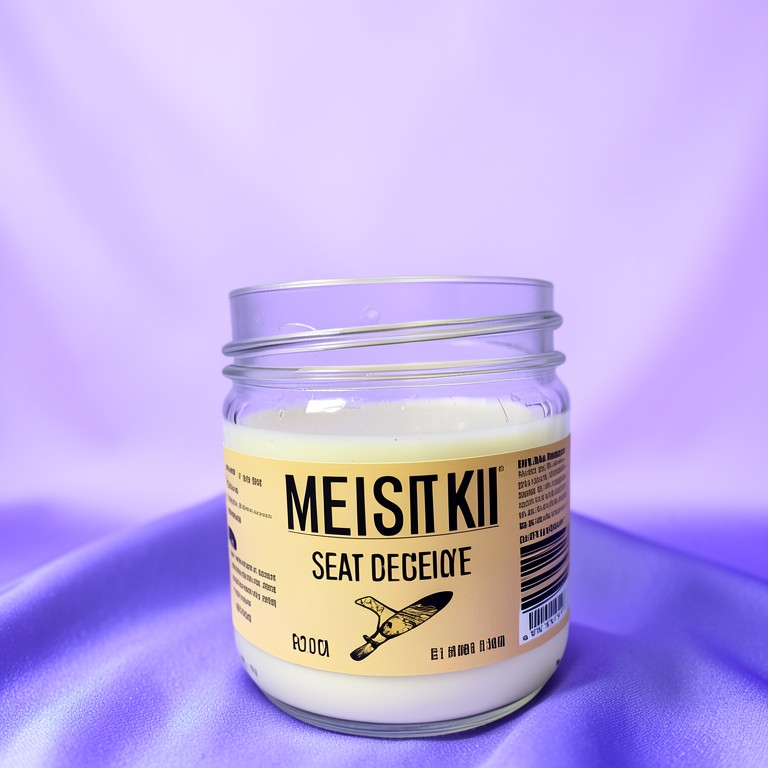
Product Illumination Adjuster before — original photoBefore
Product Illumination Adjuster after — AI-edited photoAfter
Product Illumination Adjuster before — original photoBefore
Product Illumination Adjuster after — AI-edited photoAfter
Product Illumination Adjuster before — original photoBefore
Product Illumination Adjuster after — AI-edited photoAfter

Try these popular edits:

Brighten my product photoImprove contrast on my camera bag imageAdjust lighting for a smartphone photoEnhance shadows on a jewelry picture

Why use Product Illumination Adjuster?

💡
Product Illumination Adjuster
Adjust lighting and contrast for product images, for e-commerce sellers and photographers.
🔄
Before & After Preview
See exactly how Product Illumination Adjuster transforms your photo — compare original and edited side by side.
🆓
Free to Use
Product Illumination Adjuster is free with no watermarks and no account required — edit as many photos as you like.
☁️
No Download Needed
Works entirely in your browser — no app or software installation required.

How it works

1
Upload Your Image
Select or drag & drop any photo you want to edit
2
Describe the Change
Tell the AI what to change in plain language
3
Get Instant Results
Download your edited image in seconds

The Product Illumination Adjuster automatically refines lighting and contrast in product images. It’s ideal for online sellers, photographers, and anyone needing crisp, gallery‑ready photos without manual editing. Just upload and download the improved image—no sign‑up required.

How It Works

Upload your photo; the AI analyzes exposure, highlights, and shadows. It then adjusts brightness, balances light, and sharpens contrast to emphasize product details. The result is a cleaner, more vibrant image ready for your store or portfolio.

Tips for Best Results

Use high‑resolution images for maximum detail. Keep backgrounds simple to let the AI focus on the product. Avoid extreme over‑exposure or under‑exposure before uploading for smoother adjustments.

Use Cases

E‑commerce listings, social media posts, catalog photos, and marketing materials. Photographers can quickly polish shots without complex software. Designers can integrate polished product images into branding assets.

1–3s
Generation time
100%
Free to use
60+
AI tools available

Frequently asked questions

Ready to try Product Illumination Adjuster?

Free, instant, and no signup needed.