
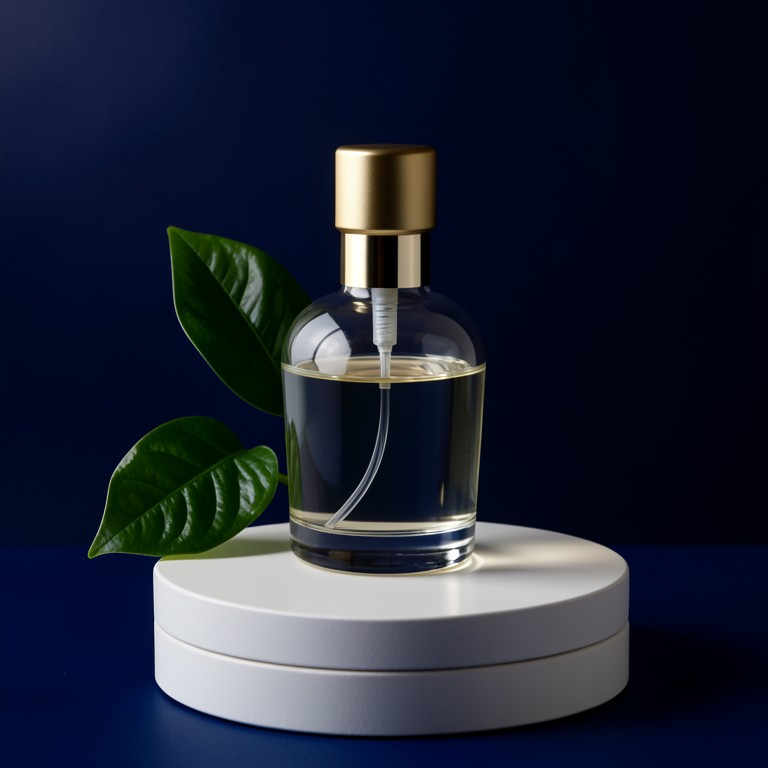
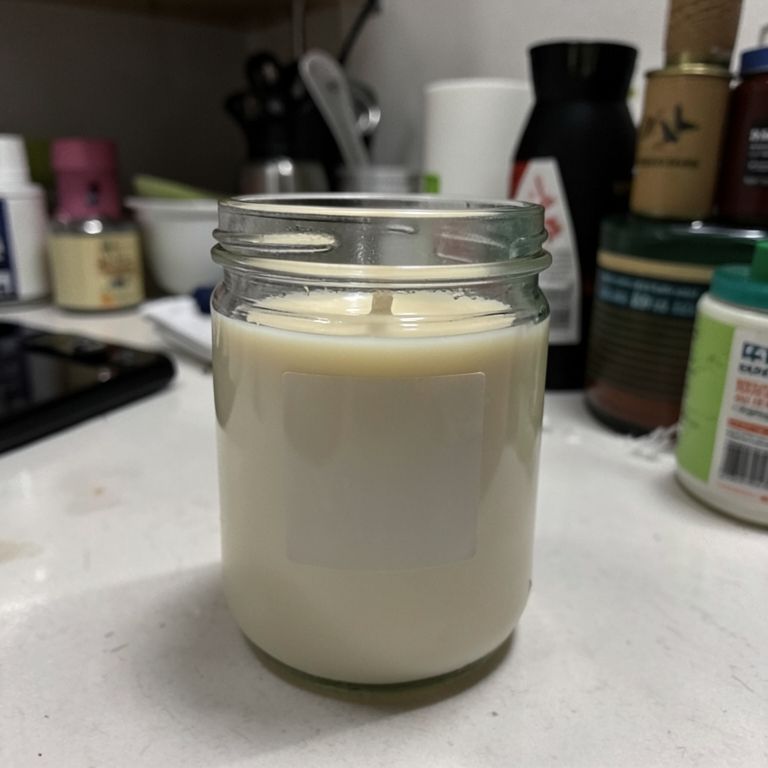
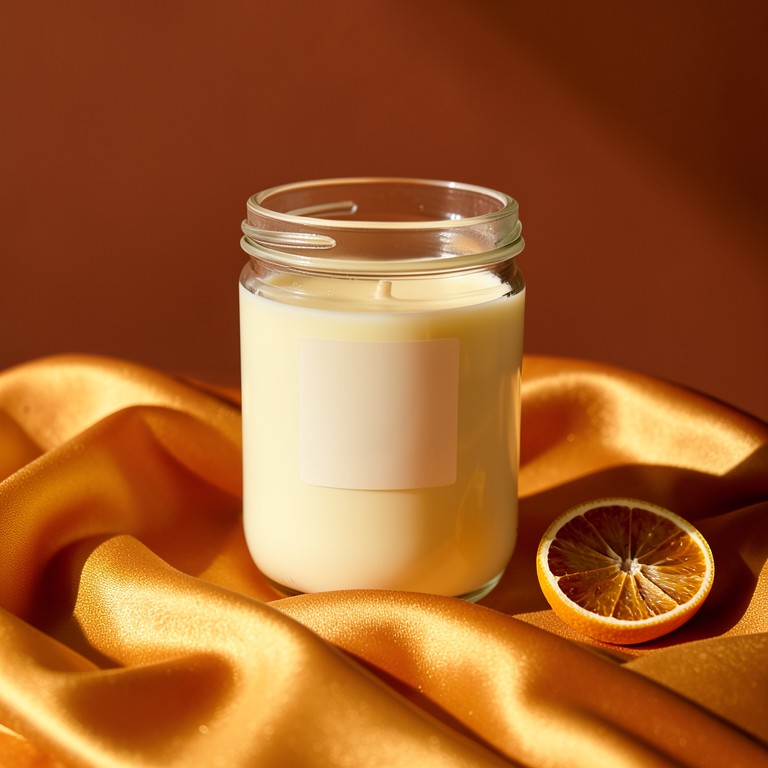
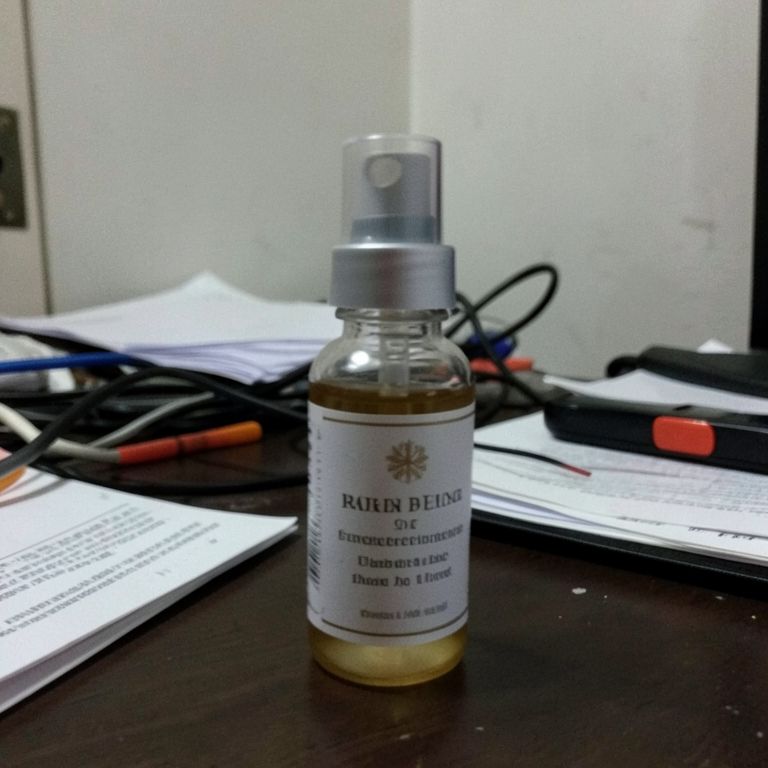
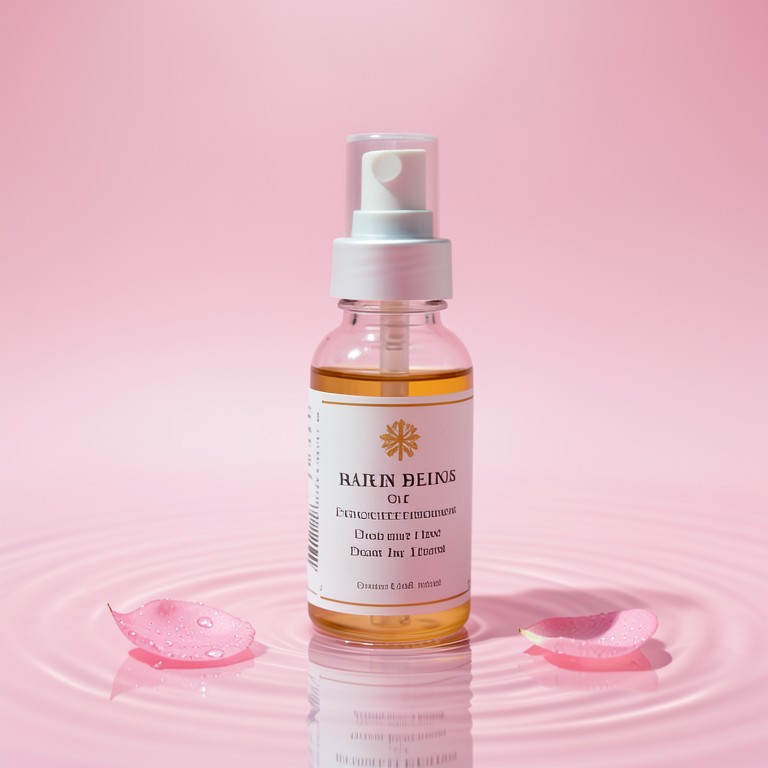
Transform raw product snapshots into studio-quality e-commerce images using an AI product photo editor built for sellers, brands, and photographers. Remove cluttered backgrounds, add clean white backdrops, and polish every detail in seconds — no design experience or expensive equipment required.
What is AI Product Photography Editor?
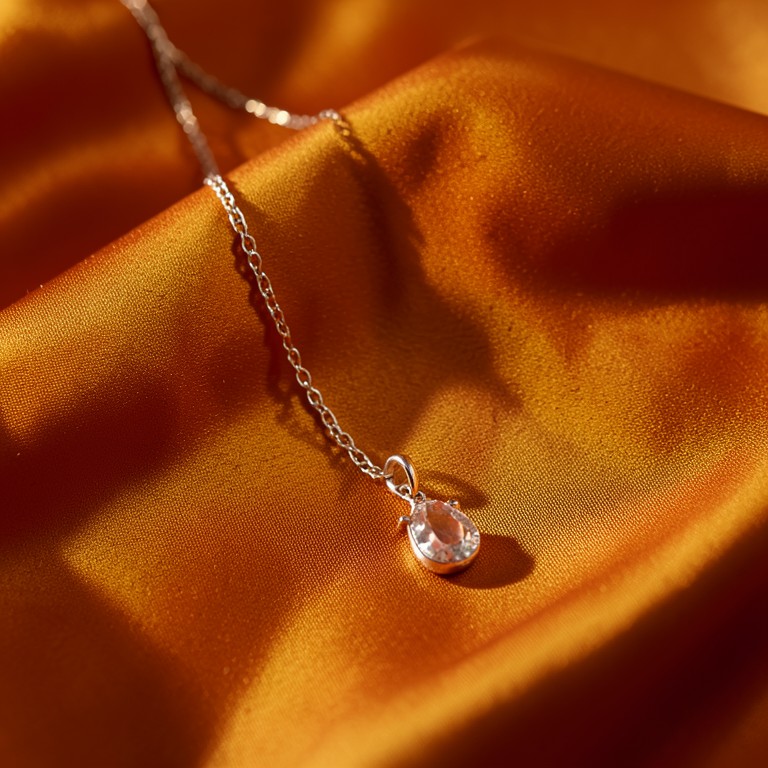
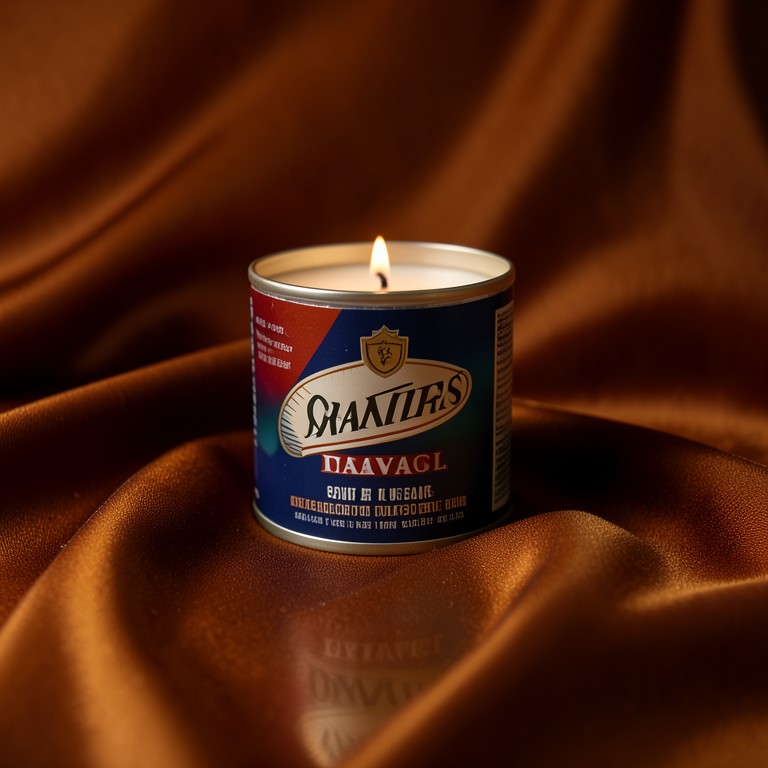
AI Product Photography Editor is an AI-powered tool that turns ordinary product photos into polished, professional e-commerce images ready for Amazon, Shopify, Etsy, or any online storefront. The tool uses computer vision to detect product edges with precision, strip away distracting backgrounds, and replace them with clean white backgrounds or custom scenes. It also enhances lighting, sharpens details, and balances color so your product looks its absolute best without a photo studio or editing software.
Who should use AI Product Photography Editor?
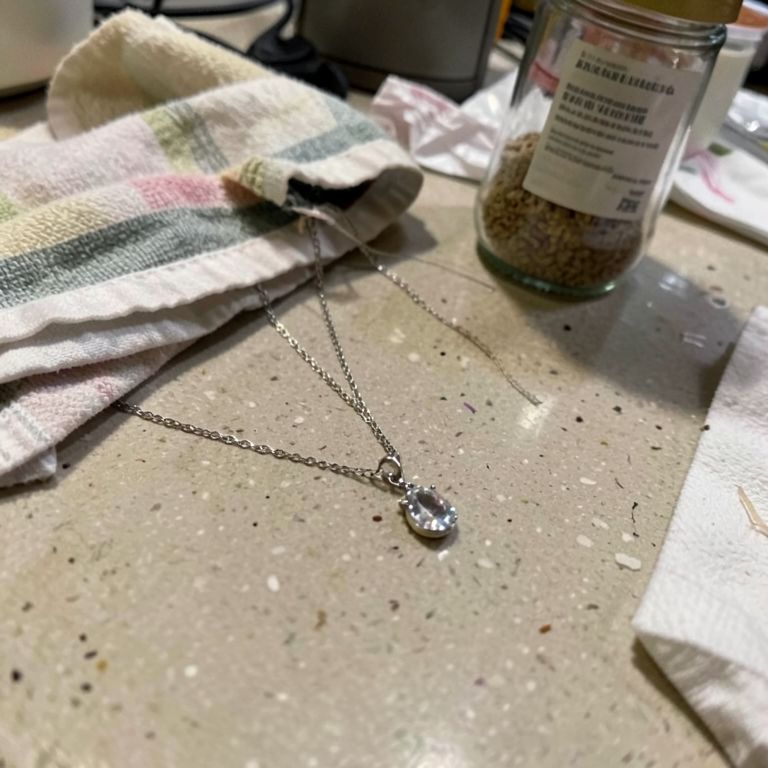
Online sellers who photograph products on a kitchen counter or bathroom floor will see an immediate difference using this AI product photo editor. E-commerce entrepreneurs launching new SKUs, Etsy creators selling handmade goods, Amazon FBA resellers managing hundreds of listings, and small brand owners who cannot afford professional product photography sessions are the core audience. Dropshippers needing consistent white background product photos at scale and social media managers creating clean product imagery for Instagram ads will also find this tool indispensable for cutting production time and cost.
How to get the best results
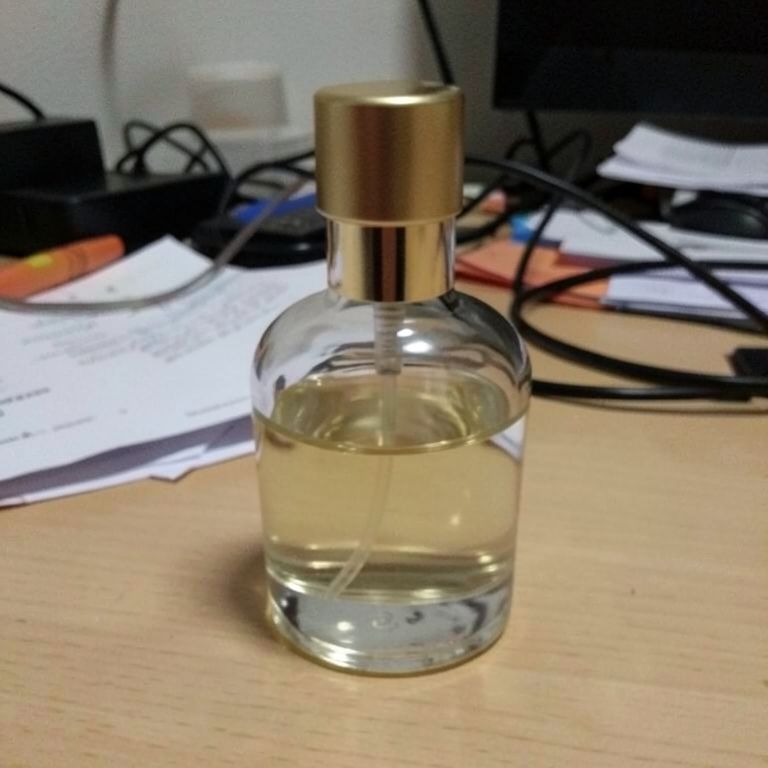
For the sharpest e-commerce product photography AI output, photograph your product against a high-contrast surface — a dark item on a light table or a light item on a dark cloth gives the AI cleaner edges to work with. Use natural daylight or diffused lighting to minimize harsh shadows before uploading, since the tool enhances existing light rather than inventing it. Shoot at the highest resolution your phone or camera allows, keep the product centered in the frame, and avoid glass or highly reflective surfaces for your first few attempts until you are comfortable with the product background remover settings.