Free AI Image Editor — No Signup Required

Free Product Color Changer for Listing Photos

Change the color of any product, dress, or clothing item in a photo instantly, without a reshoot or new inventory photos.

Free · Instant · No registration

Real results from Product Color Changer

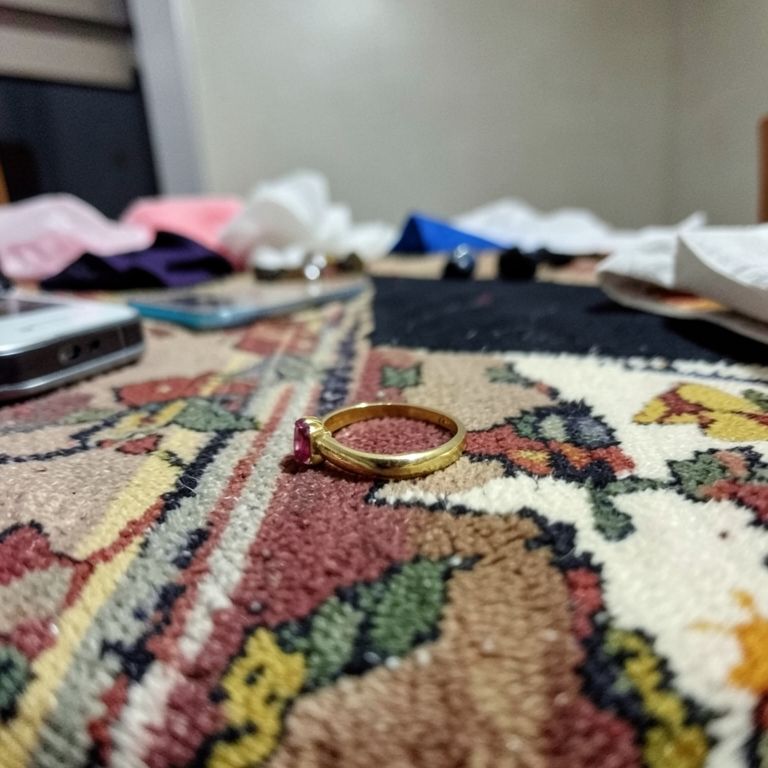
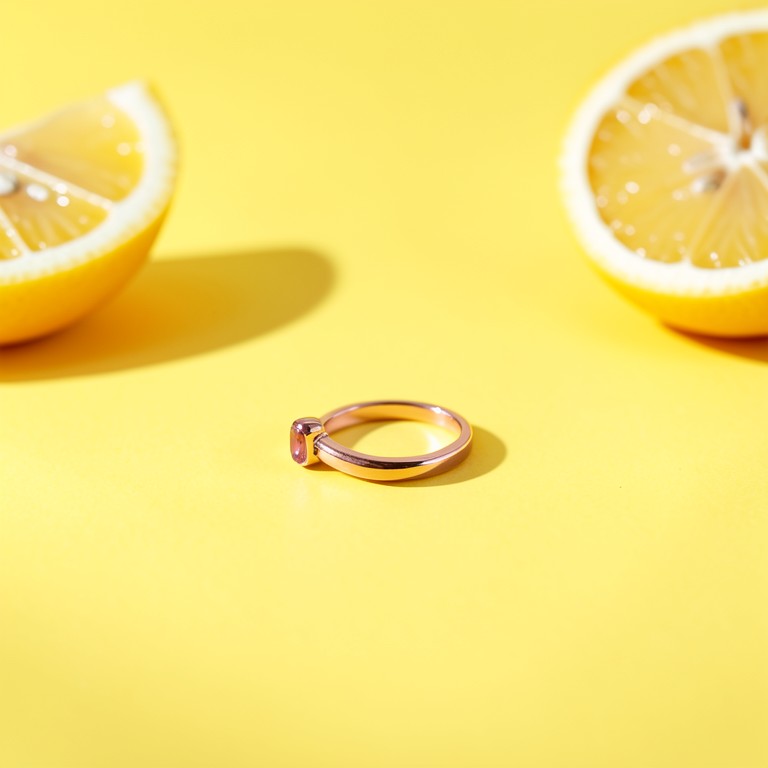
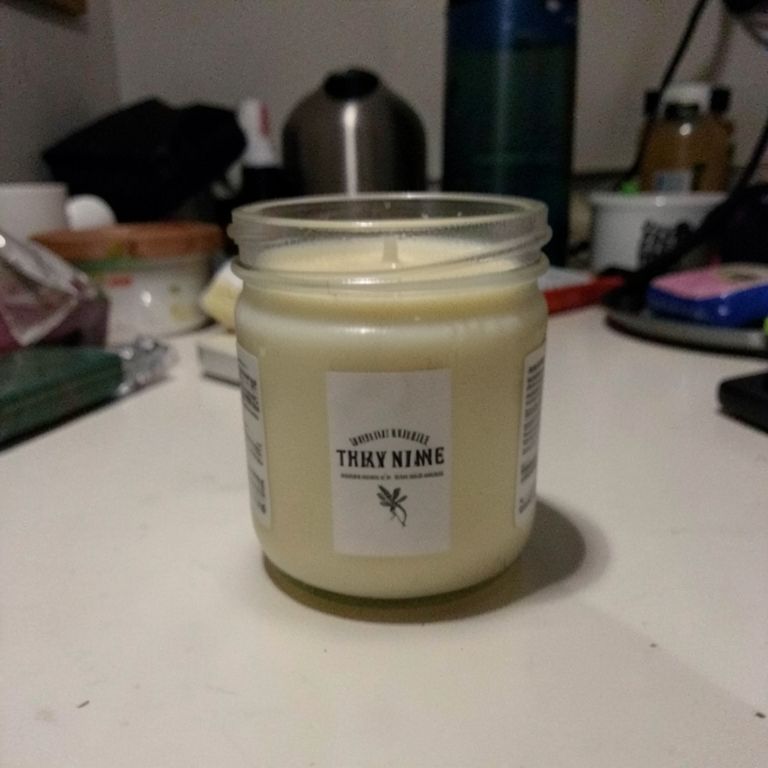
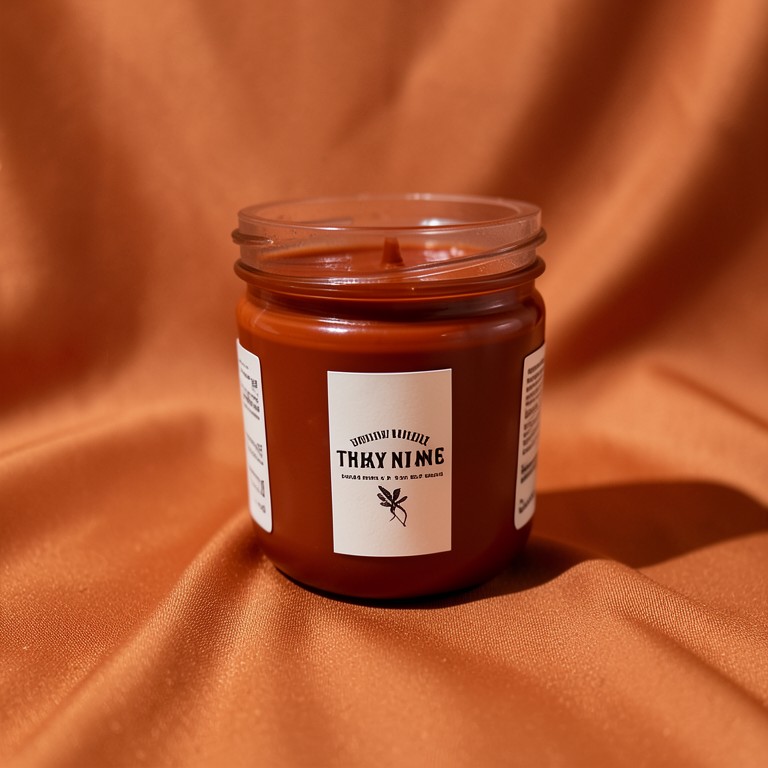
Actual unedited outputs — upload your photo and get the same in seconds.

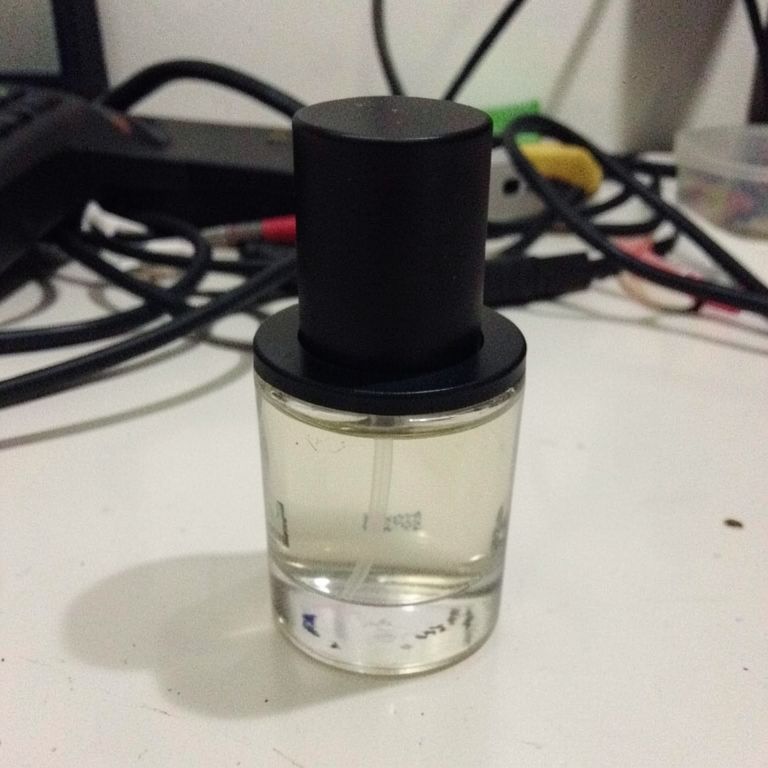
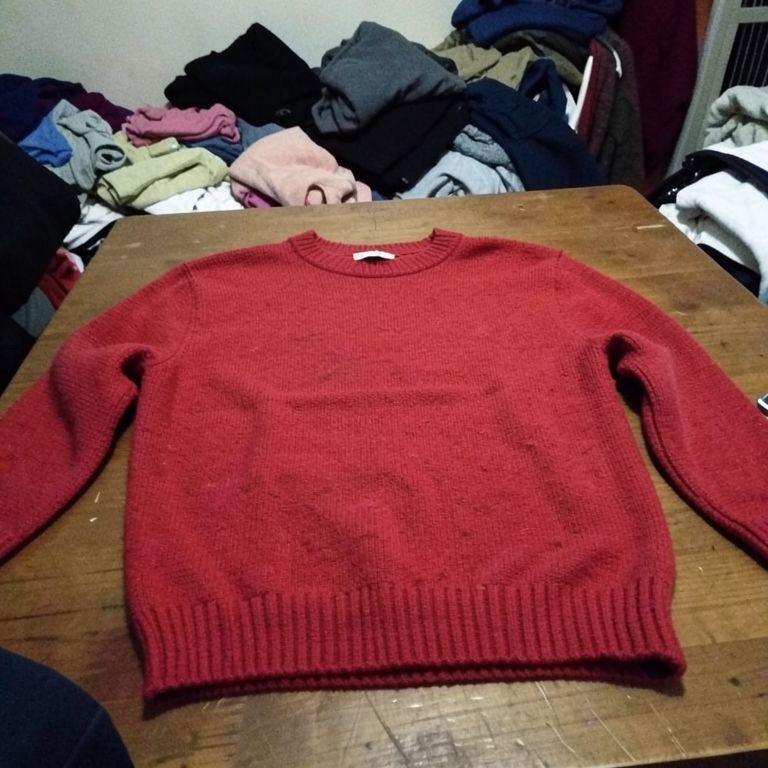
Product Color Changer before — original photoBefore
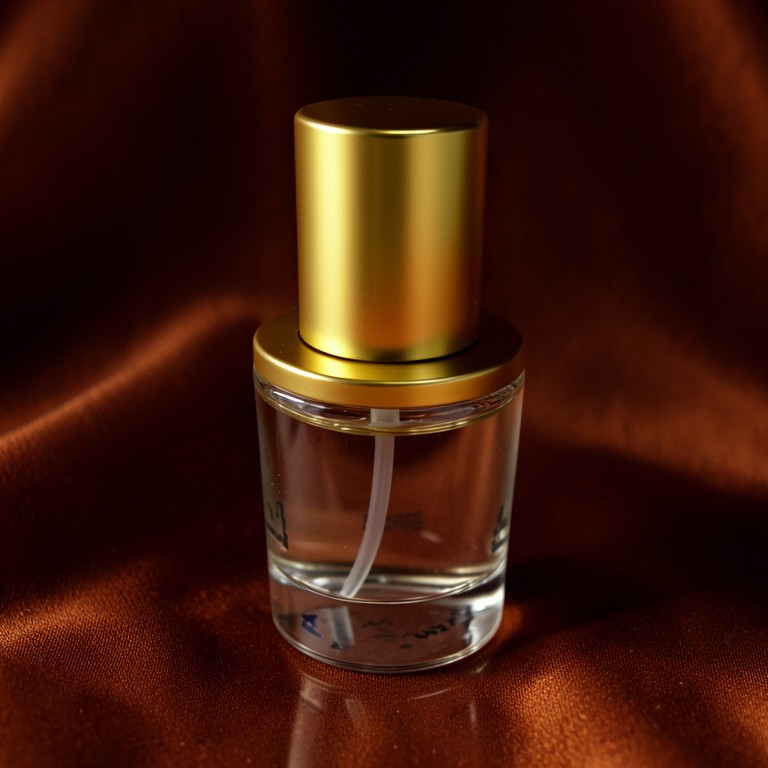
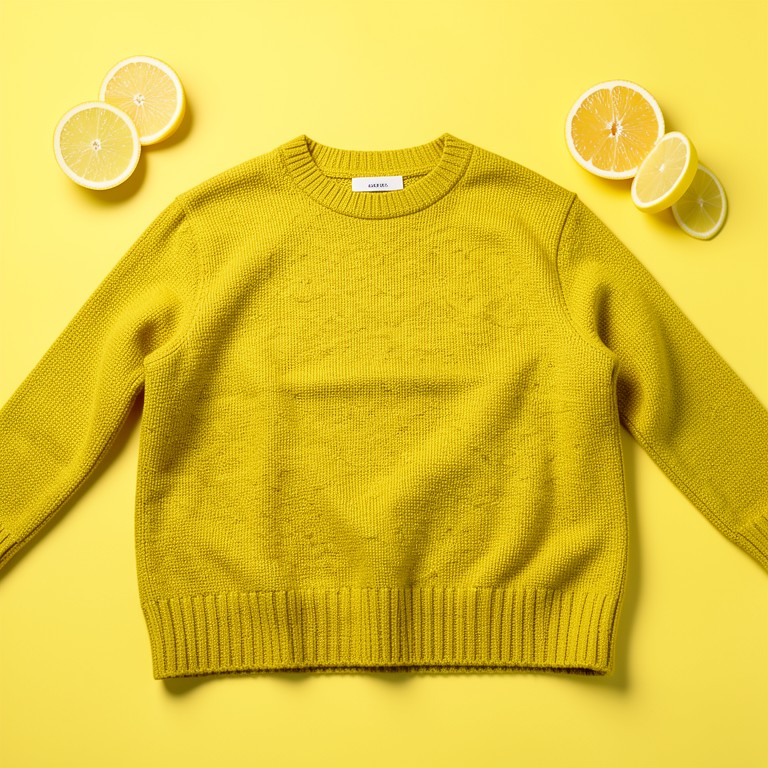
Product Color Changer after — AI-edited photoAfter
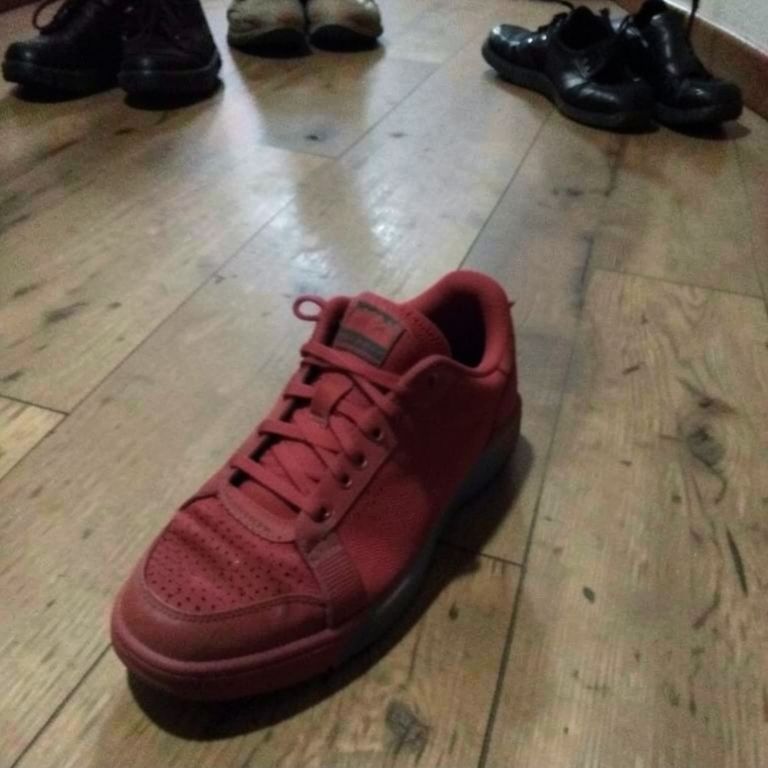
Product Color Changer before — original photoBefore
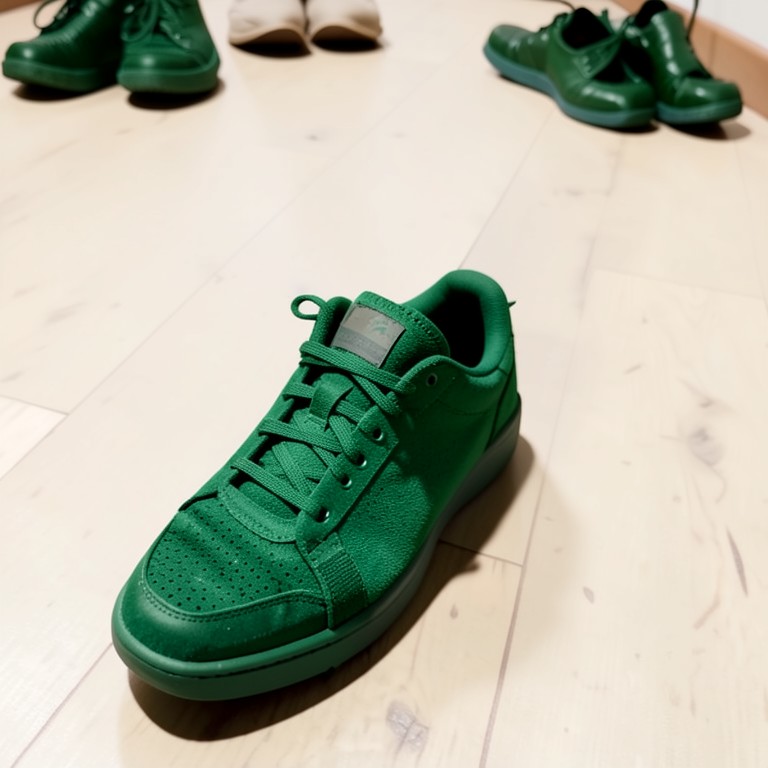
Product Color Changer after — AI-edited photoAfter
Product Color Changer before — original photoBefore
Product Color Changer after — AI-edited photoAfter
Product Color Changer before — original photoBefore
Product Color Changer after — AI-edited photoAfter
Product Color Changer before — original photoBefore
Product Color Changer after — AI-edited photoAfter

Try these popular edits:

Change this candle jar to sage greenMake this phone case matte blackTurn this dress from red to navy blueShow this mug in terracotta orange

Why use Product Color Changer?

🎨
Product Color Changer
Change the color of any product, dress, or clothing item in a photo instantly, without a reshoot or new inventory photos.
🔄
Before & After Preview
See exactly how Product Color Changer transforms your photo — compare original and edited side by side.
🆓
Free to Use
Product Color Changer is free with no watermarks and no account required — edit as many photos as you like.
☁️
No Download Needed
Works entirely in your browser — no app or software installation required.

How it works

1
Upload Your Image
Select or drag & drop any photo you want to edit
2
Describe the Change
Tell the AI what to change in plain language
3
Get Instant Results
Download your edited image in seconds

Product Color Changer lets Etsy sellers, dropshippers, and Shopify store owners swap the color of a product or clothing item in an existing photo instead of reshooting each variant. Upload one shot, get a new color version, and keep listing new SKU variants without extra photography time or cost.

Why sellers use a color changer instead of reshooting

Reshooting every color variant of a candle, phone case, or dress costs time and often means rebooking a space or resetting lighting. This tool edits the color directly on your existing photo so all variants keep the same background, shadows, and framing. That consistency matters for catalog pages where buyers compare colors side by side. It also helps dropshippers list new color options the same day a supplier adds them.

Tips for accurate color swaps

Use a clear, well-lit original photo so the AI can distinguish the product edges from the background. Name the exact color you want, like 'burgundy' or 'forest green,' rather than vague terms. If the product has multiple parts, mention which part should change color, such as 'change the lid, not the jar.' Simple backgrounds give cleaner results than busy or cluttered scenes.

Common ways sellers use this tool

Jewelry and candle sellers use it to show a scent or design in multiple colorways without buying extra stock to photograph. Clothing resellers preview a garment in different colors before deciding what to reorder. Dropshippers generate color variants for phone cases or kitchen gadgets straight from a supplier's single sample photo. Skincare founders test packaging color options before committing to a print run.

1–3s
Generation time
100%
Free to use
60+
AI tools available

Frequently asked questions

Ready to try Product Color Changer?

Free, instant, and no signup needed.