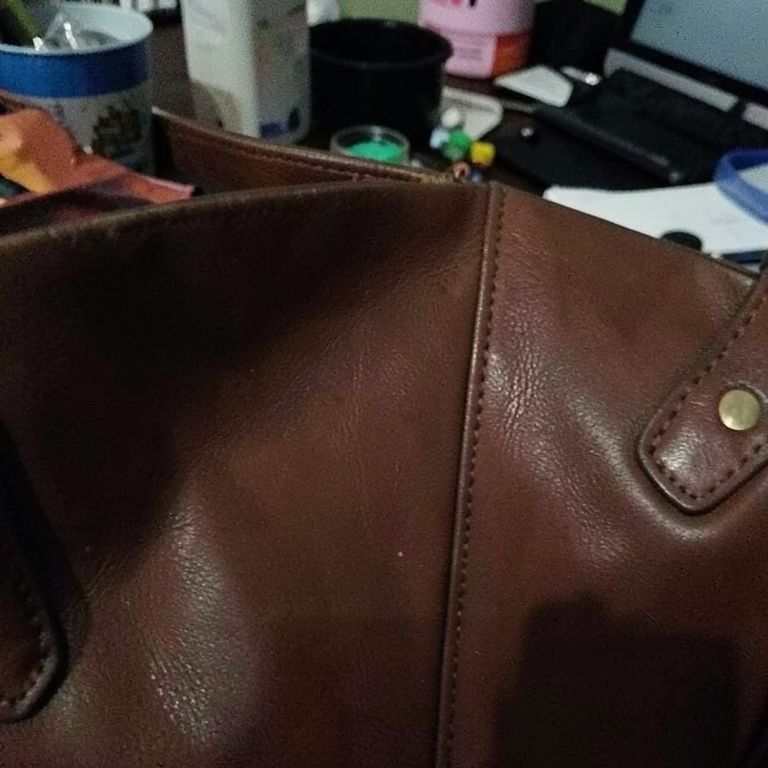
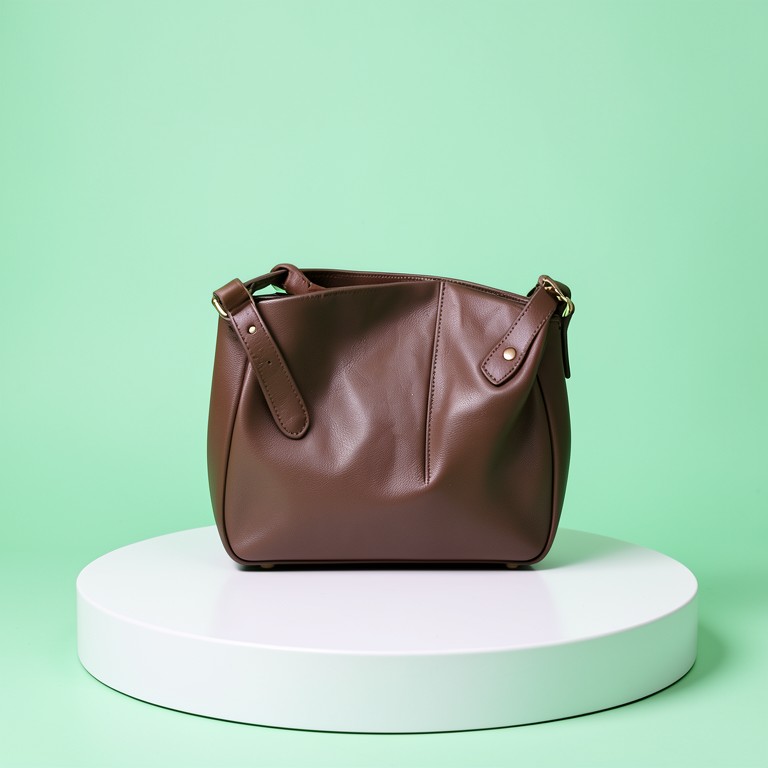
AI Uncrop uses outpainting to extend a photo beyond its original edges, so you can fit any platform's aspect ratio without cropping off part of your product. It's built for sellers who shoot one photo but need it to work as a square listing image, a tall story, and a wide banner.
Why Sellers Need Outpainting
A photo shot for an Etsy square listing often gets awkwardly cropped when reused for a TikTok video or a website banner. AI Uncrop fills in the missing background instead of chopping off your candle, mug, or sneaker. This means one product shoot can cover every platform's dimensions without reshooting or hiring a designer.
Tips for Clean Results
Start with a photo where the background is simple, since the AI extends based on what's already there — busy backgrounds are harder to match seamlessly. Leave a little room around your product in the original shot so the AI has visual cues to work from. For big aspect ratio jumps (square to tall banner), try extending in two smaller steps for a more natural result.
Where This Fits Your Workflow
Turn a square product photo into a vertical Instagram Story or Pinterest pin without cutting off your jewelry or skincare bottle. Reuse one Shopify product shot as a wide homepage banner. Resellers can adapt a single vintage clothing photo across marketplace listings that each require different image dimensions.