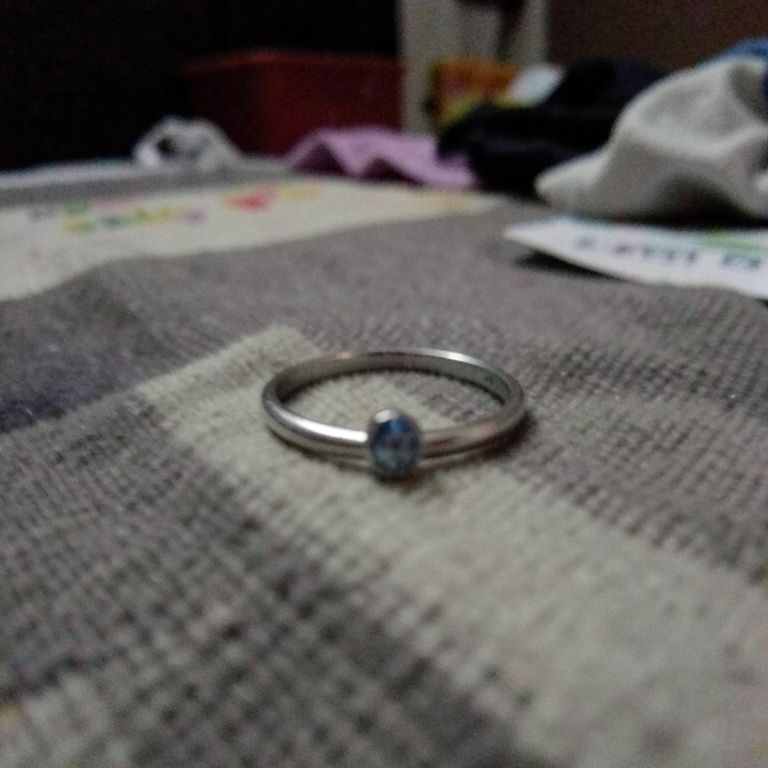

Jewelry Photo Enhancer takes a rough phone photo of a ring, earring, necklace, or pendant and turns it into a sharp, well-lit image with clean stone reflections and true metal color. It's built for Etsy sellers, small jewelry brands, and resellers who need store-ready photos without a studio.
Built for Small, Reflective Jewelry
Generic AI photo tools are trained on furniture and food, so they warp thin gold bands, blur tiny gemstones, or invent extra clasps and stones. Jewelry Photo Enhancer is tuned for the scale and reflectivity of rings, studs, chains, and brooches, keeping metal specularity crisp and stone count accurate. It fixes dust, fingerprints, and shadow problems common in handheld phone shots. The result reads as boutique or editorial photography, not an AI render.
Tips for the Best Results
Shoot in even, diffused light and fill the frame with the piece so the AI has clear detail to work with. Avoid extreme close-ups that cut off clasps or chain ends, since the tool preserves what it can see. A clean starting background (fabric, marble, or plain surface) gives the sharpest final result. Upload one piece of jewelry per photo for the most accurate reflections and color.
Where Sellers Use It
Etsy sellers use it to turn a quick phone snap of a handmade ring into a listing photo that looks premium next to bigger shops. Shopify founders use it to build a consistent catalog before they can afford a photographer. Vintage and estate resellers use it to bring hundreds of one-off pieces to a matching visual standard, and dropshippers use it to replace poor factory photos with clean, trustworthy images.