
What Is an AI Text Generator for Business?
An AI text generator for business is a tool that uses artificial intelligence to draft the everyday writing a business produces: emails, proposals, ads, product copy, announcements and reports. Some business suites add team seats, shared style guides and integrations; simple free tools like ours focus on writing a strong first draft fast.
These tools represent a fundamental shift in how organizations approach content creation. Rather than viewing writing as a purely human endeavor, businesses discover that human creativity combined with AI efficiency produces superior results in less time and at lower cost.
In addition, AI text generators help businesses maintain consistency across all communications—a critical factor for brand building and customer trust.
If you're new to AI writing tools, check out our complete beginner's guide to AI text generators to understand the fundamentals before diving into business applications.
Why Is an AI Text Generator Important for Business?
Understanding the business case for AI text generators reveals compelling advantages that directly impact your bottom line:
Time Savings: A first draft appears in seconds, so the work shifts from writing to editing. Routine pieces like follow-up emails, product blurbs and announcements gain the most.
Significant Cost Reduction: Organizations reduce reliance on freelancers and agencies. Training costs decrease as new team members produce quality content faster.
Perfect Consistency: AI text generators maintain brand voice across all communications, regardless of which team member is writing.
High-Volume Scalability: Produce more content and handle seasonal demands without a matching increase in headcount. Our generator writes in 14 output languages, so a first draft for another market is one setting away.
Competitive Advantage: Organizations using AI text generators respond faster to market changes and produce more content than competitors.
According to McKinsey's research on generative AI, generative AI could add the equivalent of $2.6 trillion to $4.4 trillion annually across use cases, with marketing and sales among the highest-impact areas.

How Does an AI Text Generator Work for Business?
Implementation follows a strategic approach that ensures maximum ROI and team adoption:
Step 1: Identify High-Impact Use Cases
Focus on routine, high-volume writing tasks first. Marketing emails, social media posts, product descriptions, and customer support templates offer immediate ROI.
Start by auditing your current content production. Which tasks consume the most time? Where do bottlenecks occur? These areas represent your highest-impact opportunities.
Step 2: Establish Brand Guidelines
Create clear policies about tone, style, and content standards. The AI text generator uses these guidelines to produce on-brand content consistently.
Document your brand voice, preferred terminology, and communication standards. This investment ensures AI output aligns with your established identity.
Step 3: Train Your Team
Invest in helping employees write effective prompts, review AI output, and maintain quality standards. This training investment pays dividends quickly.
Consider designating AI champions within each department. These individuals can support colleagues and share best practices across the organization.
Step 4: Integrate Into Workflows
Embed the AI text generator into existing processes. Decide where drafts are created, who reviews them, and where approved copy is stored so everyone reuses the best versions.

Step 5: Measure and Optimize
Track time saved, content quality scores, team productivity, and cost savings. Use data to refine your approach continuously.
Establish baseline metrics before implementation, then measure improvements at 30, 60, and 90 days post-adoption.
Key Features of AI Text Generator for Business
When evaluating AI text generators for business use, look for these capabilities:
Task-Specific Tools
A general prompt box works, but a tool built for one job gives better first drafts. On aitextgenerator.io each business task has its own page, such as the AI Business Proposal Writer, the AI Marketing Email Writer and the AI Press Release Writer.
Tone, Length and Language Controls
You should be able to set tone (formal, friendly, persuasive and so on), length, format and output language without rewriting your prompt. Our generator offers eight tones, lengths from short to very long, plain text, Markdown or list formats, and 14 output languages.
Brand Voice Consistency
Write a short brand voice note (words you use, words you avoid, how formal you are) and paste the key line into every prompt. Shared prompt templates keep every team member's drafts on-brand.
Data Handling
Before adopting any AI text generator, read its privacy policy. Keep confidential figures, customer data and passwords out of prompts.
Measurable Results
Track time per task, drafts produced and how much editing each draft needs. Simple numbers tell you which uses are worth keeping.
Practical Examples of AI Text Generator in Business
Here's how different departments leverage AI text generators to transform their productivity:
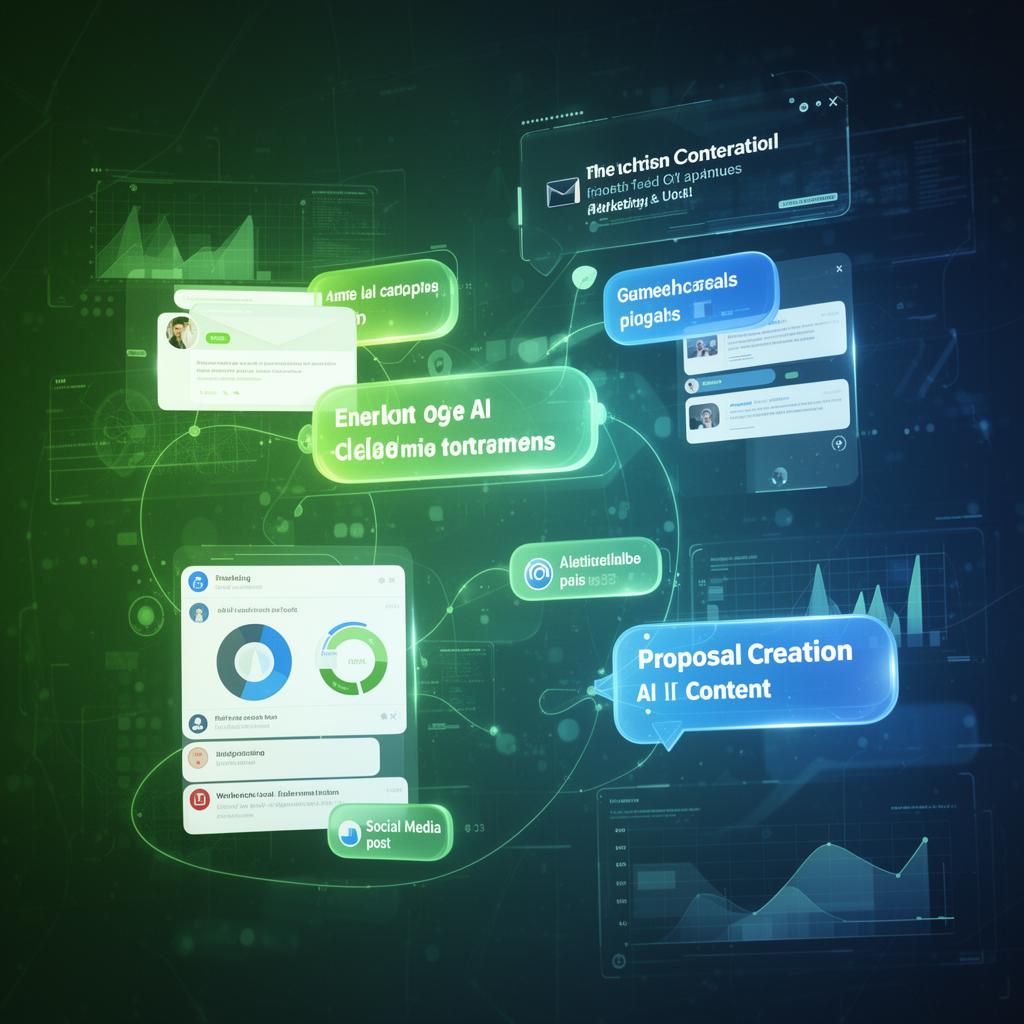
Marketing Teams: Generate advertising copy, social media calendars, email campaigns, and landing page content. Test multiple variations quickly with A/B testing. Use our AI Email Generator to create professional marketing emails in seconds.
E-commerce and Product Teams: Draft product page copy with the AI Product Page Copy Writer, and make clean product shots with the free AI Product Photo Generator.
Sales Departments: Create personalized proposals, follow-up emails, and pitch materials at scale. Focus more time on relationship building.
Customer Support: Draft response templates, FAQ articles, knowledge base content, and chatbot scripts. Improve response times and consistency.
Human Resources: Write job descriptions, employee announcements, policy documentation, and training materials efficiently.
Internal Communications: Produce newsletters, meeting summaries, project updates, and company announcements quickly and professionally.
Common Mistakes Businesses Make
Avoid these errors when implementing AI text generators:
Starting too broad: Focus on specific high-impact use cases rather than transforming all writing at once. Quick wins build momentum and demonstrate value.
Skipping guidelines: Without clear brand voice and quality standards, AI output will be inconsistent. Document expectations before rollout.
Neglecting training: Teams need guidance on prompting, editing, and quality control to maximize value. Invest in onboarding.
Ignoring measurement: Without tracking KPIs, you cannot demonstrate ROI or optimize your approach. Establish metrics from day one.
Publishing without review: All AI-generated content requires human oversight before publication. Build review steps into your workflow.
Underestimating change management: Help teams understand AI augments their work rather than replacing them. Address concerns proactively.
FAQ About AI Text Generator for Business
How can businesses use an AI text generator?
Businesses use AI text generators for marketing copy, email campaigns, customer support responses, internal communications, product descriptions, and content scaling. The technology applies across virtually every department that produces written content.
What is the ROI of an AI text generator for business?
It depends on how much routine writing your team does. Measure it yourself: time each task before and after, count drafts produced, and track how much editing the drafts need. Routine, high-volume writing usually shows results first.
Is an AI text generator secure for business use?
Read each provider's privacy policy before you paste anything in. Keep confidential data, customer details and passwords out of prompts, and check what the tool does with your text.
Will an AI text generator replace business writers?
No. AI text generators augment human capabilities. Writers evolve into editors and strategists, focusing on high-value creative work while AI handles routine content. The best results come from human-AI collaboration.
How do I implement an AI text generator in my business?
Start with clear use cases, establish guidelines for AI content, train your team on effective prompting, and measure results with specific KPIs. Begin with high-volume, routine tasks before expanding to more complex use cases.
Which departments benefit most from AI text generators?
Marketing, sales, customer support, HR, and internal communications teams see the highest productivity gains from AI text generators. Any department producing written content regularly can benefit significantly.
How long does it take to see results from an AI text generator?
Most businesses see immediate time savings from day one. Measurable productivity improvements typically appear within 2-4 weeks as teams become proficient with prompting and workflow integration.
Can AI text generators maintain brand consistency?
Yes, when your team uses the same guidelines. Shared prompt templates, a short brand voice note in every prompt, and fixed tone settings keep output consistent across team members and content types.
Conclusion
An AI text generator for business represents a fundamental shift in content creation. The technology is mature, the benefits are proven, and organizations that adopt these tools gain significant competitive advantages.
The returns come from routine writing: faster first drafts, more variations to test, and less time stuck on a blank page.
The question is not whether to adopt an AI text generator, but how quickly and effectively you can integrate these capabilities into your workflows. Start with clear use cases, train your team, and measure results to maximize your investment.
Ready to transform your business content creation? Try our free AI text generator and experience the productivity gains firsthand. It is free to use.