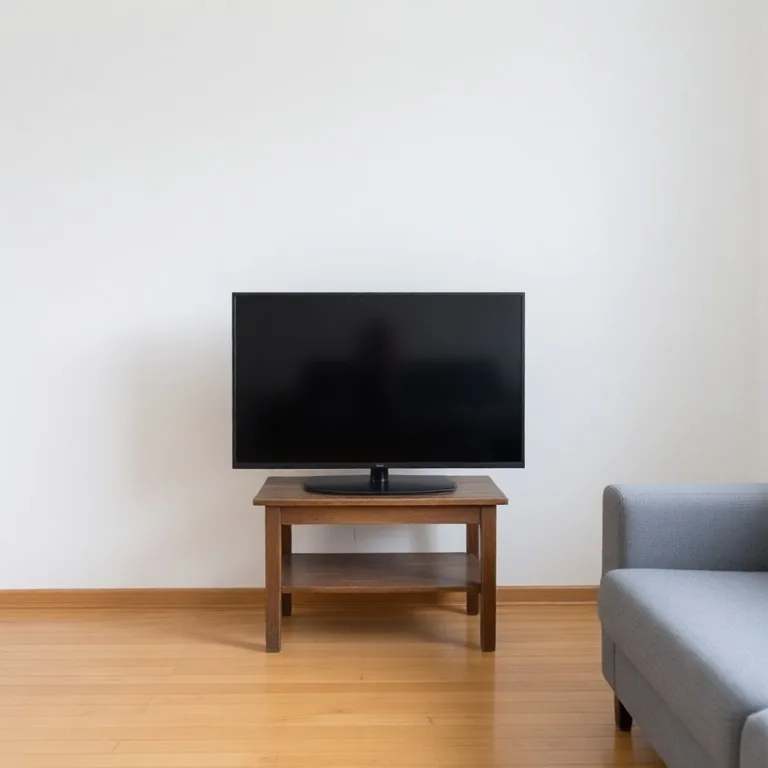
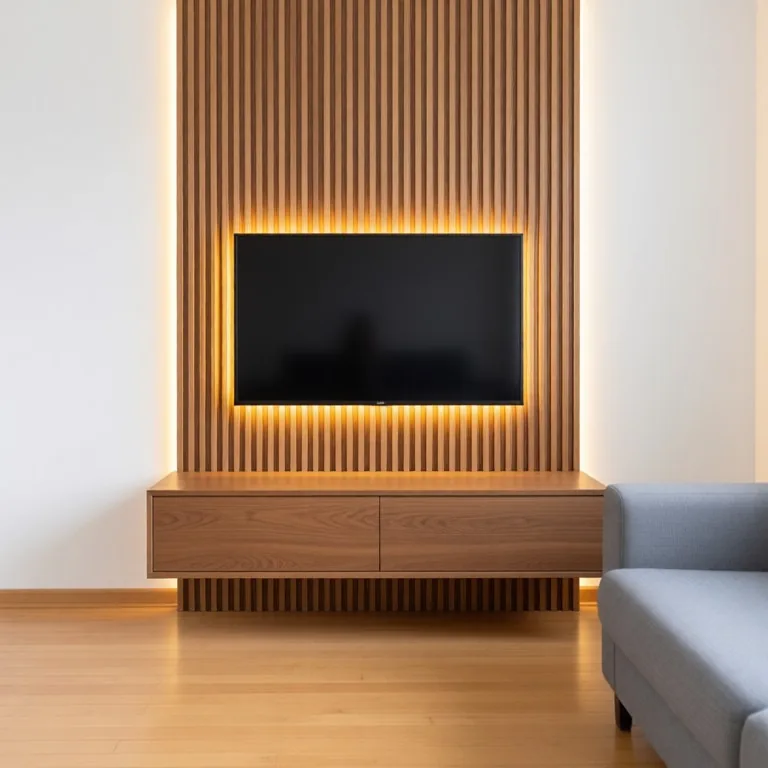
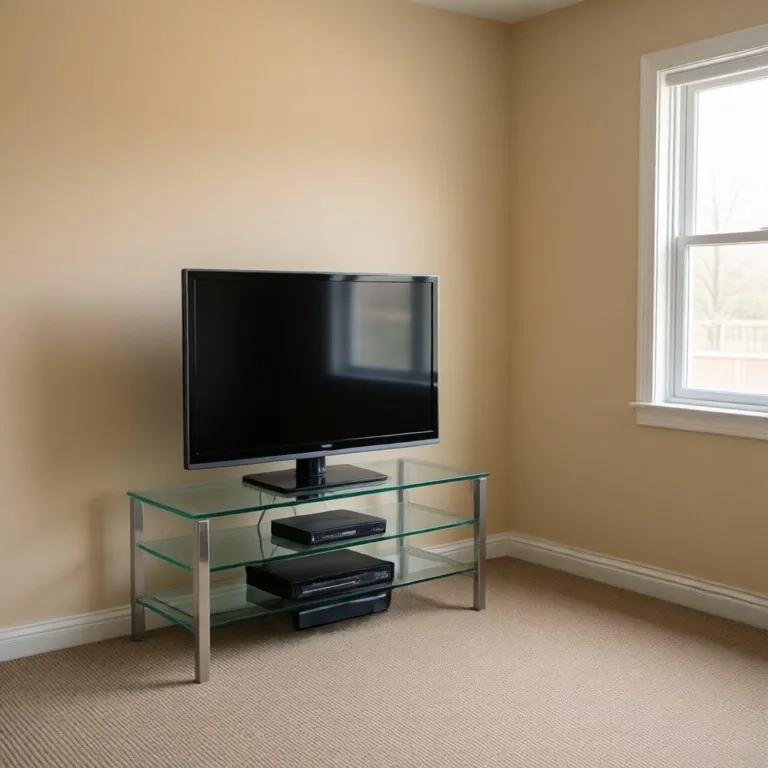
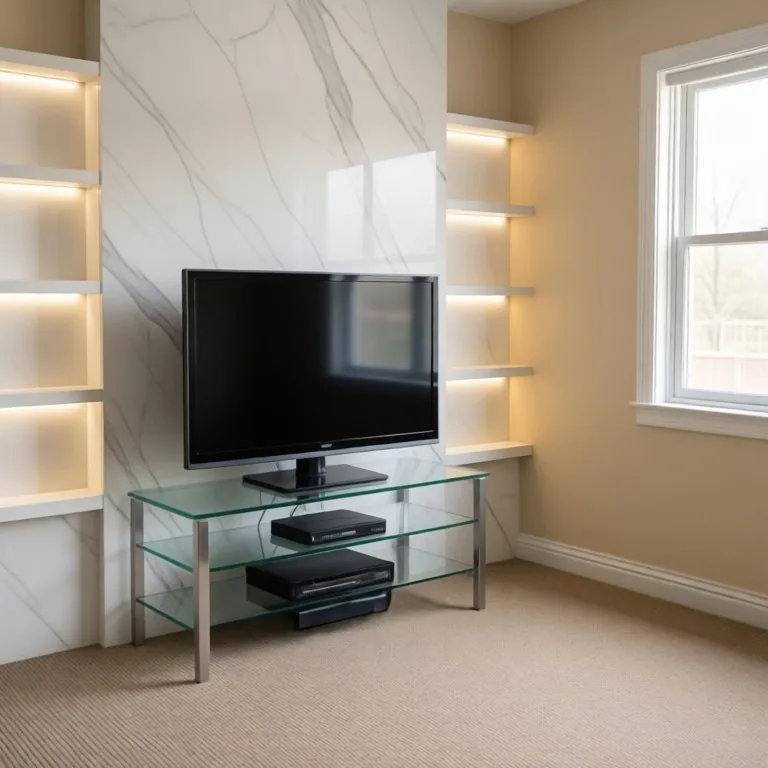
Transform your living room with AI TV wall design in seconds. The AI TV Feature Wall Designer lets homeowners, interior designers, and renters visualize stunning entertainment walls before committing to a single nail hole or panel. Upload a photo, choose your style, and see a realistic result instantly.
What is the AI TV Feature Wall Designer?
The AI TV Feature Wall Designer is a free browser-based tool that uses artificial intelligence to redesign the wall behind your television. You upload a photo of your existing living room or media wall, and the AI analyzes the space, dimensions, and lighting to generate a realistic feature wall design around your TV. It can render shiplap, stone cladding, floating shelves, LED backlit panels, and more, giving you a photorealistic preview of your AI TV wall design without any interior design experience required.
Who should use the AI TV Feature Wall Designer?
This feature wall designer is built for homeowners who want to upgrade their living room without hiring a decorator, as well as renters exploring peel-and-stick or temporary panel solutions. Real estate agents and home stagers will find the entertainment wall visualizer especially useful for showing buyers the potential of a bare or dated media wall. Interior design students and DIY renovators can also use AI TV wall design concepts generated here as a starting brief for contractors or material suppliers.
How to get the best results
For the sharpest AI TV wall design output, photograph your existing media wall straight-on in natural daylight with the television visible and centered in the frame. Avoid cluttered shelves or heavy furniture blocking the lower wall, as the feature wall designer needs to read the full surface area to generate an accurate render. Try multiple style presets, such as textured stone, wood slat, or painted alcove, to compare options side by side. Higher resolution photos produce more detailed and realistic entertainment wall visualizer results every time.
Design a media wall or TV unit online free
Upload a photo of the wall where your TV sits and describe the media wall you want: vertical oak slats with an LED strip behind the TV, a marble-look panel, built-in shelving on both sides, an electric fire under the screen, or a low floating TV unit in walnut. The AI TV wall designer keeps your room, floor and ceiling as they are and builds the new feature wall around the TV, so you can design a TV unit online free and compare several AI media wall ideas before you buy panels or brief a joiner.