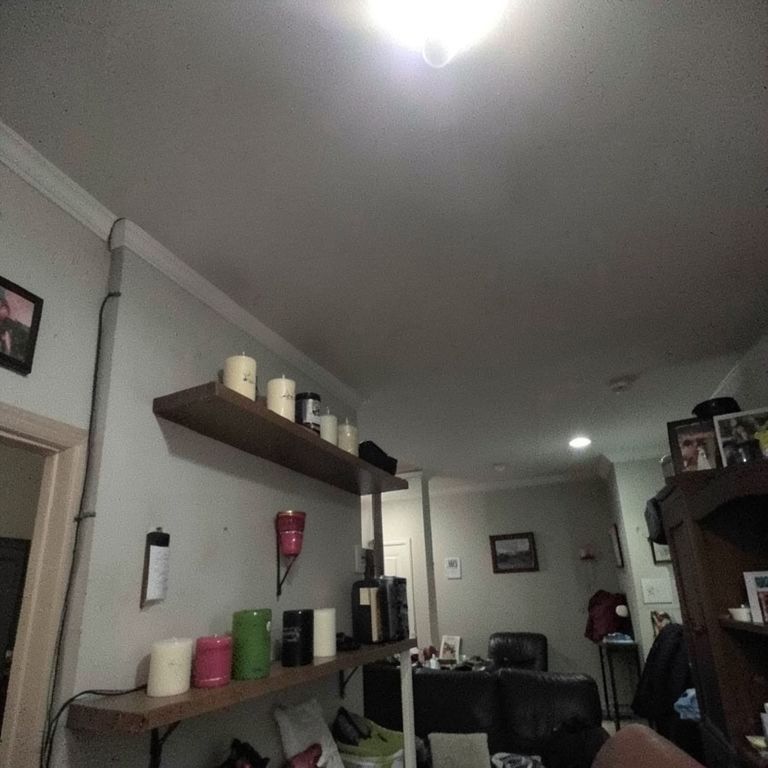
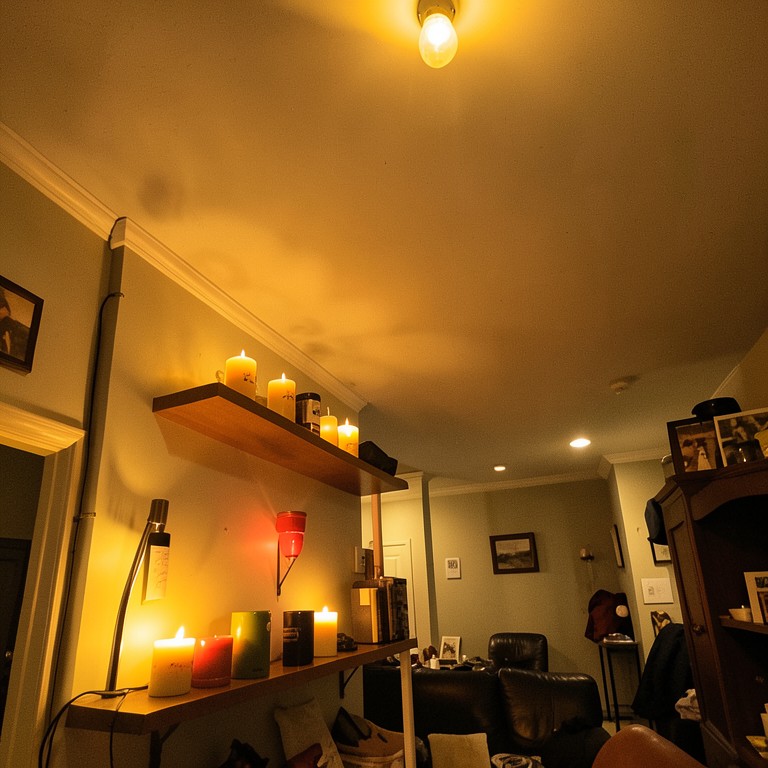
Transform your room's entire mood with an AI lighting designer that swaps fixtures, adjusts brightness, and previews natural and artificial light in seconds. Built for homeowners, interior designers, and real estate agents who want to see lighting changes before spending a dollar on installation.
What is AI Room Lighting Designer?
AI Room Lighting Designer is a free room lighting visualizer that uses artificial intelligence to analyze any room photo and replace or enhance its lighting setup instantly. Upload a photo of your living room, bedroom, kitchen, or any interior space, and the tool intelligently detects existing light sources, fixtures, and shadows. You can then swap pendant lights for recessed lighting, simulate warm versus cool tones, add accent lighting, or brighten dim corners — all without touching a single wire or hiring an electrician. The result is a photorealistic preview you can use to plan or pitch a lighting redesign with confidence.
Who should use AI Room Lighting Designer?
Homeowners planning a renovation will find this AI lighting designer invaluable for testing fixture styles before purchasing. Interior designers can use it as a room lighting visualizer to present multiple concepts to clients without producing costly mockups. Real estate agents and home stagers can brighten dark listing photos and highlight a room's best features to attract more buyers online. Architects drafting open-plan spaces can simulate how daylight interacts with artificial sources across different times of day. Even Airbnb hosts and property managers benefit by visualizing upgrades that could justify higher nightly rates — all using a single room photo as the starting point.
How to get the best results
Start with a well-framed, high-resolution photo taken from a corner of the room so the AI lighting designer can detect depth and spatial relationships accurately. Avoid heavily overexposed or underexposed images, since extreme lighting conditions reduce the model's ability to read existing shadows and surfaces. Shoot during the day with blinds partially open so natural light creates visible contrast the tool can work with. When using the room lighting visualizer, try one fixture change at a time rather than redesigning everything at once — this lets you compare results clearly. If you are staging a room for real estate photography, use the neutral white balance setting to produce the most universally appealing output.